Version 1.10 Page 21 of 203
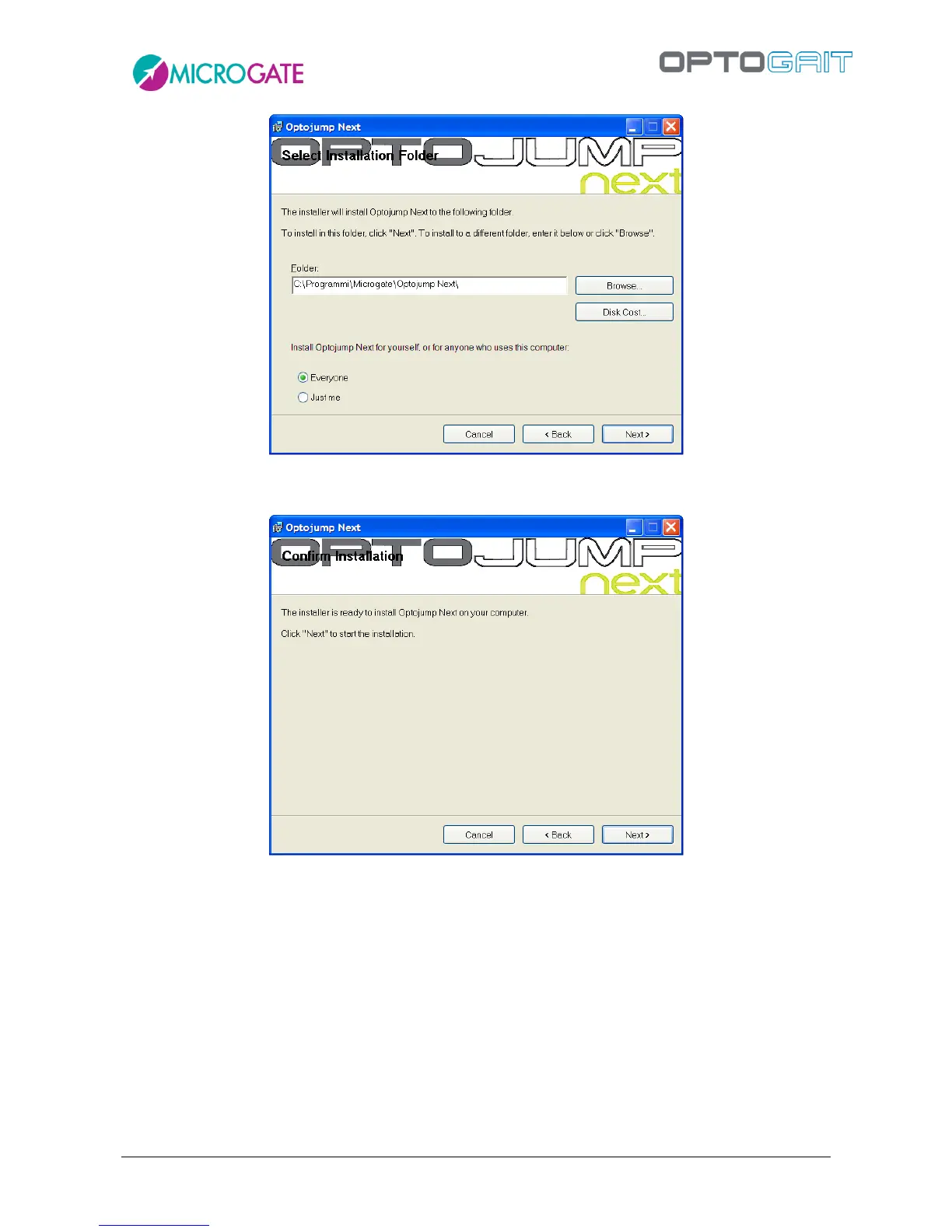
Figure 4 – Installation – data insertion.
The next window offers to launch software installation. If all the data is correct, click on <Next>.
Figure 5 – Installation – confirm installation
The setup program will install the product on the PC, showing state of progress.



 To Next Page