Version 1.10 Page 22 of 203
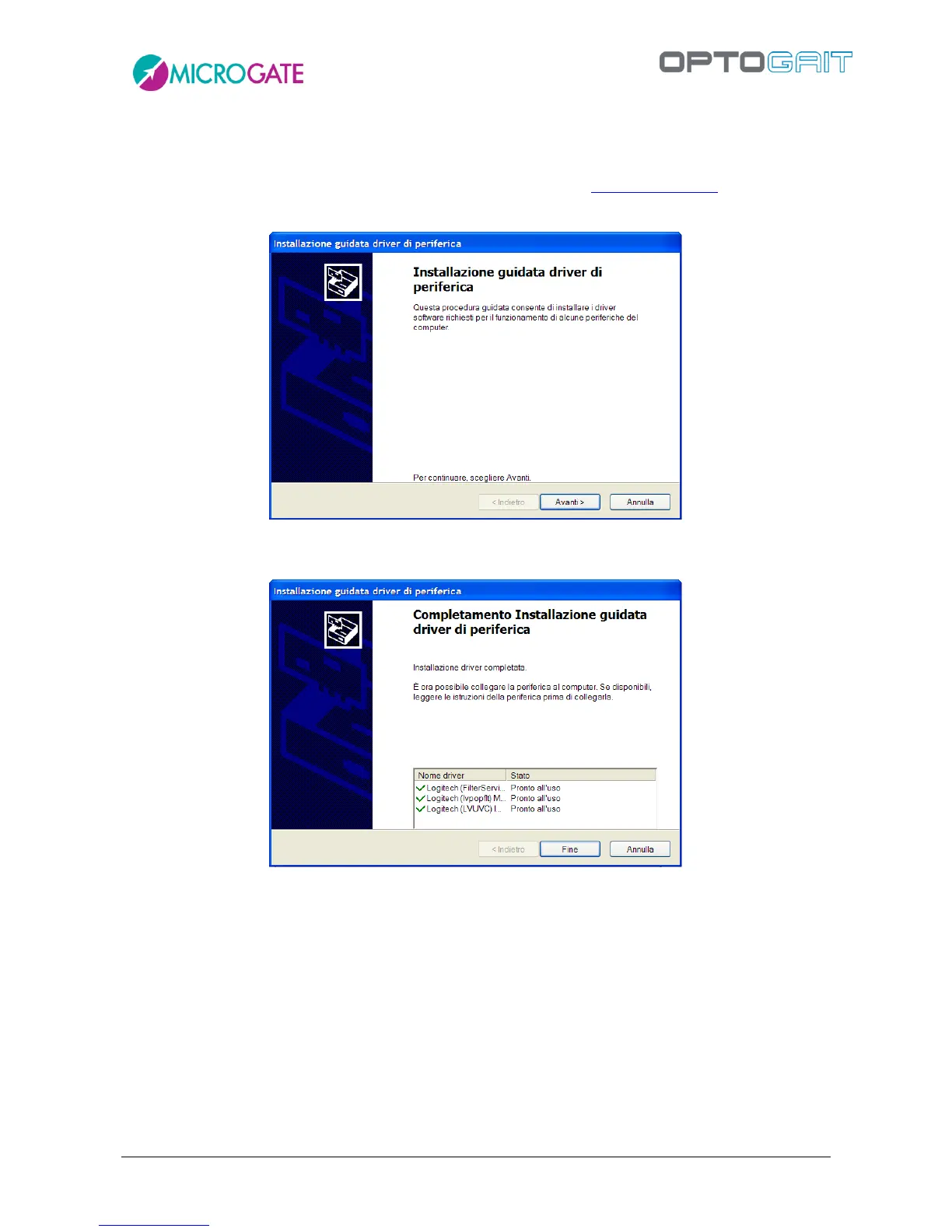
During installation the OptoJump Next and Logitech webcam drivers will also be installed.
If for any reason this does not happen, please install the drivers separately. These are available on
the Microgate USB key supplied with the hardware or on the site www.optojump.it in the Support
section.
Figure 6 – Driver Installation
Press <Next> to install the drivers and then <Finish> to complete installation.
Figure 7 – End of driver installation



 To Next Page