Version 1.10 Page 31 of 203
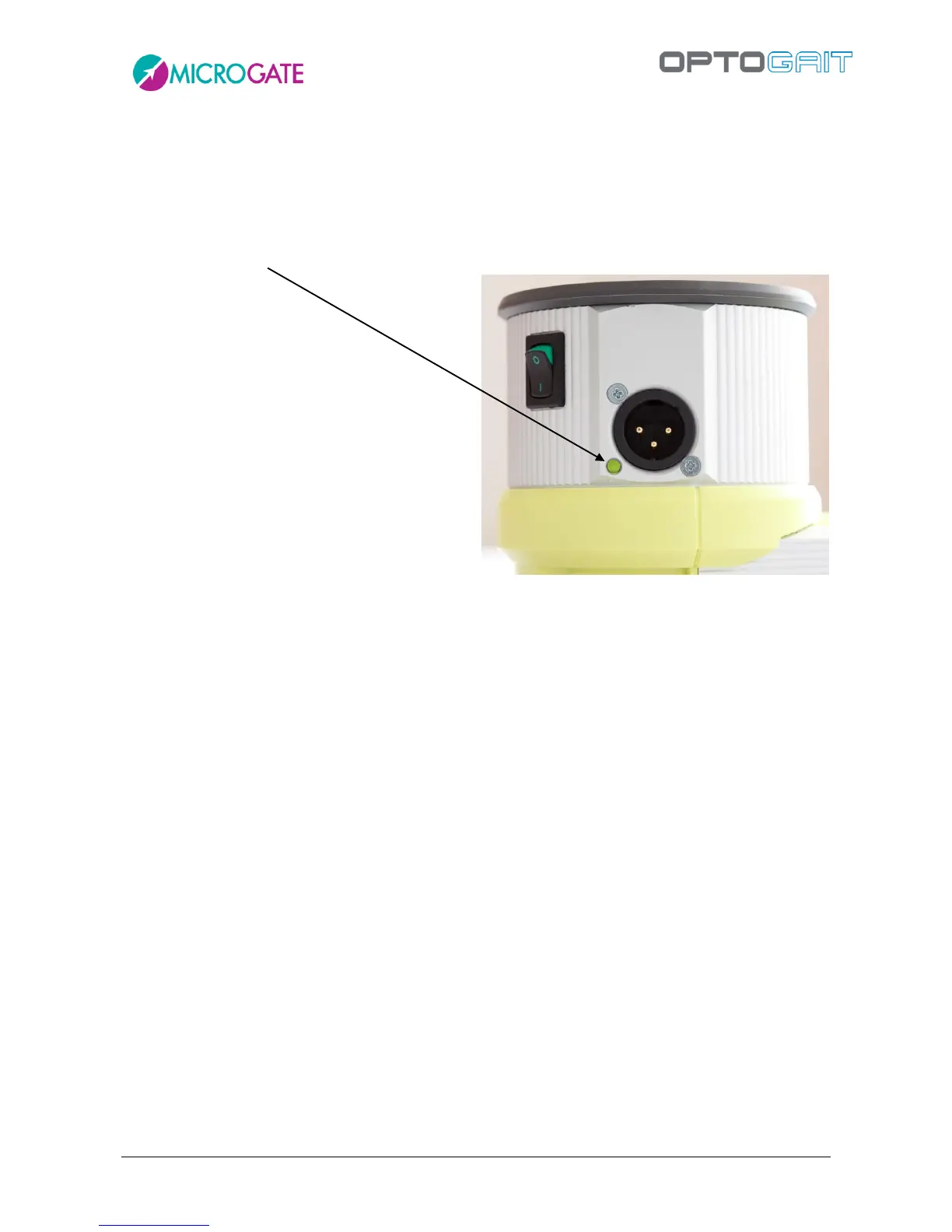
OptoJump Next Battery life). The blinking LED next to the adaptor connector shows the battery
charge status:
Green-blinking = battery sufficiently charged
Red-blinking = low battery; the bars must be connected to the mains supply
Orange = battery being recharged
Figure 24- Battery charge status LED



 To Next Page