Version 1.10 Page 77 of 203
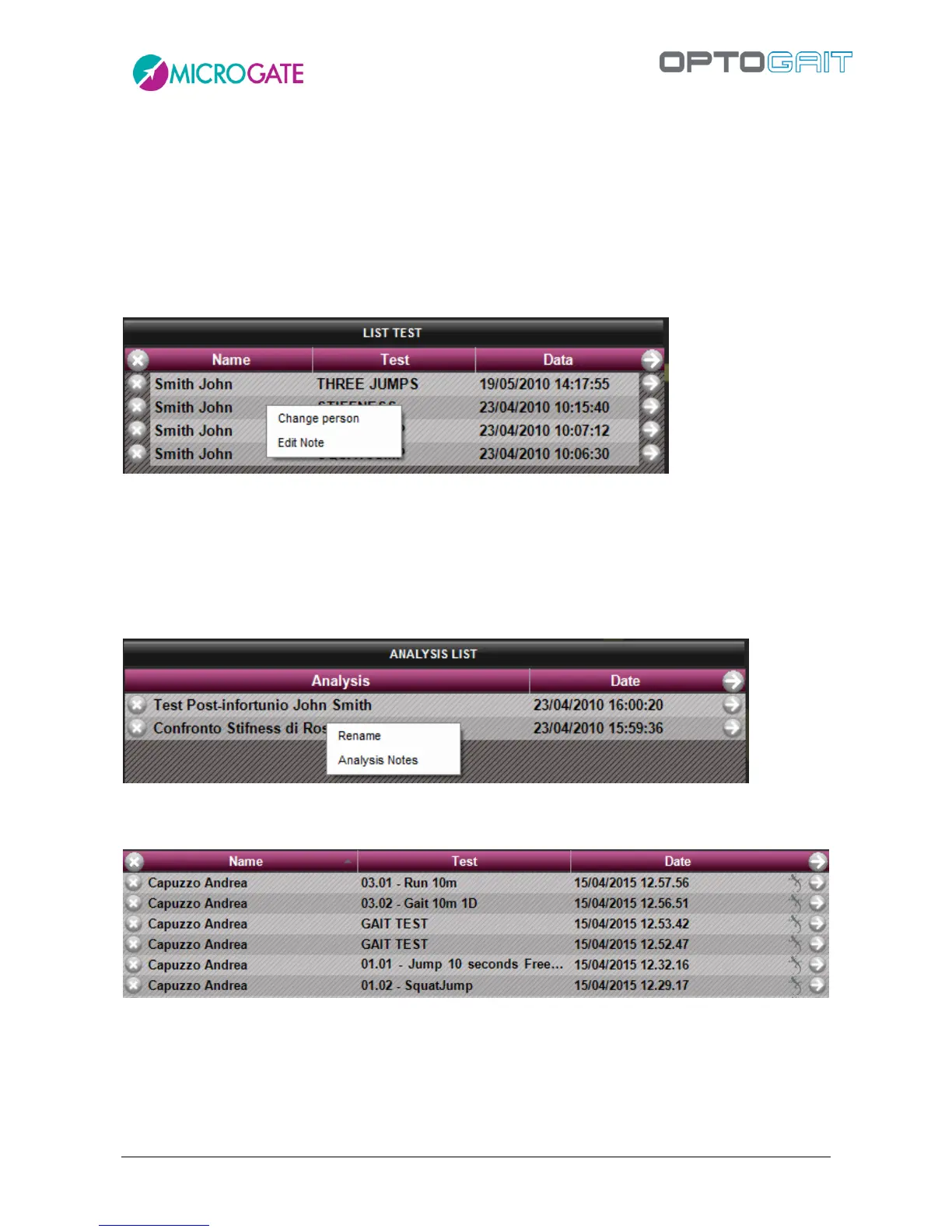
From the test list it is possible to perform two operations by RIGHT CLICKING on one test line. More
precisely:
Change person: allows to associate a test with another person, if the wrong association was
made during execution; select the command and choose an athlete from the displayed mask;
press <Confirm> to choose the new person
Edit note: allows to view/edit the note inserted immediately after test completion; the note
will be printed on the report in the General Data section on the first page of the test
Figure 55 – Context menu under a single test
If you right-click on Analysis List you can:
Rename: allows to rename the analysis
Analsysis Notes: allows to view/edit the note that is printed at the bottom of the report
Figure 56 - Contextual Menu under saved analysis
If the Gyko inertial sensor was also used during the test, a special icon will signal it:



 To Next Page