Version 1.10 Page 86 of 203
4.3.1.4 TABLE WITH NUMERICAL DATA
In ‘Jump Tests’ or ‘Reaction Tests’, the numerical data to display are few and therefore almost
always fit into one screen.
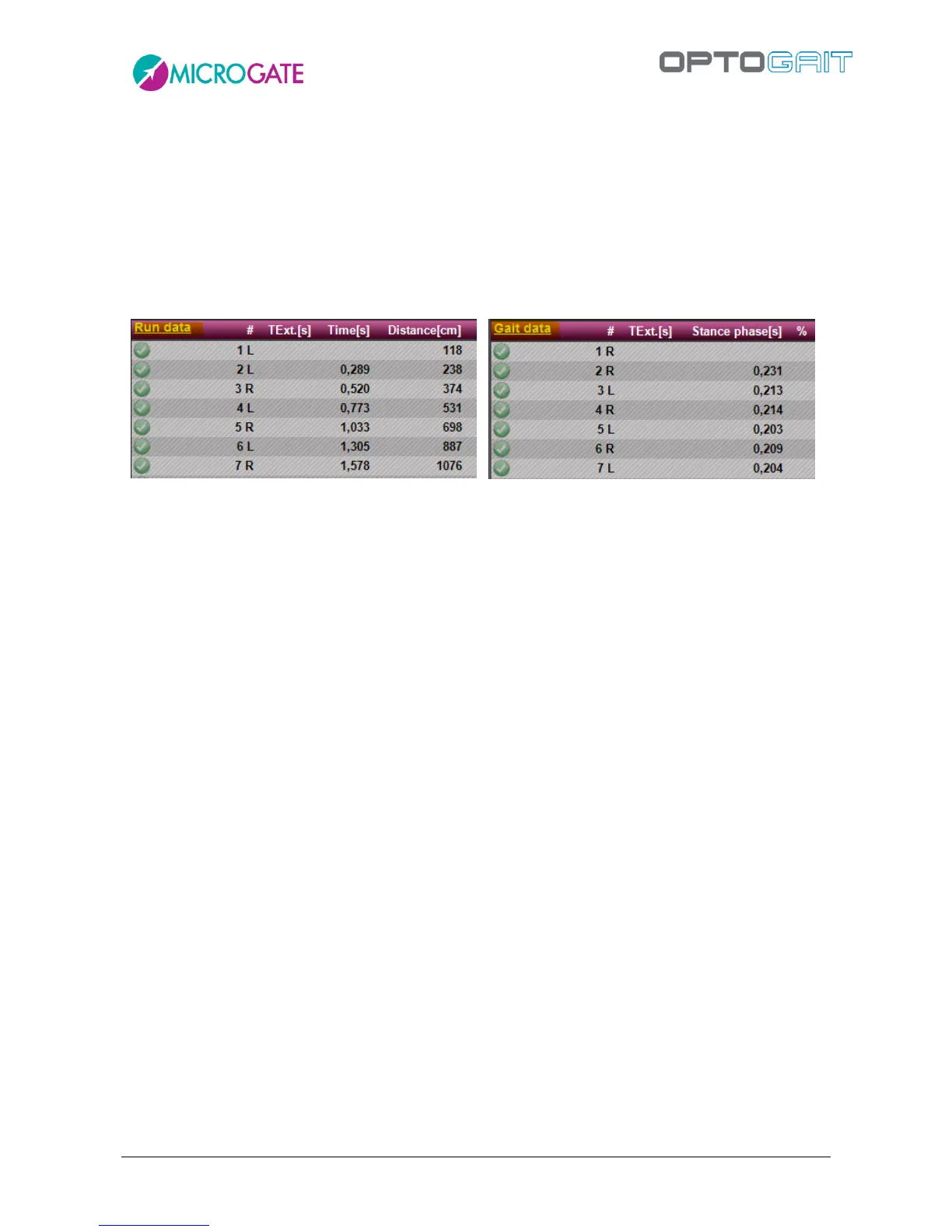
In Spring/Gait Tests (regular or with treadmill), on the contrary, the numerical data have many
columns (a horizontal scrollbar is shown); therefore it has been decided to divide them into two
pages: the first with the Run Data and the second with the Gait Data.
To switch from one screen to another, click on the link on the top left corner of the table.
Figure 65 - Run & Gait Data
In Tapping Tests, four pages may be scrolled:
Left and right foot results
Left foot results
Right foot results
Comparison between right and left foot
In the Run Test (on a modular system or on a treadmill) there is another possibility, i.e. to view a
dynamic report (Run Report) focusing on the asymmetry between the right and the left foot. Of
course, the report can be viewed also under Results and in the print report. To view the report, click
on the link highlighted in the upper left corner to toggle between Run Data, Gait Data, and Run
Report



 To Next Page