Version 1.10 Page 96 of 203
Zoom and Config Buttons on the Bars
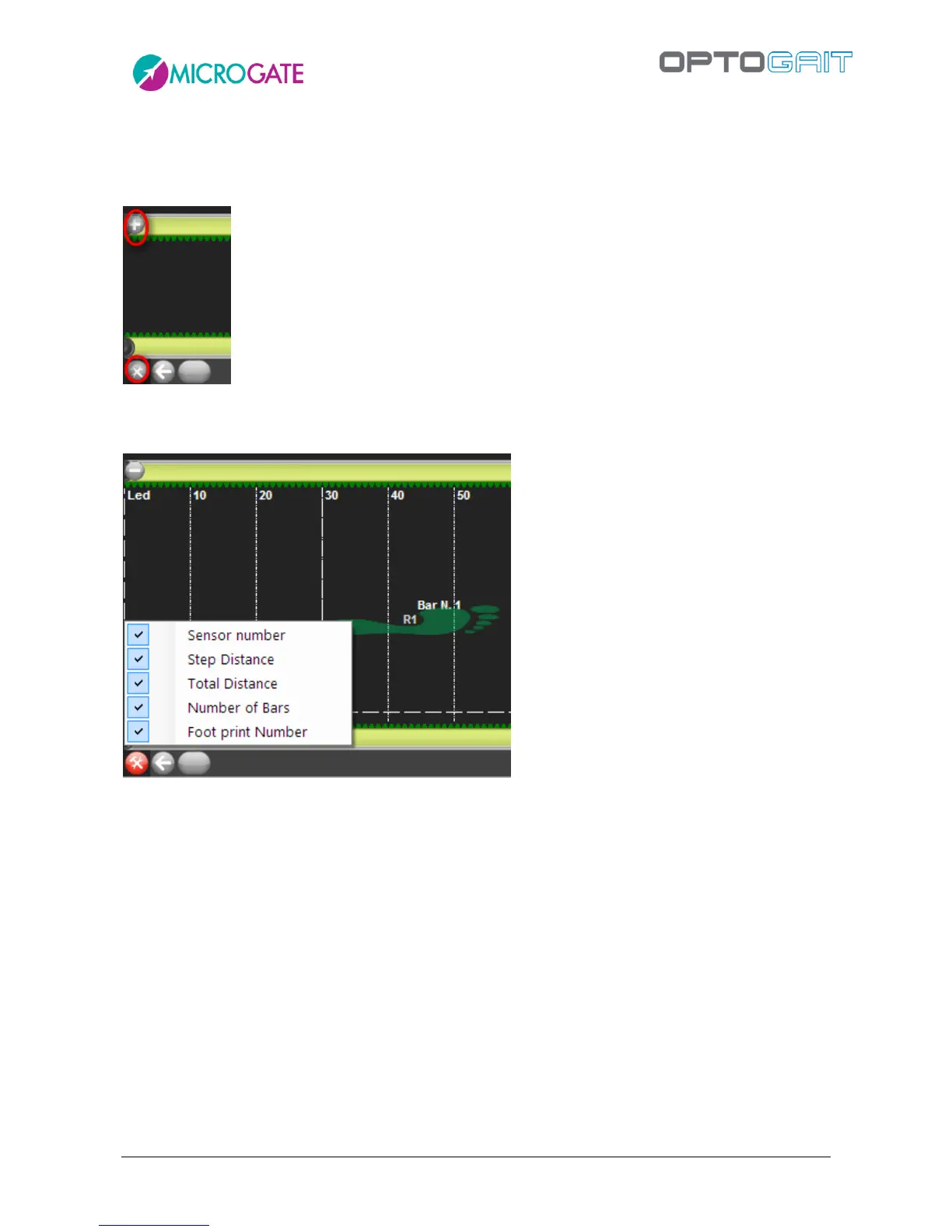
Clicking on the "+" icon at the beginning of the displayed bars, the latter can be zoomed. Click on
the "-" icon to go back to normal view.
Using the Configure Bars button (useful mainly for run or gait tests) the information to be displayed
can be set. Partial and progressive distances between one step and another have been added.



 To Next Page