86
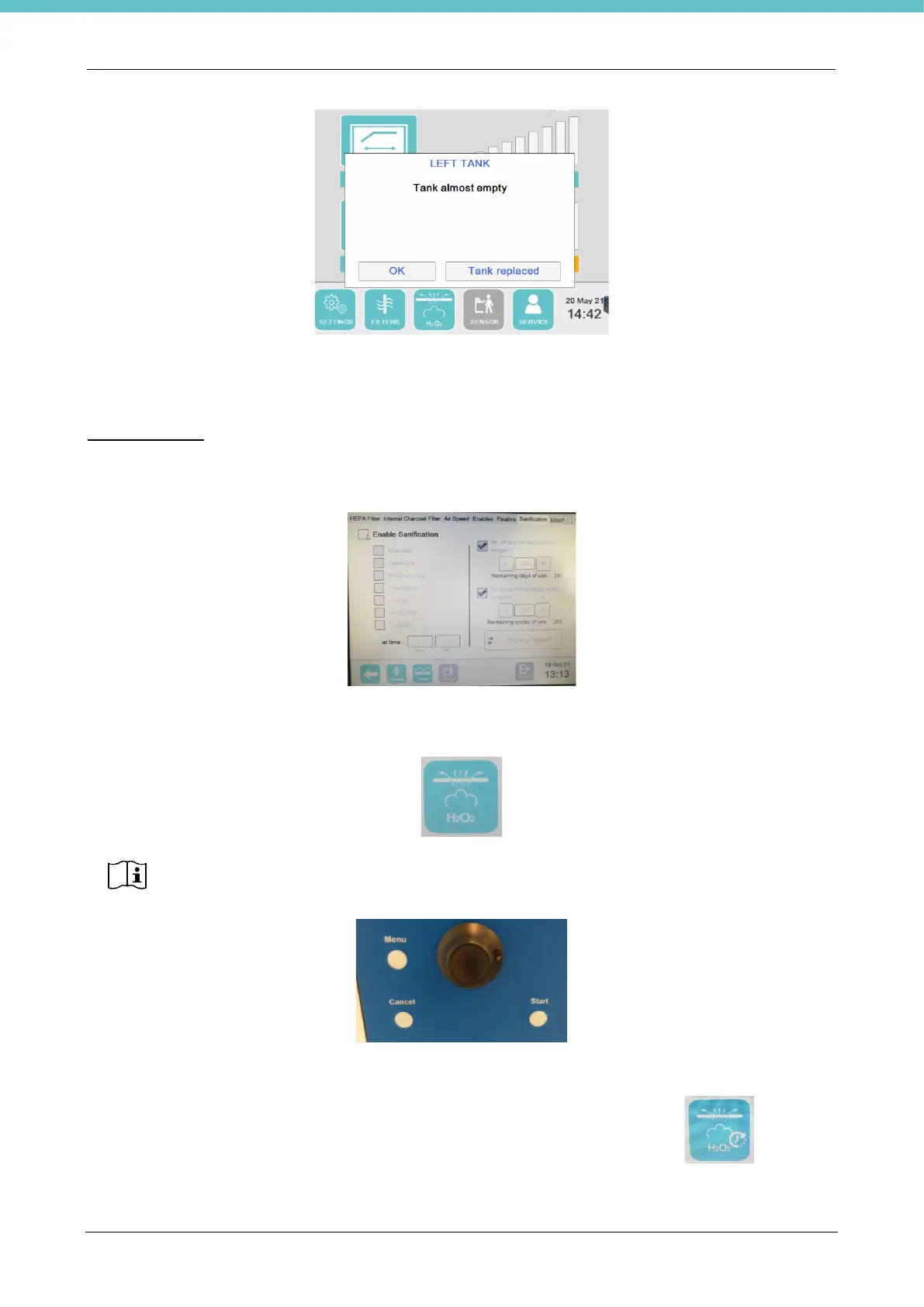
You may close the message by pressing OK or else by pressing “Tank replaced” after having replaced the
tank. It is also possible to replace the tank by pressing the “Replace tank” button indicated on the “Fixative”
page of the General settings.
Decontamination
Use this page only if the optional VIROCLEAN is present, as shown in chapter 5.31.
On this page, you may enable the automatic decontamination program by means of the “Enable
Decontamination” checkbox (disabled by default).
If enabled, the relative button will be active and visible on the status bar, which will start the program when
pressed.
On this page you may program the automatic start of the instrument by choosing the preferred day/days and
time; in this case, a small clock will be added to the button on the membrane keyboard .
Pressing this button only starts the program. If it needs to be interrupted before the end of
the cycle (lasting 80 seconds), switch off the VIROCLEAN instrument (shown in chapter
5.31) or press the “Cancel” button on the instrument (following image).



 To Next Page