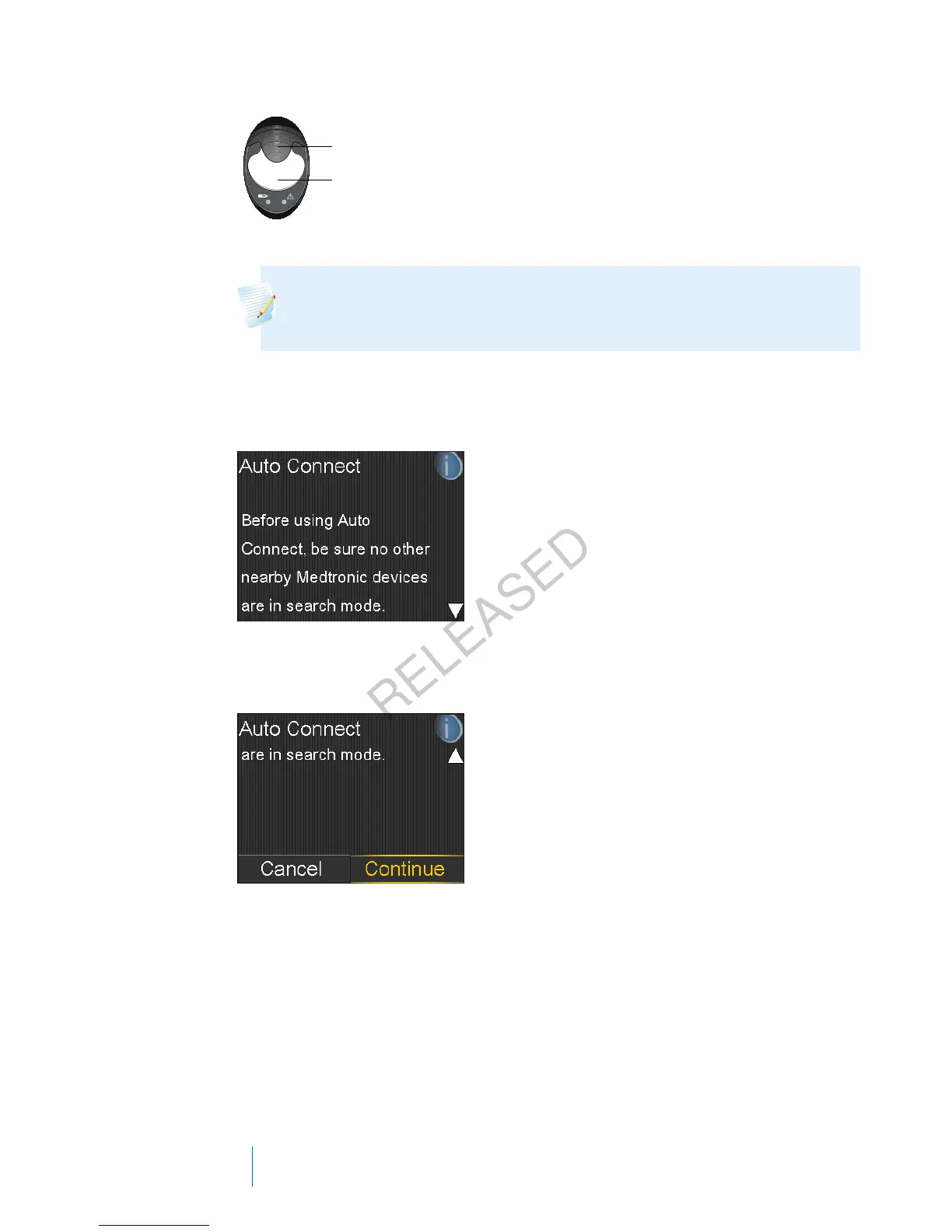
charger
transmitter
Note: Both lights on the charger are off when the transmitter is fully
charged. For more information, see your transmitter user guide.
2. Go to the Auto Connect screen.
Menu > Utilities > Device Options > Connect Device > Auto Connect
3. Make sure there are no other devices in search mode nearby, scroll down to
the bottom of the Auto Connect screen, and select Continue.
The New Device screen appears.
4. Place the transmitter (still attached to the charger) next to the pump.
176 Chapter 10
MP6025957-024 / A
RELEASED



 To Next Page