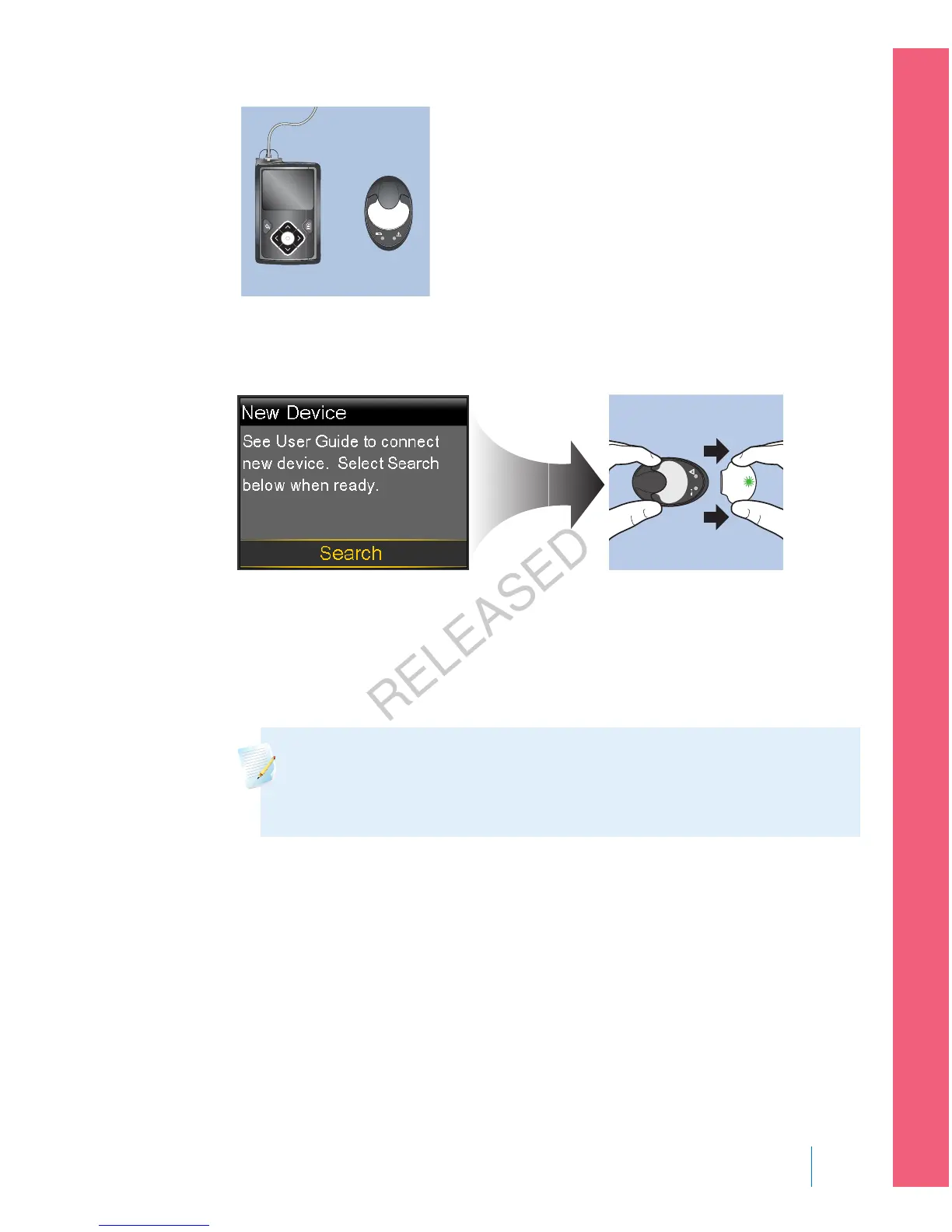
5. Select Search on your pump and immediately remove the transmitter from
the charger.
The following happens when you start the search process:
• On your pump, a message appears to let you know your pump is
searching.
• On your transmitter, a green light flashes briefly and then turns off.
Note: The search process can take up to two minutes. You cannot
access your pump screens or suspend your pump during the search
process.
When your pump finds the transmitter, the Confirm Device SN screen
appears.
6. Ensure the transmitter serial number on your pump screen matches the serial
number on the back of your transmitter and then select Confirm.
■
setting up continuous glucose monitoring
Setting up Continuous Glucose Monitoring 177
MP6025957-024 / A
RELEASED



 To Next Page