12. Maintenance
MiR200 User Guide (en) 10/2020 - v.3.1 ©Copyright 2017-2020: Mobile Industrial Robots A/S. 150
• Shut down the robot—see Shutting down the robot on page45.
• Disconnect the battery—see Disconnecting the battery on page48.
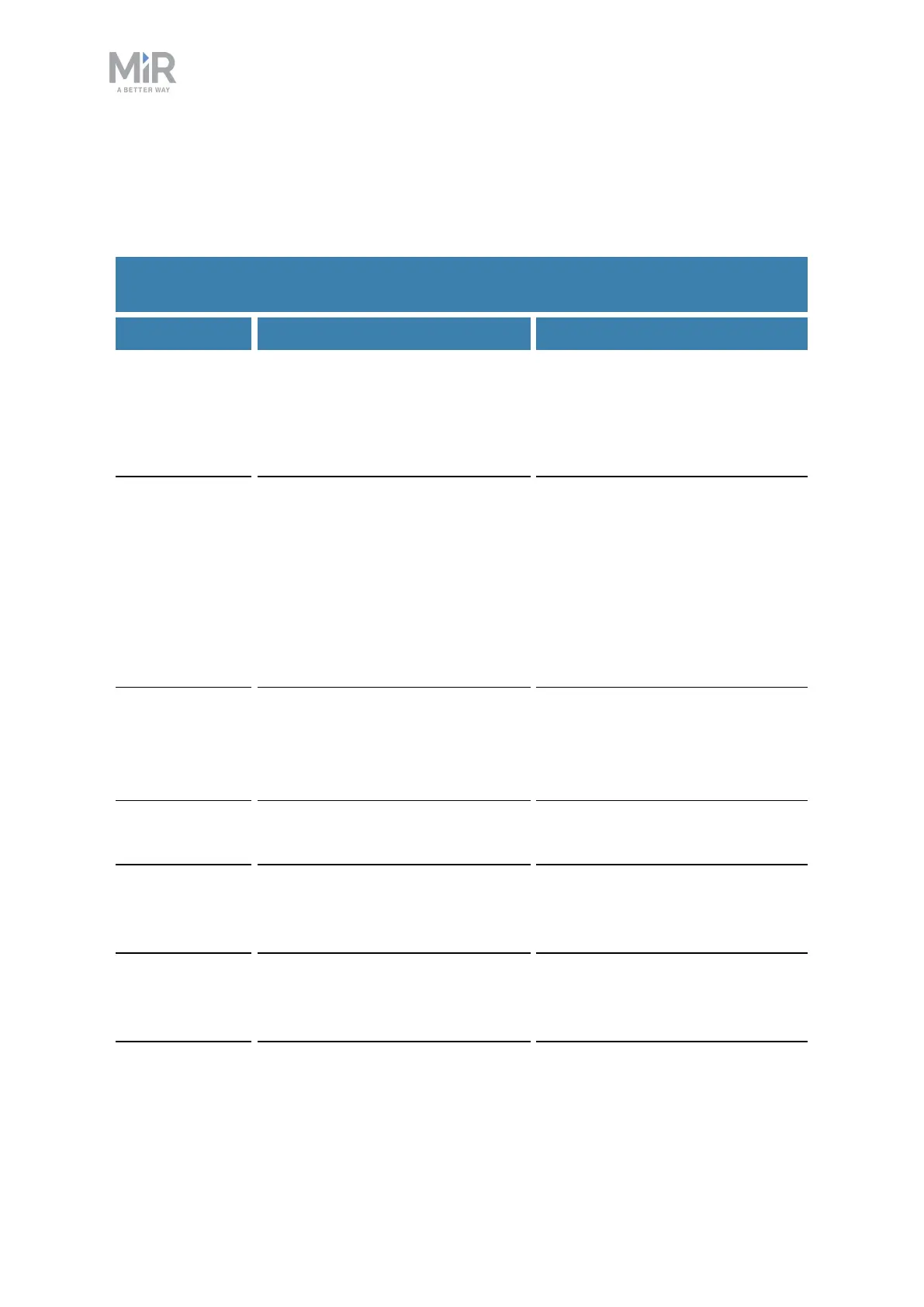
Table 12.2 contains the parts that you should check and how often you should do that.
Part Maintenance Interval
Robot cover Check for cracks.
Check mounting. Does the cover
sit evenly on top of the robot with
all connections accessible?
Check monthly and replace as
needed.
Safety PLC In the robot interface under
Monitoring > Hardware health
> Communication, see if the
robot is running with the correct
SICK configuration, or if the
warning The SICK Safety PLC is
running a non-standard
configuration is shown.
Check monthly and after
commissioning or if you make
any changes to the robot setup.
Robot
hardware
In the robot interface under
Monitoring > Hardware health,
check if there are any warnings
(marked with yellow).
Check monthly and after
commissioning or if you make
any changes to the robot setup.
Loudspeaker Check that all auditory warnings
function.
Check monthly, and replace as
needed.
Swivel wheels
(the four
corner wheels)
Check bearings and tighten, and
check the wheels for wear and
tear.
Check weekly, and replace as
needed.
Drive wheels
(the two
middle-wheels)
Check wheel surfaces for wear. Check every six months, and
replace as needed.
Table 12.2.
Regular checks and replacements



 To Next Page