117
Installing the Mx2wire+ Indoor Unit
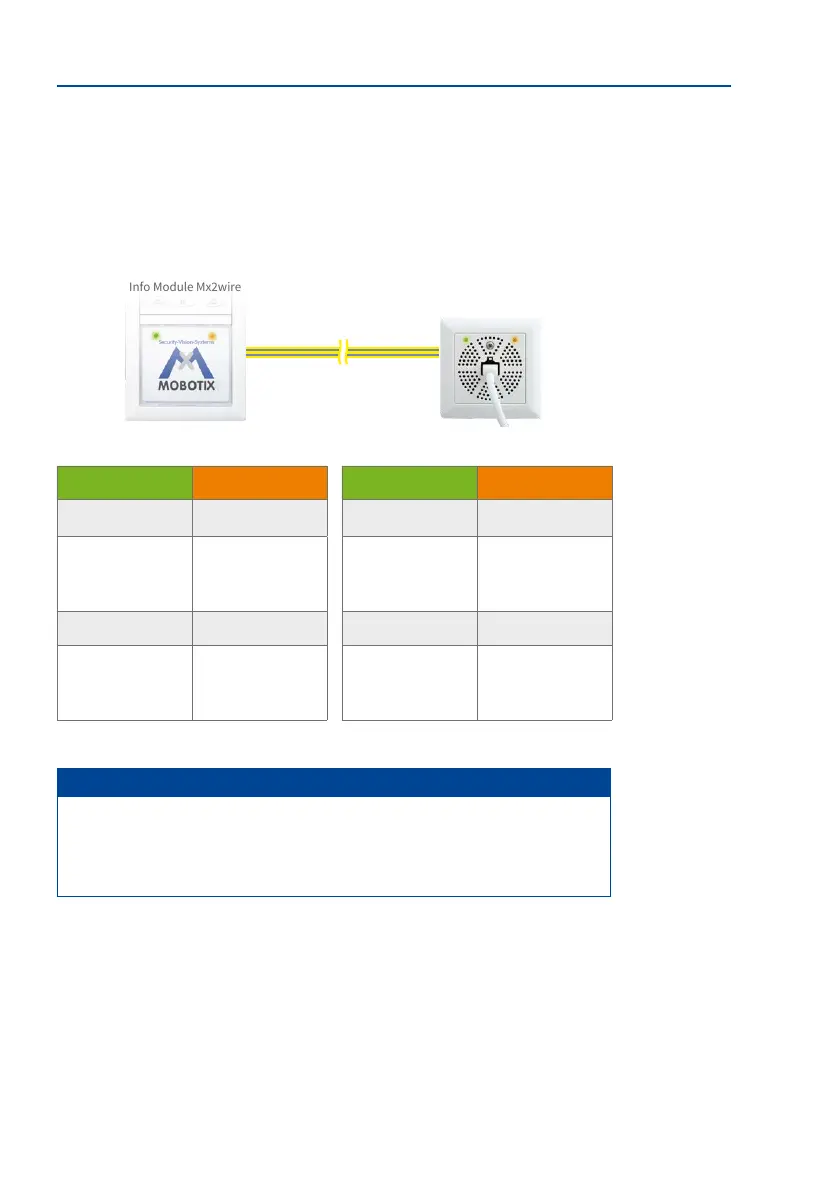
2.6.5 Function of Mx2wire+ Status LEDs
Each Mx2wire+ unit has two status LEDs (green and orange), which provide information on
the current state of the PoE power supply and on the transfer of data. The LEDs can either
light up continuously (ON) or they can ash (FLASHES).
Green LED Orange LED Green LED Orange LED
ON ON ON ON
Power is supplied to
the outdoor station
Network connection
to the outdoor station
has been established
Power is supplied to
the indoor unit
Network connection
to the switch has
been established
FLASHES FLASHES FLASHES FLASHES
Never Data is transferred to
the outdoor station
Outdoor station is
receiving power (if
connected)
Data is transferred
from the indoor unit
Note
The two status LEDs (orange, green) in the outdoor station's Info Module Mx2wire+
are only active for test purposes for the rst 15 minutes aer the power supply has
been established. Aer the LEDs have gone out, they can be reactivated by interrupting
the power supply for a short time.
Mx2wire+
indoor unit
Two-wire cable
Data and power
Info Module Mx2wire+



 To Next Page