92
T26 System Manual Part 1: Installation
2.4.4 Installing the Info Module
The info eld in the info module of the T26 door station without Mx2wire+ technology is
equipped with permanent LED backlighting supplied via MxBus.
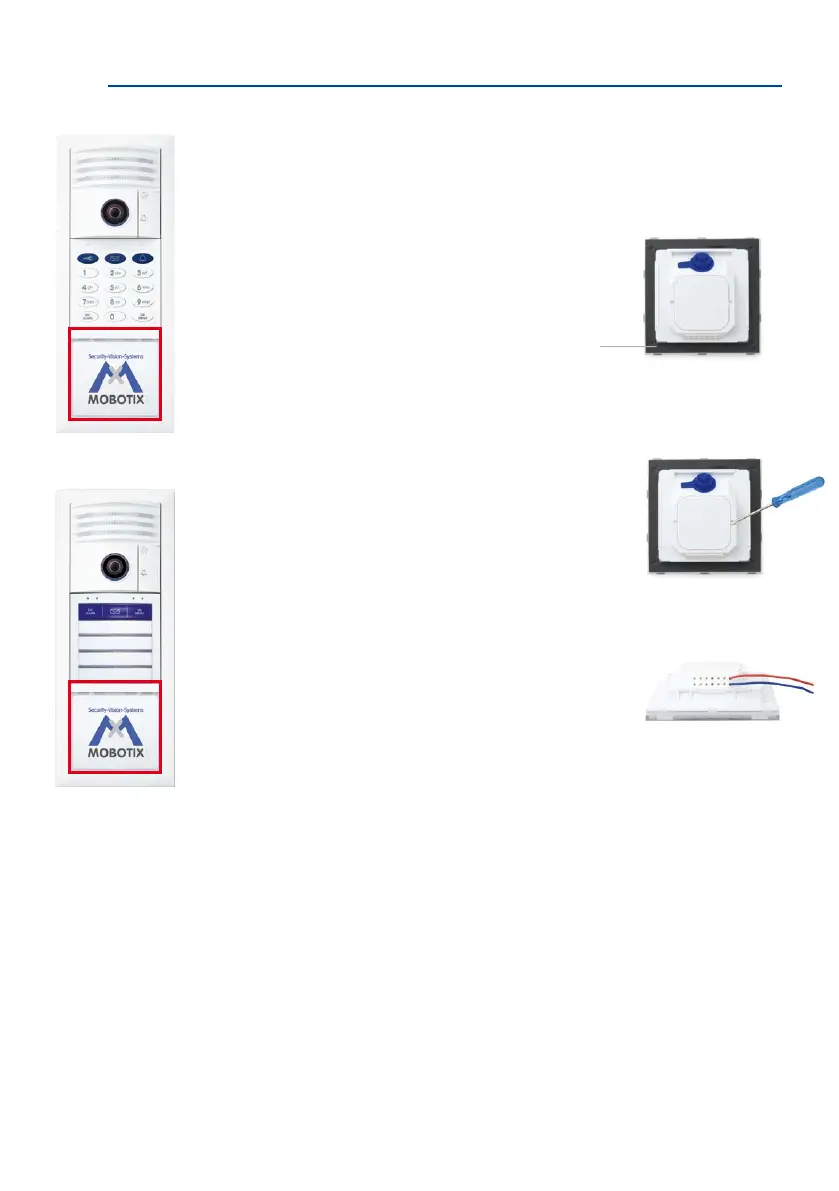
1. Ensure that the gasket is tted to the info module.
2. Loosen the rear cover plate (using a small screwdriver
or similar tool) and remove it. You now have a clear
view of the connectors located directly on the info
module board.
3.
Remove approximately 5 mm of insulation from each of
the cables to be connected and feed each cable through
one of the wire apertures in the housing (piercing the
rubber membrane with the cable).
T26 with KeypadRFID
Cindy Jones
Thomas Jones
The Jones Family
Dr. Jones, MD
T26 with BellRFID
Gasket



 To Next Page