68
T26 System Manual Part 1: Installation
2.3 Mounting the Frame and Housing
A complete T26 door station system includes components that are mounted next to the
entrance door, which means they are usually installed outdoors, as well as components such
as the MX-DoorMaster, remote stations and power supplies that are installed inside a building.
Please note that only the T26 camera, access module and info module are suitable for
outdoor installation (IP65, –30 to 50 °C/–22 to 122 °F). The modules will only be weather
-
proof if they have been installed correctly using matching MOBOTIX housings and frames.
2.3.1 Determining the Installation Position
Before installing the door station, you need to decide exactly where to install it. In addition
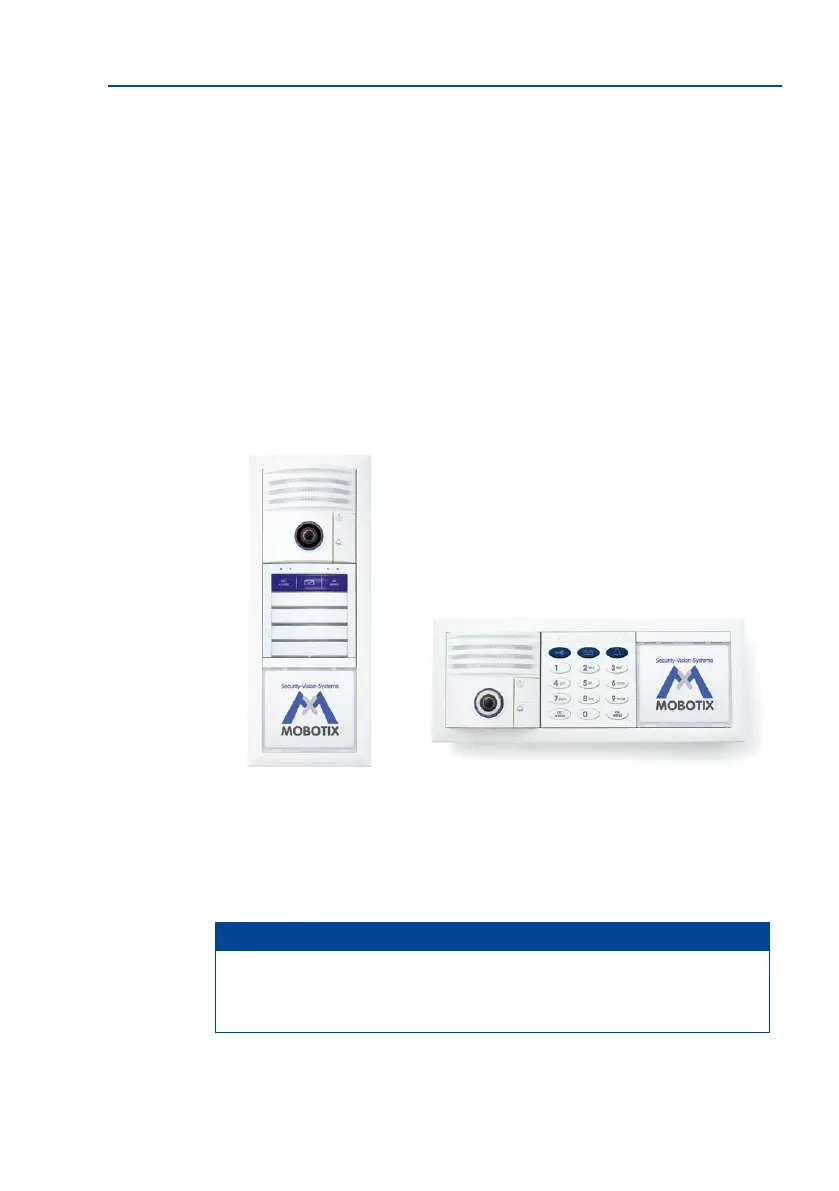
to being mounted vertically (most popular installation option), the door station can also be
mounted horizontally.
In a vertical layout, the camera module T26-CamCore is normally positioned right
at the top. The access module is located directly underneath, followed by the
Info Module/Info Module Mx2wire+.
Note
Position the housing directly above the cables that come out of the wall (network,
two-wire cables). None of the connection cables should remain visible, as this would
make them vulnerable to manipulation.
Hint:
To capture good-qual-
ity images at night as
well, t an outdoor light
approximately 1 m above
the door station (with
integrated motion sensor)
Horizontal installationVertical installation



 To Next Page