85
Installing the T26 Modules
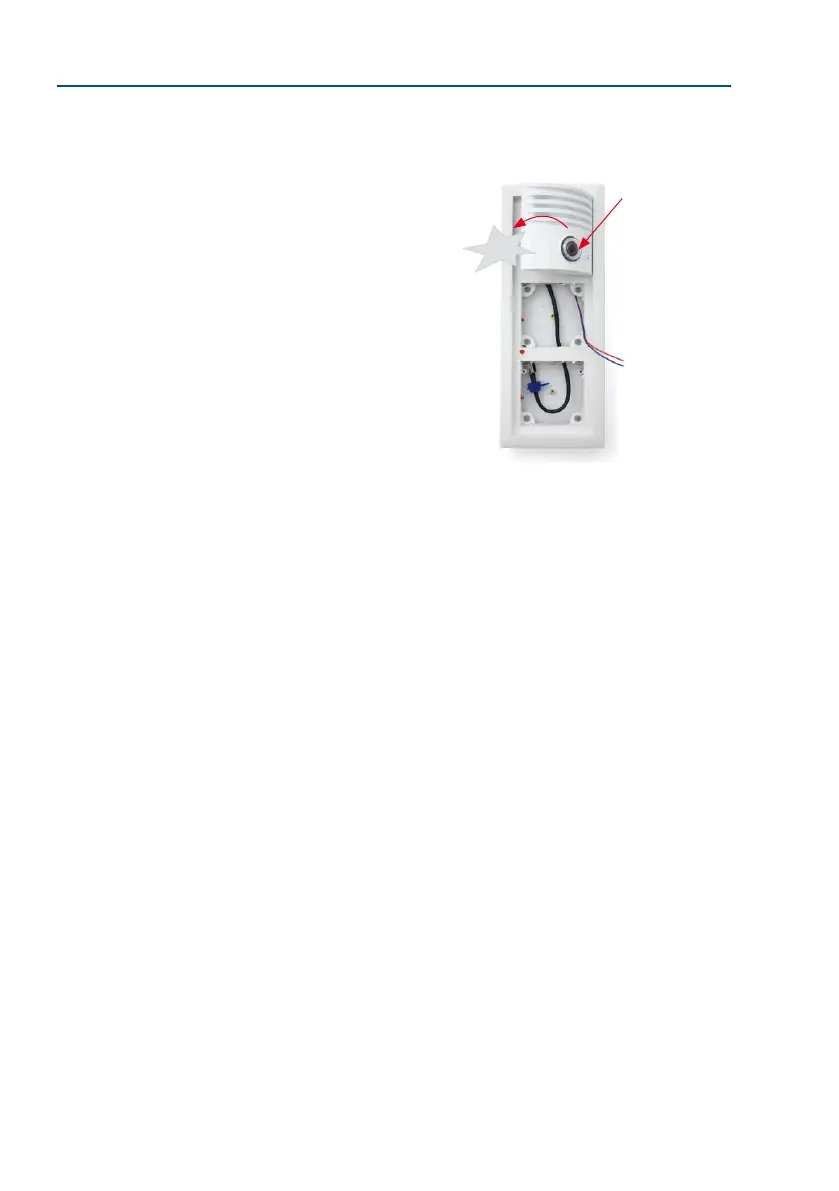
4. First of all, insert the right side of the module into the frame and then press rmly
on the le side, until the module audibly clicks into place.
Control click: If you do not hear a click, this means that the
module is not properly locked into place. In this case, repeat
the last steps, making sure that no cable or foreign object in
the housing is preventing the module from properly clicking
into place.
Click



 To Next Page