UPnP
UPnP is an architecture for pervasive peer-to-peer network connectivity of intel-
ligent appliances, Wireless devices, and PCs of all form factors. It is designed to
bring easy-to-use, exible, standards-based connectivity to ad-hoc or unmanaged
networks whether in the home, in a small business, public spaces, or attached to the
Internet. UPnP is a distributed, open networking architecture that leverages TCP/IP
and the Web technologies to enable seamless proximity networking in addition to
control and data transfer among networked devices in the home, ofce, and public
spaces.
UPnP is more than just a simple extension of the plug and play peripheral model.
It is designed to support zero-conguration, “invisible” networking, and automatic dis-
covery for a breadth of device categories from a wide range of vendors. This means
a device can dynamically join a network, obtain an IP address, convey its capabili-
ties, and learn about the presence and capabilities of other devices. DHCP and DNS
servers are optional and are used only if available on the network. Finally, a device
can leave a network smoothly and automatically without leaving any unwanted state
behind.
The DSL device supports a control point for Universal Plug and Play (UPnP) ver-
sion 1.0, and supports two key features: NAT Traversal and DeviceIdentication.
This feature requires one active WAN interface. In addition, the host should support
this feature. In the presence of multiple WAN interfaces, select an interface on which
the incoming trafc is present.
With NAT Traversal, when an UPnP command is received to open ports in NAT,
the application translates the request into system commands to open the ports in
NAT and the rewall. The interface to open the ports on is given to UPnP when it
starts up and is part of the conguration of the application.
For Device Identication, the application will send a description of the DSL device
as a control point back to the host making the request.
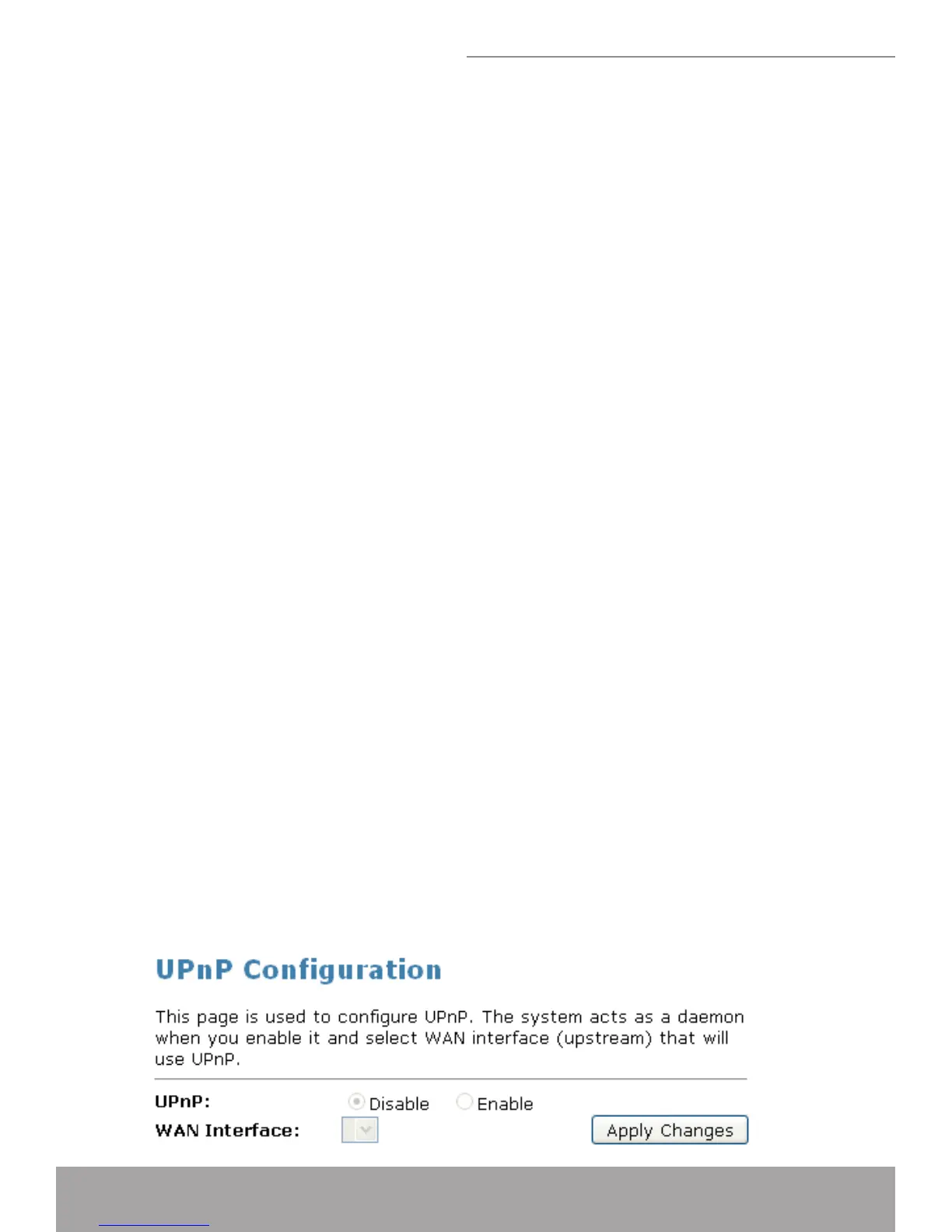
From the web page you can enable or disable UPnP.
Conguring UPnP
From the left-hand • Services menu, click on UPnP. The following page is dis-
played:


 To Next Page