© Munters AB, 2020 49
7.2.3.2.2
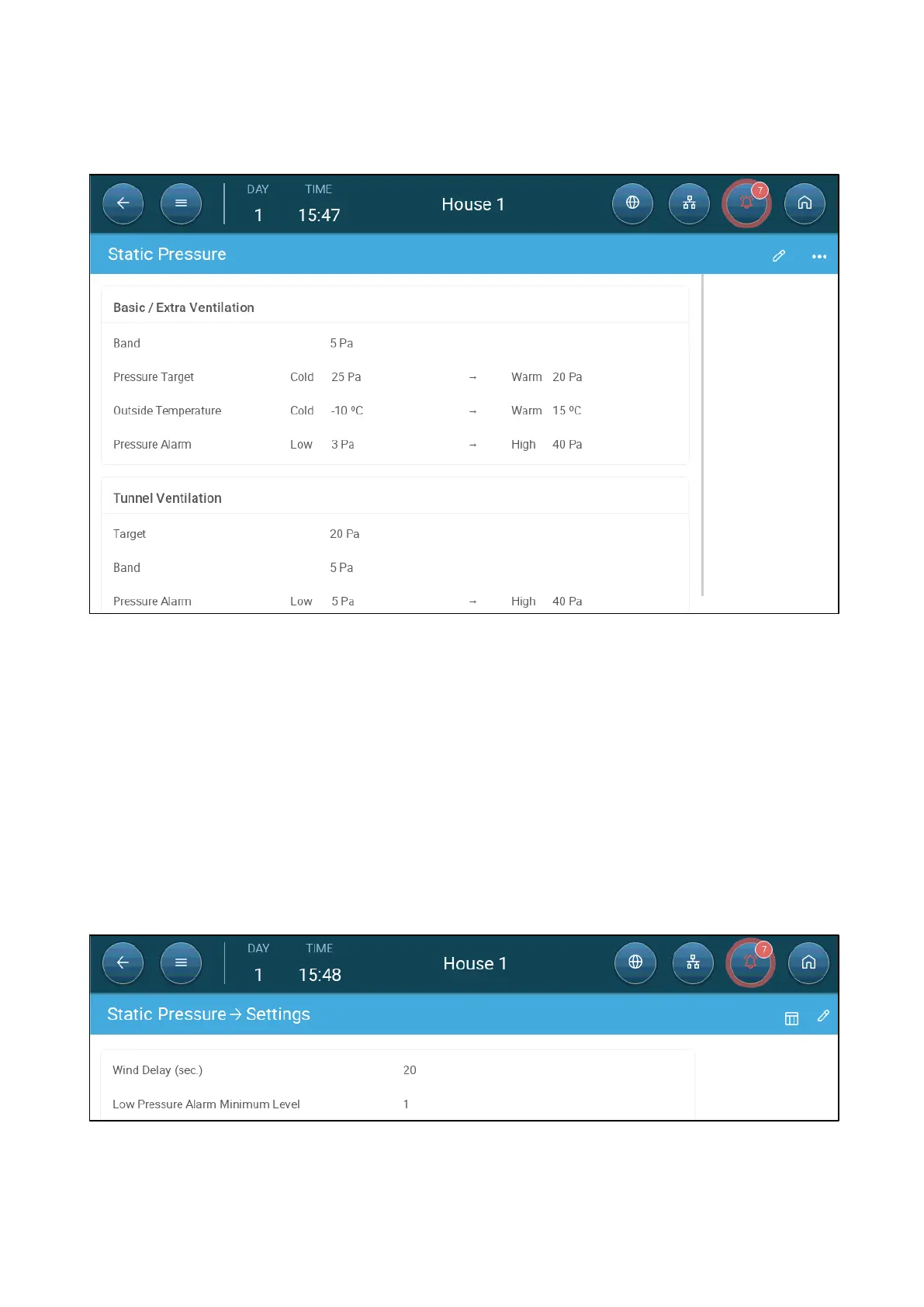
Static Pressure Main Screen
1. Go to Climate > Static Pressure.
2. Define:
o
Band: The static pressure level below or above which the controller must
close or open the inlets to minimize or maximize the ventilation. Range: 0 –
20 Pascal.
o
Pressure Targets: Set the required pressure level for the cold and warm
outside temperatures.
o
Outside Temperatures: Set the temperatures at which the inlets open or
close. (This parameter requires an outside temperature sensor).
o
Pressure Alarm: Set the low and high pressures, at which an alarm is
transmitted.
7.2.3.2.3
Static Pressure Settings Screen
•
Define:



 To Next Page