MASCHINE 1.5 Reference Manual – 175
10 Creating a Song using Scenes
Creating a Song on MASCHINE is easy and straightforward. The basic concept is this: a song
is composed of Clips, each of which represents a Pattern from a given Group. A combination
of several Clips stacked vertically is called a Scene, of which a Project can have up to 64.
Scenes are useful as different parts of a Song that you can trigger independently—such as
a beginning, a chorus or a break. To get you started we recommend you load a Project from
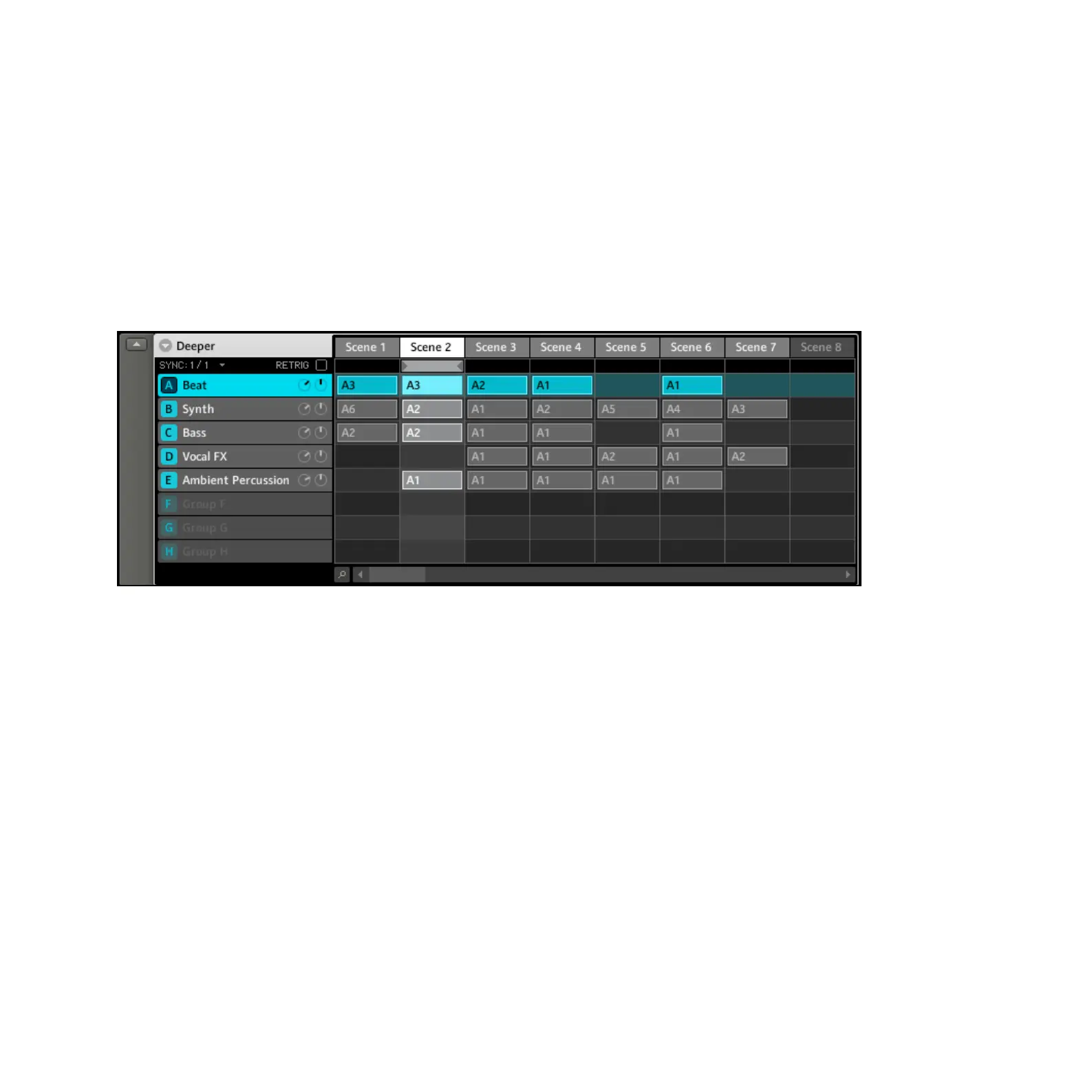
the Factory Library and have a look at the Arranger:
Factory Project “Deeper” in the Arranger with Scene 2 selected
10.1 Selecting a Scene
Hardware
1.
Enter Scene Mode by holding the SCENE. You can lock the Scene Mode by hitting Button
1 at the same time. The Right Display gives you an overview of the available Scenes, with
the selected Scene highlighted.
2.
Hit one of the Pads to select a Scene. To get to Scenes 17 – 64, use Buttons 6, 7 and 8.
The Scene will then be changed according to the Scene Sync Settings (described below).



 To Next Page