MASCHINE 1.5 Reference Manual – 51
3 Browser
The Browser is the place where you can organize and categorize all of your Samples, Sounds,
Groups, Projects, FX Presets and Patterns. This is done by tagging them, which means cat-
egorizing them by using keywords. Have a look at the tutorial videos “Browser & Library Part
One” and “Browser & Library Part Two” available on the Native Instruments website (http://
www.native-instruments.com) for more information. Given that the MASCHINE Software has
some advantages over the Hardware in this case, such as a very big screen and a QWERTY-
keyboard, we will start with the Software rst.
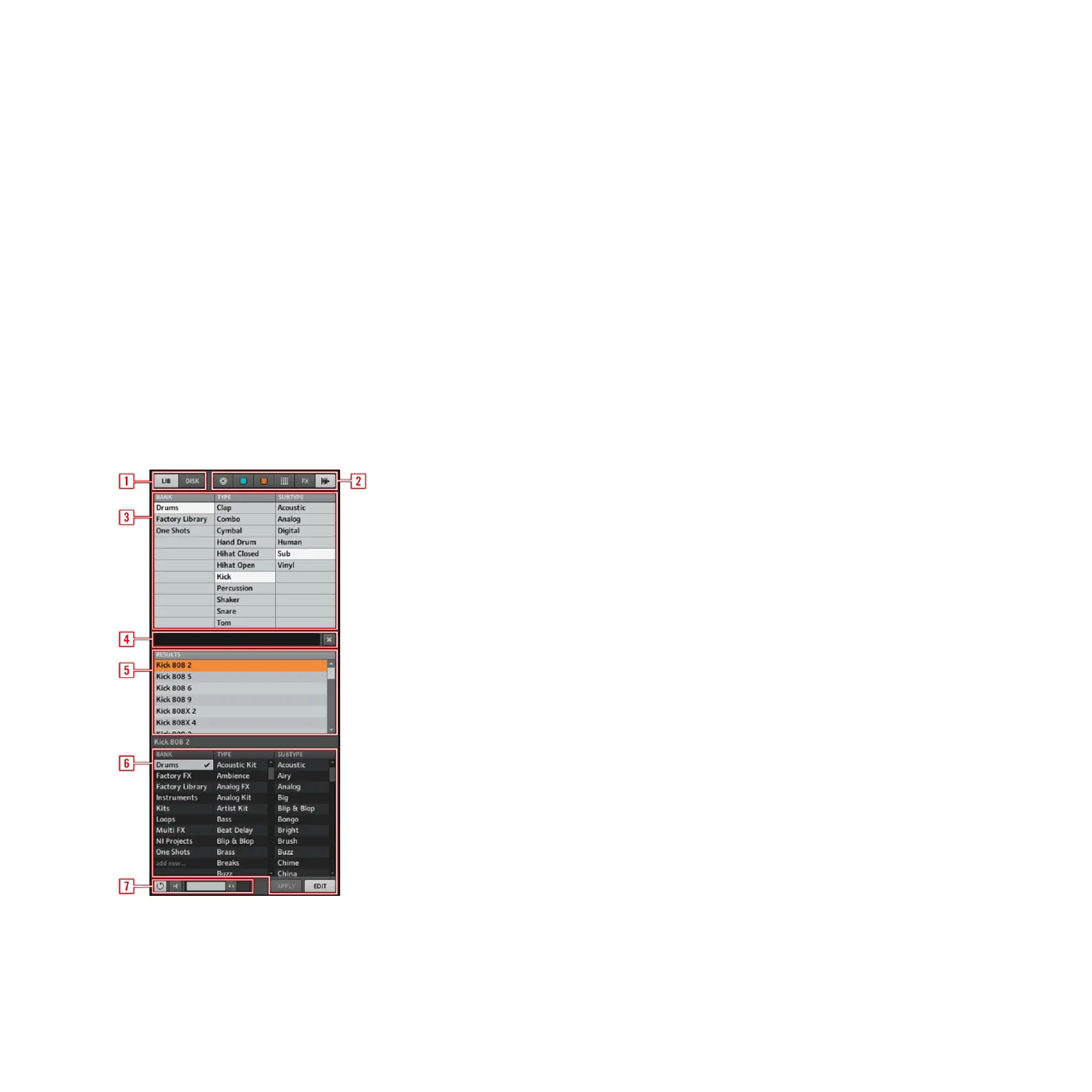
3.1 Elements of the Browser
1 Browser Mode Selector
2 File Type Selector
3 Tag Filter



 To Next Page