2. Step 2: Install host interface card on page 110
You install a host interface card (HIC) to replace the failed one with a new HIC.
3. Step 3: Reinstall controller canister on page 112
After installing the host interface card (HIC), you reinstall the controller canister into the
controller shelf.
Step 1: Remove controller canister
You remove the controller canister so you can add the new host interface card (HIC). When you
remove a controller canister, you must disconnect all cables. Then, you can slide the controller
canister out of the controller shelf.
Before you begin
• You have scheduled a downtime maintenance window for this procedure. The power must be off
when you install HICs, so you cannot access data on the storage array until you have successfully
completed this procedure. (In a duplex configuration, both controllers must have the same HIC
configuration when they are powered on.)
• You must use labels to identify each cable that is connected to the controller canister.
• You have an ESD wristband, or you have taken other antistatic precautions.
Steps
1. Label each cable that is attached to the controller canister.
2. Disconnect all the cables from the controller canister.
Attention: To prevent degraded performance, do not twist, fold, pinch, or step on the cables.
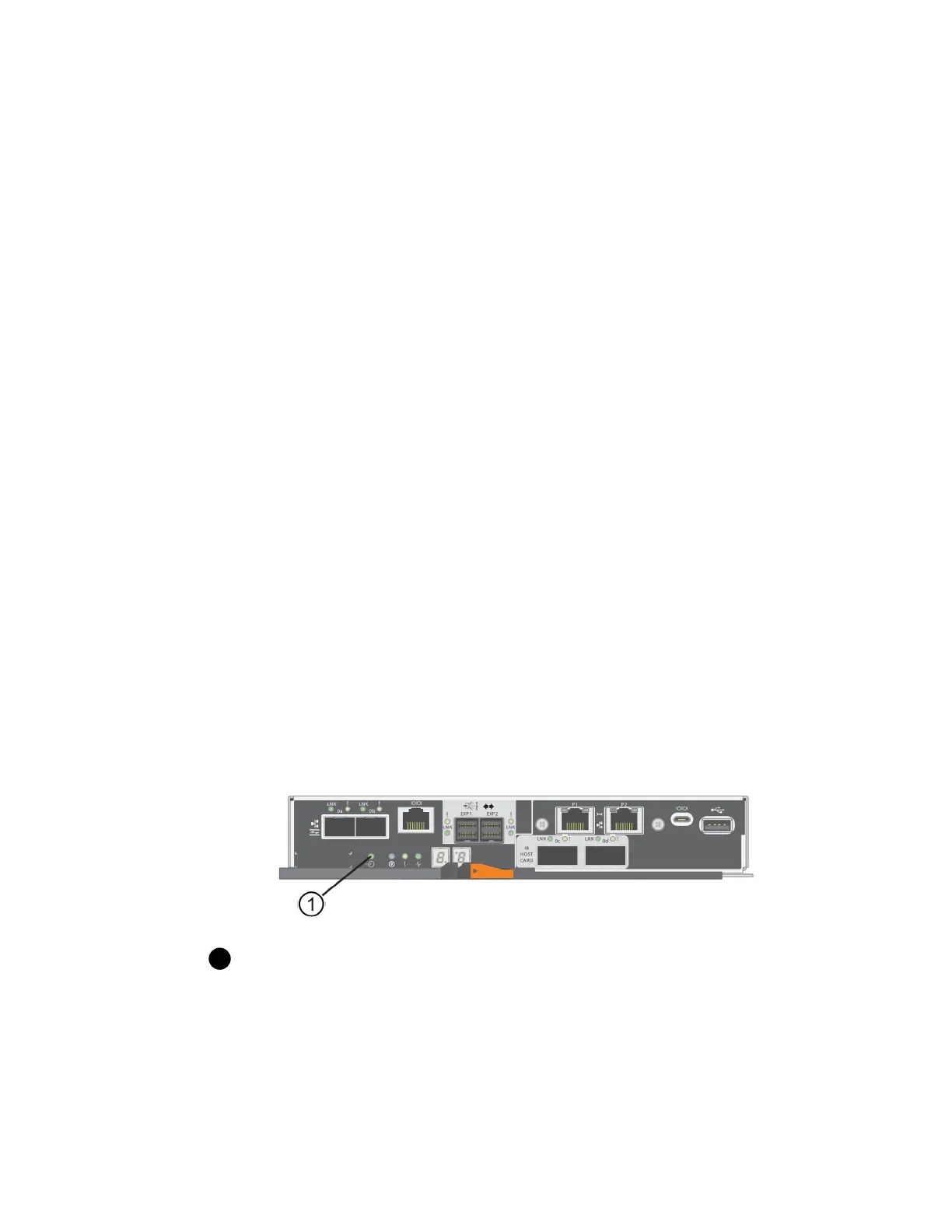
3. Confirm that the Cache Active LED on the back of the controller is off.
The green Cache Active LED on the back of the controller is on when cached data needs to be
written to the drives. You must wait for this LED to turn off before removing the controller
canister.
Cache Active LED
4. Squeeze the latch on the cam handle until it releases, and then open the cam handle to the right to
release the controller canister from the shelf.
The following figure is an example of an E5724 controller shelf:
108
| Maintaining E5700 Hardware



 To Next Page