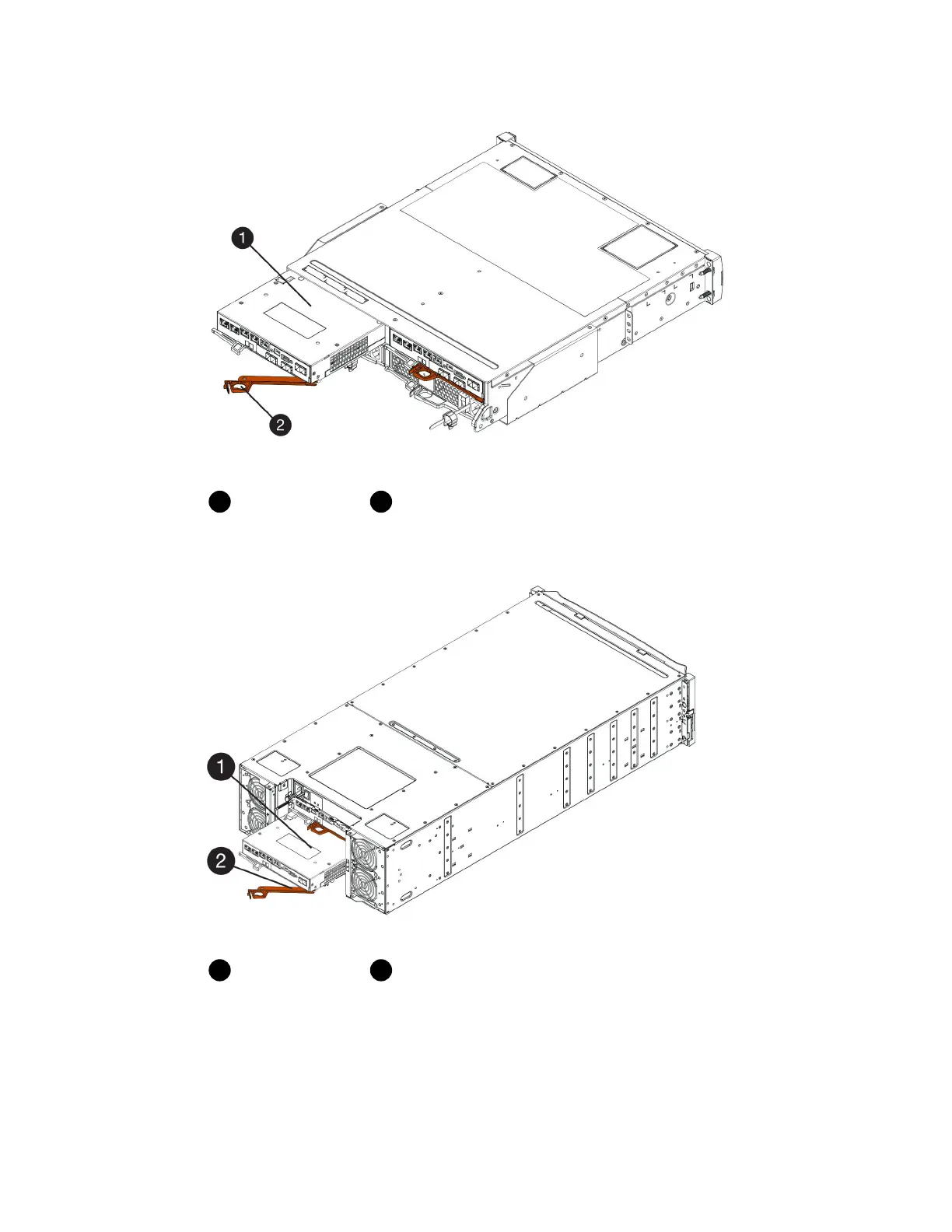
Controller canister
Cam handle
The following figure is an example of an E5760 controller shelf:
Controller canister
Cam handle
3. Move the cam handle to the left to lock the controller canister in place.
4. Reconnect all the cables you removed.
Attention: Do not connect data cables to the new HIC ports at this time.
5. (Optional) If you are adding HICs to a duplex configuration, repeat all steps to remove the second
controller canister, install the second HIC, and reinstall the second controller canister.
Host interface cards |
113



 To Next Page