Remove the controller canister so you can upgrade the new host interface card. When you remove
a controller canister, you must disconnect all cables. Then, you can slide the controller canister out
of the controller shelf.
2. Step 2: Remove a host interface card on page 99
Remove the original host interface card so you can replace it with an upgraded one.
3. Step 3: Install host interface card on page 101
Install the new HIC to increase the number of host ports in your storage array.
4. Step 4: Reinstall controller canister on page 102
Reinstall the controller canister into the controller shelf.
Step 1: Remove controller canister
You remove the controller canister so you can upgrade the new host interface card (HIC). When you
remove a controller canister, you must disconnect all cables. Then, you can slide the controller
canister out of the controller shelf.
Before you begin
• You have labels to identify each cable that is connected to the controller canister.
• You have an ESD wristband, or you have taken other antistatic precautions.
Steps
1. Label each cable that is attached to the controller canister.
2. Disconnect all the cables from the controller canister.
Attention: To prevent degraded performance, do not twist, fold, pinch, or step on the cables.
3. If the HIC ports use SFP+ transceivers, remove them.
Depending on what type of HIC you are upgrading to, you might be able to reuse these SFPs.
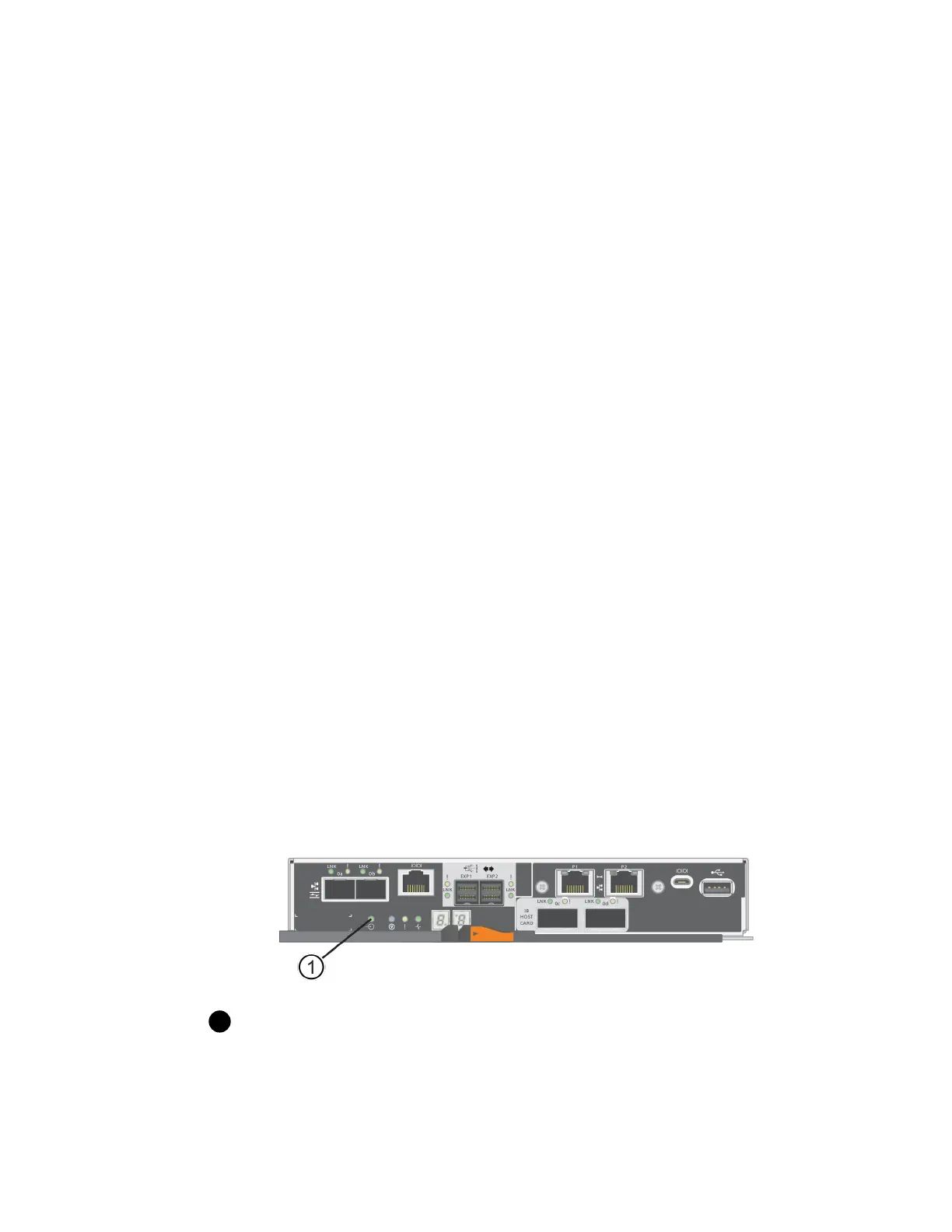
4. Confirm that the Cache Active LED on the back of the controller is off.
The green Cache Active LED on the back of the controller is on when cached data needs to be
written to the drives. You must wait for this LED to turn off before removing the controller
canister.
Cache Active LED
5. Squeeze the latch on the cam handle until it releases, and then open the cam handle to the right to
release the controller canister from the shelf.
The following figure is an example of an E5724 controller shelf:
Host interface cards |
97



 To Next Page