After you finish
Go to
Step 2: Remove a host interface card
on page 99.
Step 2: Remove a host interface card
You remove the original host interface card (HIC) so you can replace it with an upgraded one.
Before you begin
• You have a #1 Phillips screwdriver.
Steps
1.
Remove the controller canister's cover by pressing down on the button and sliding the cover off.
2.
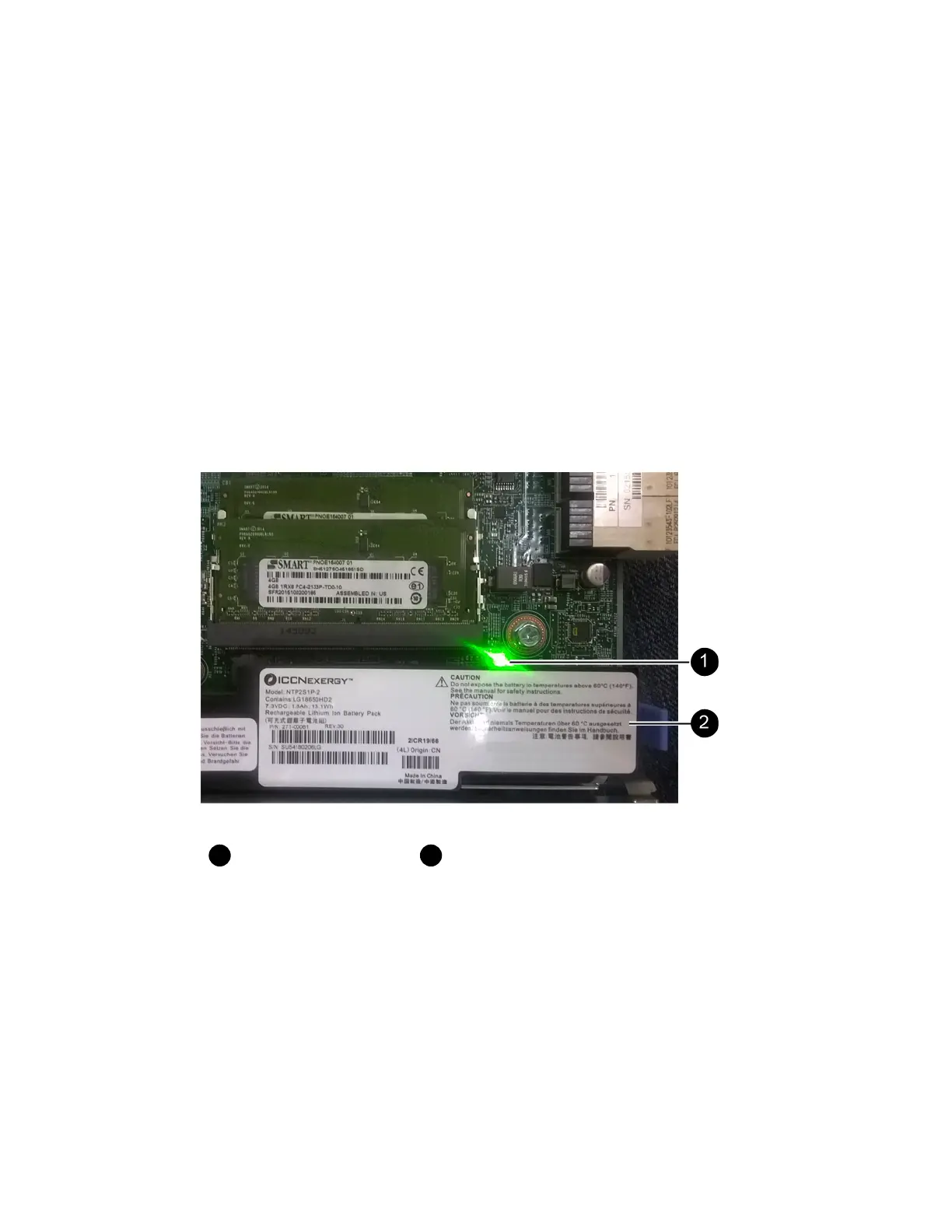
Confirm that the green LED inside the controller (between the battery and the DIMMs) is off.
If this green LED is on, the controller is still using battery power. You must wait for this LED to
go off before removing any components.
Internal Cache Active LED
Battery
3. Using a #1 Phillips screwdriver, remove the screws that attach the HIC faceplate to the controller
canister.
There are four screws: one on the top, one on the side, and two on the front.
Host interface cards |
99



 To Next Page