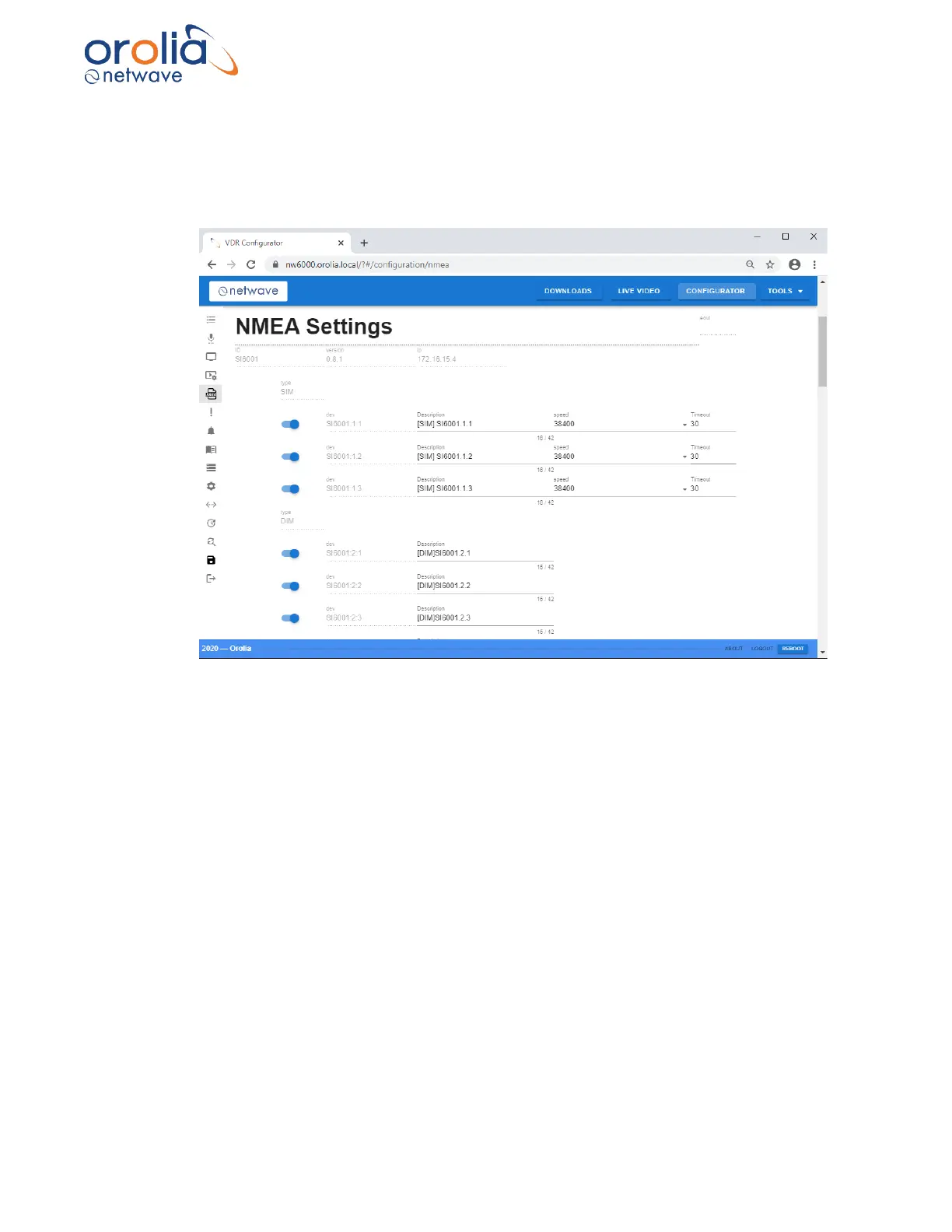
C. Open a specified field (i.e. buscoupler) and rename the found hardware modules when desired
In the menu structure on open the buscoupler and name the input of each connected NMEA input
(max 3 configurable between 4800-38400Bd) as per tab.
• Proceed in similar fashion for all related modules.
Configuring AIM (Analogue Input Module) Insert the name of the connected signal.
• Perform the same method for setting up the Digital Signals.
• PN2xxx are used for the VHF module; insert desired names for the channels.
• PN4xxx are used for the NW6030 Analogue Microphones connected to an NW6031
Audio Hub; please give a proper name in the fields which is giving an obvious name to
the location.
These names should be later mentioned as well in the final commissioning
documentation.
• After filling all fields, start with player configuration (top half of left menu (blue circle)).
• In similar fashion, fill all required fields to make the Player V2 understand incoming
signals.



 To Next Page