Playback
Options:
The
Playback
Menu
5l
Rotate Image
Set
the picture orientation (vertical or horizontal frame) displayed on the camera
monitor
after the pictures
are
taken.
Pictures
can
be rotated
90
0
clockwise or counterclockwise.
Pictures that were recorded
in
the portrait (vertical) orientation
can
be rotated
up
to
180
0
in
either direction.
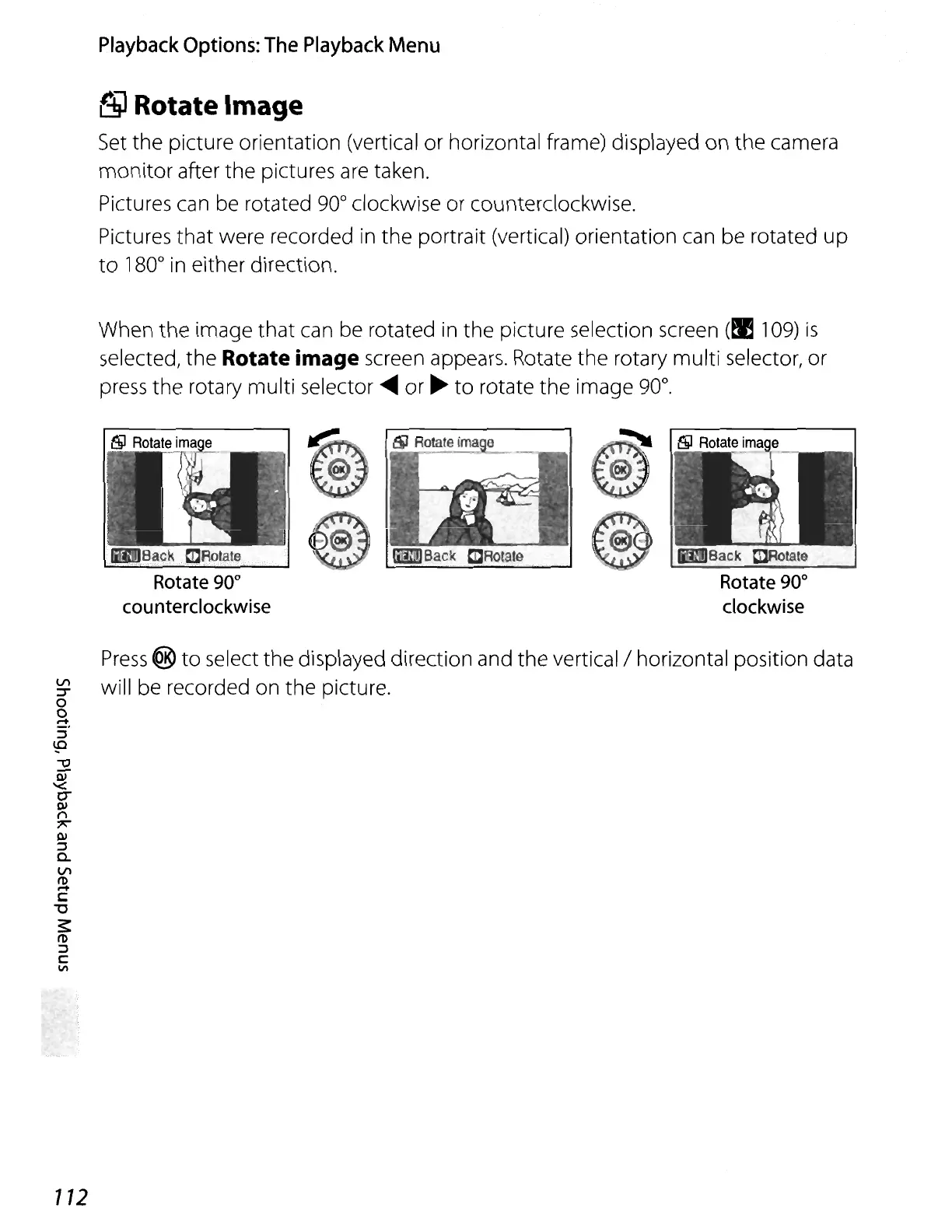
When the image
that
can be rotated
in
the picture selection screen (!I 1
09)
is
selected, the Rotate image screen appears. Rotate the rotary multi selector, or
press
the rotary multi selector
.....
or
~
to
rotate the image
90
0
•
Back
ClJeotate
Rotate 90
0
counterclockwise
Iimi!JBack
CCROlaie
Press
@
to
select the displayed direction and the vertical/horizontal position data
~
will be recorded on the picture.
o
o
.-+
:::l
\.P
-0
Ol
'<
c-
Ol
n
7'
Ol
:::l
Q.
t/)
(l)
.-+
c:
'U
3:
(l)
:::l
c:
V\
112















 To Next Page