Step
2
Frame
a
Picture
Digital Zoom
When the optical zoom
is
set at the
telephoto
end,
i.e.
at maximum magnification,
holding
down
T triggers digital zooming. The subject
is
magnified
up
to
a max.
optical zoom magnification
of
4x.
The focus
area
is
not
displayed when digital zoom
is
in
effect, and focus will be
in
the center
of
the screen.
(fJj
Flf)
8
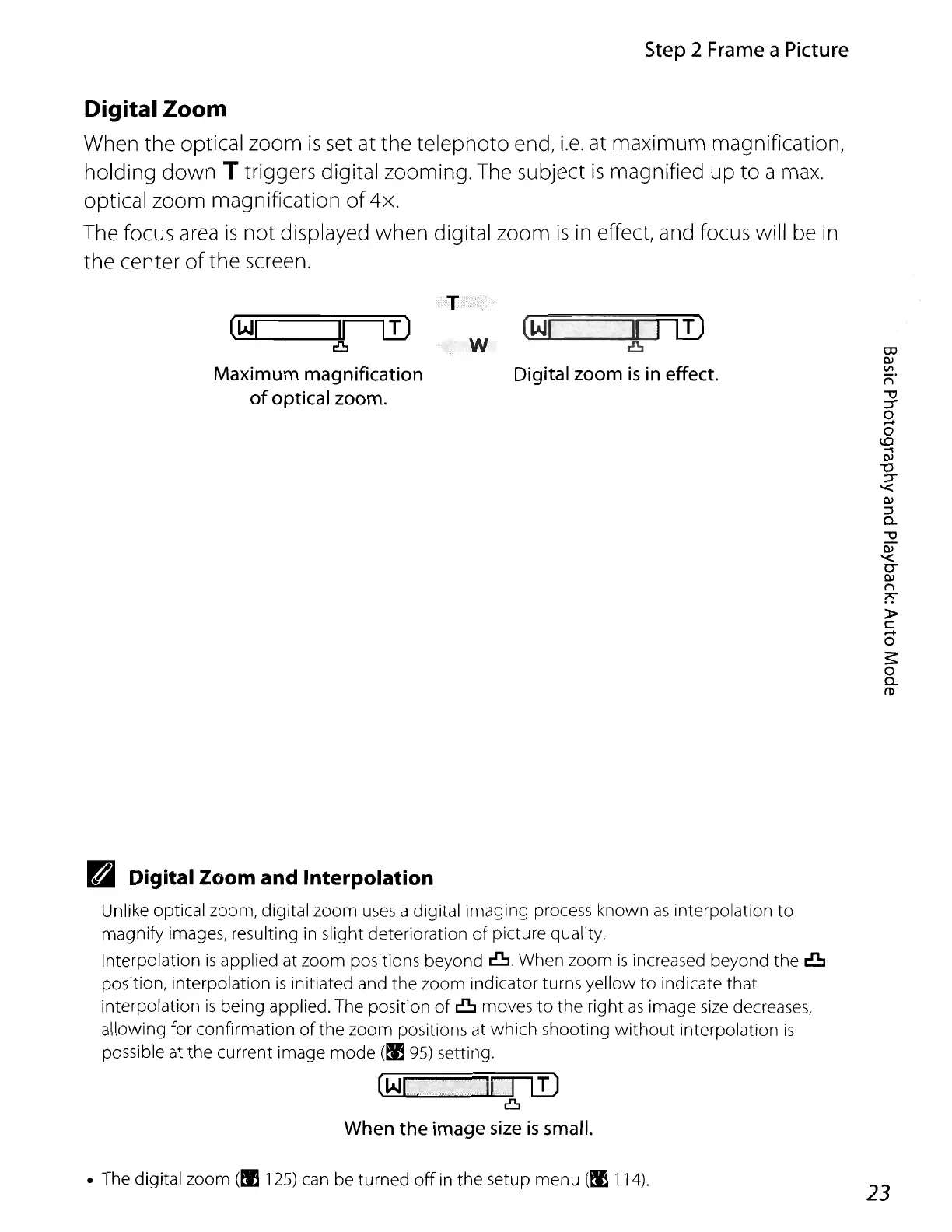
Maximum magnification
of
optical zoom.
w
@j
IT1!J
8
Digital zoom
is
in
effect.
Pa
Digital Zoom and Interpolation
Unlike optical zoom, digital zoom
uses
a digital imaging process known
as
interpolation to
magnify images, resulting
in
slight deterioration
of
picture quality.
Interpolation
is
applied
at
zoom positions beyond
8.
When zoom
is
increased beyond the 8
position, interpolation
is
initiated and the zoom indicator turns yellow to indicate that
interpolation
is
being applied.
The
position
of
8 moves to the right
as
image
size
decreases,
allowing for confirmation
of
the zoom positions at which shooting
without
interpolation
is
possible at the current image mode (t;I
95)
setting.
@j
..
,:lDif)
8
When the image
size
is
small.
•
The
digital zoom
(!E
125)
can
be
turned
off
in
the setup menu (t;l114).
23















 To Next Page