62
Taking
a
Closer
Look:
Playback
Zoom
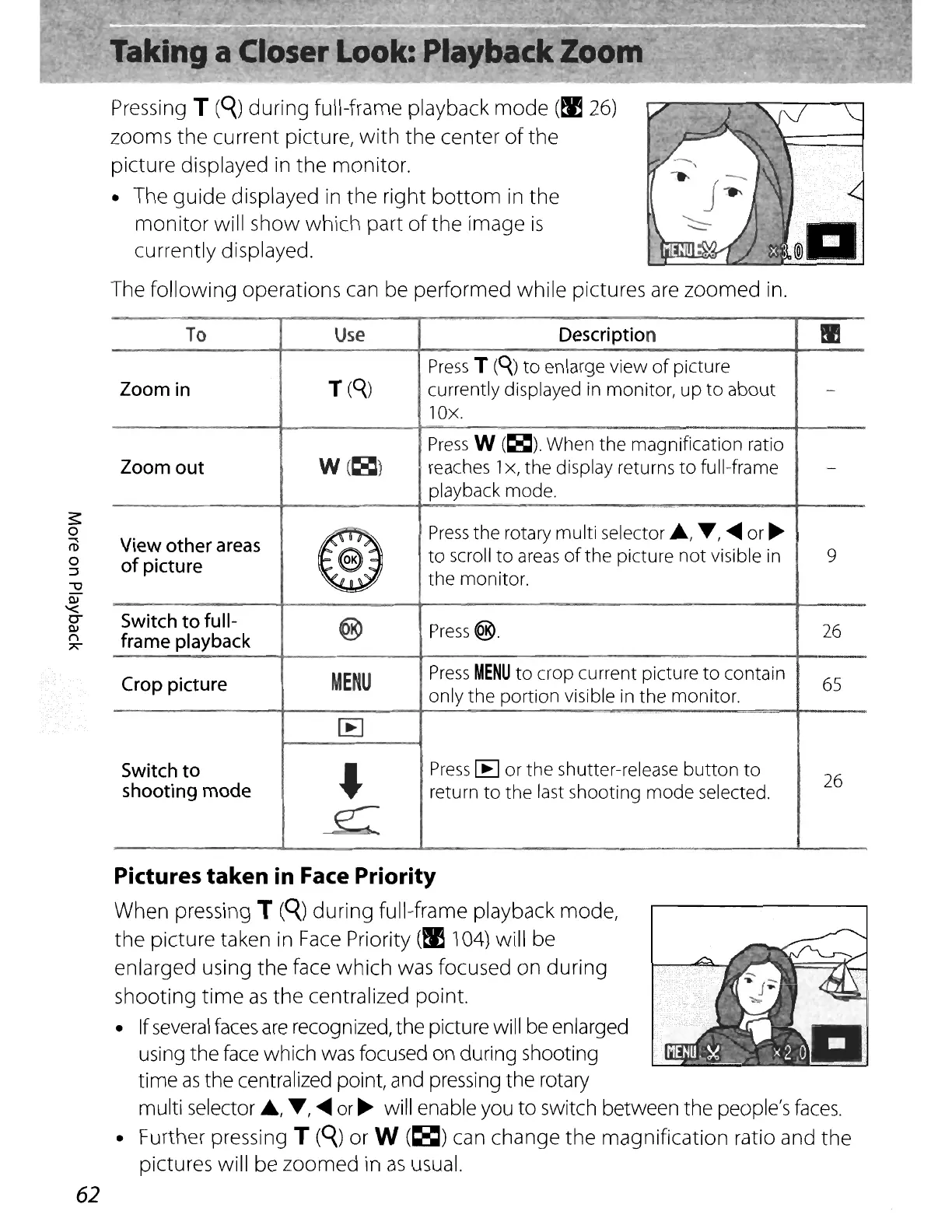
Pressing T
(q)
during full-frame playback
mode
(~
26)
zooms
the
current picture,
with
the center
of
the
picture displayed in
the
monitor.
• The
guide
displayed in
the
right
bottom
in the
monitor
will show which part
of
the
image
is
currently displayed.
The
following
operations can be performed
while
pictures
are
zoomed in.
To
Use
Description
tI'J
Press
T
(Q.)
to
enlarge view
of
picture
Zoom
in
T
(Q.)
currently displayed
in
monitor,
up
to
about
-
lOx.
Press
W
(~).
When the magnification ratio
Zoom
out
W(~)
reaches 1x, the display returns
to
full-frame
-
playback mode.
View
other
areas
®
Press
the
rotary multi selector
.,
T,
.....
or
~
of
picture
to
scroll
to
areas
of
the
picture
not
visible
in
9
the monitor.
Switch
to
full-
@
Press@.
26
frame
playback
Crop
picture
MENU
Press
MENU
to
crop current picture
to
contain
65
only
the
portion visible
in
the monitor.
IE
Switch
to
,
Press
IE
or
the
shutter-release
button
to
26
shooting
mode
return
to
the
last shooting
mode
selected.
e:-
Pictures
taken
in Face Priority
When pressing T
(q)
during
full-frame playback mode,
the
picture taken in
Face
Priority
(~
104) will be
enlarged using
the
face which was focused on
during
shooting
time
as
the
centralized point.
• If
several
faces
are
recognized, the picture will
be
enlarged
using the
face
which
was
focused on during shooting
time
as
the centralized point, and pressing the rotary
multi selector
A,
T,
.....
or
~
will enable you
to
switch between the people's
faces.
• Further pressing T
(q)
or W
(~)
can change
the
magnification ratio and
the
pictures will be zoomed in
as
usual.















 To Next Page