Connecting
to
a Printer
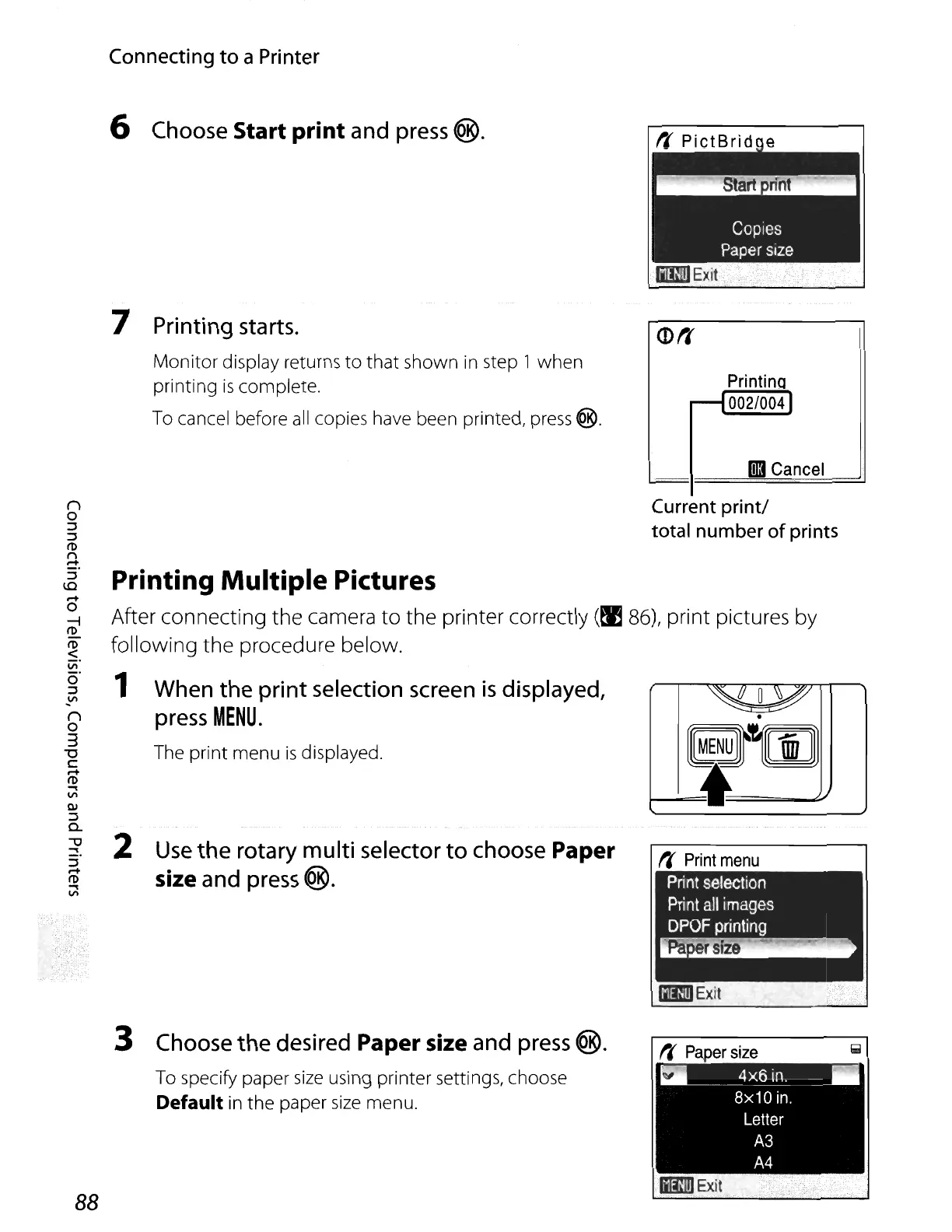
6 Choose Start print and press
®.
7 Printing starts.
Monitor
display returns
to
that
shown
in
step 1 when
printing
is
complete.
To cancel before
all
copies have been printed,
press
@.
<D1f
PrintinQ
---I002/004)
II
Cancel
r,
Print
menu
Current
print!
total
number
of
prints
~~~
.
Gj~[E
i
2
Use
the
rotary
multi
selector
to
choose Paper
size
and press @.
Printing Multiple Pictures
After connecting the camera
to
the printer correctly
(~
86),
print pictures by
following the procedure below.
1 When
the
print
selection screen
is
displayed,
press
MENU.
The print menu
is
displayed.
:J
t"i'
I'D
~
V>
3 Choose
the
desired Paper size and press @.
To specify paper
size
using printer settings, choose
Default
in
the
paper
size
menu.
......
____
4x6
in.
__
8x10
in.
Letter
A3
A4
88
MENU















 To Next Page