Viewing
Pictures
by
Date
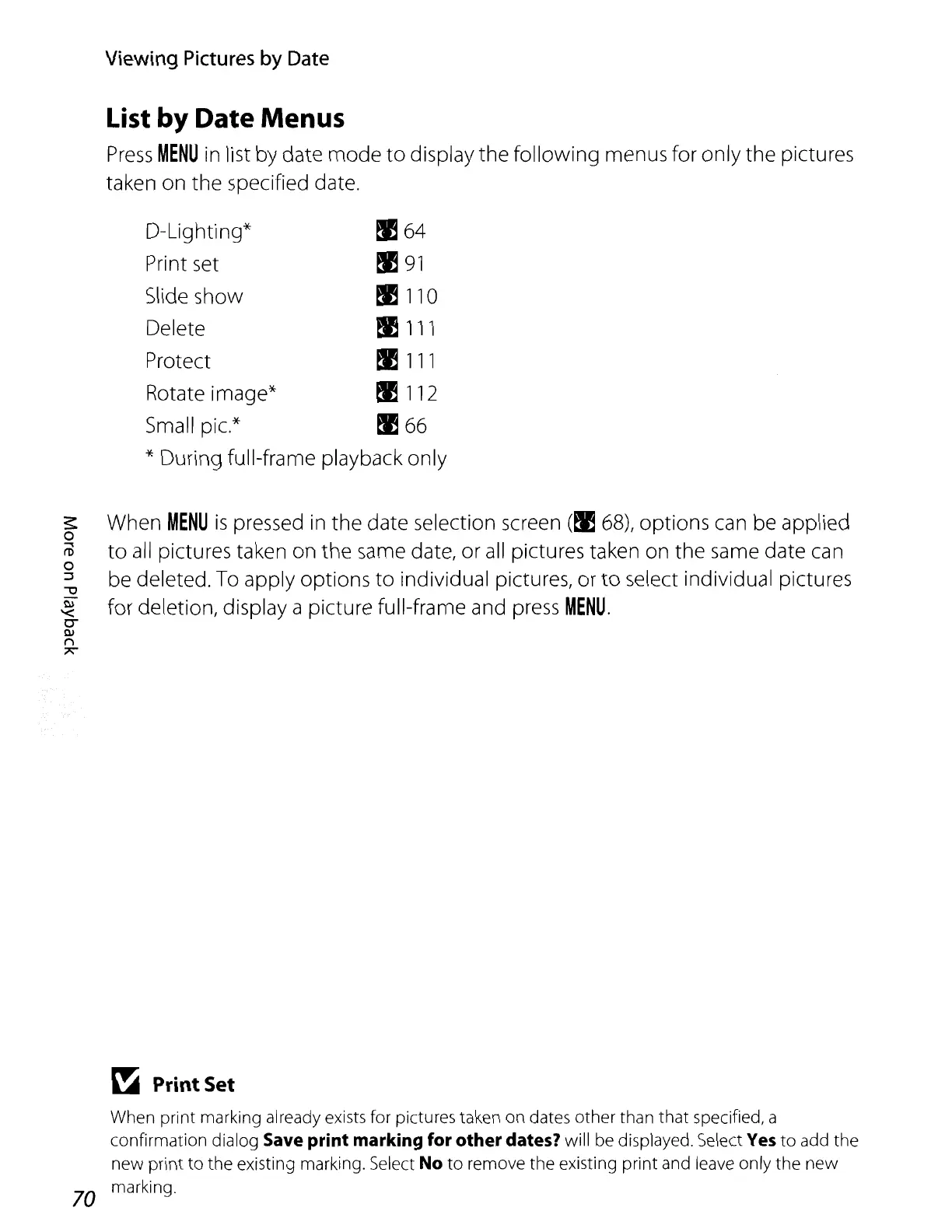
List by Date Menus
Press
MENU
in list by date
mode
to
display the following menus for only the pictures
taken on the specified date.
D-Lighting'
x
,
I! 64
Print set
I!
91
Slide show
I!
110
Delete
I!
111
Protect
I!
111
Rotate image*
I!
112
Small pic.*
I!
66
* During full-frame playback only
When
MENU
is
pressed
in
the
date selection screen
(~
68),
options can be applied
to
all
pictures taken on the same date, or
all
pictures taken on the same date can
be deleted.
To
apply options
to
individual pictures,
or
to
select individual pictures
for deletion, display a picture full-frame and press
MENU.
~
Print
Set
When print marking already exists for pictures taken on dates other than that specified, a
confirmation dialog
Save print marking for
other
dates? will be displayed. Select Yes
to
add the
new
print
to
the existing marking. Select No
to
remove the existing print and leave only the
new
70 marking.















 To Next Page