Using
the
Scene
Mode
Features
~
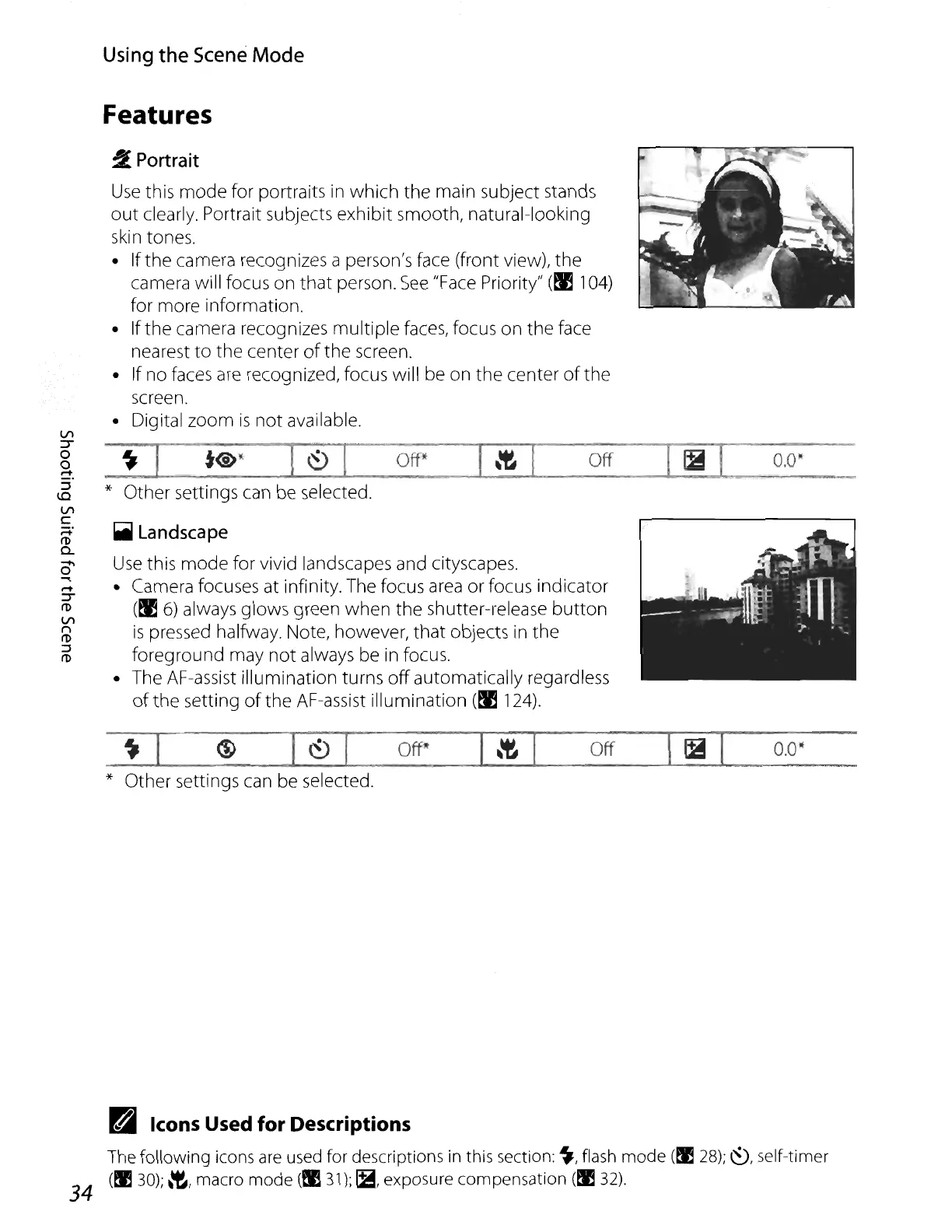
Portrait
Use
this
mode
for portraits
in
which
the
main subject stands
out
clearly. Portrait subjects exhibit smooth, natural-looking
skin tones.
• If
the
camera recognizes a person's face (front view), the
camera will focus
on
that
person.
See
"Face
Priority"
(M
104)
for more information.
• If
the
camera recognizes
multiple
faces, focus on
the
face
nearest
to
the
center
of
the screen.
• If no faces
are
recognized, focus will be on
the
center
of
the
screen.
• Digital zoom
is
not
available.
_~-",,--I
_t@_o
~_I,---~_·
..........
1
_O_ff*
_[_~--lll..-----_Off_
......
[
_Ii4.......,1,J
__
O.O_~
_
* Other settings can be selected.
~
Landscape
Use
this
mode
for vivid landscapes and cityscapes.
• Camera focuses at infinity. The focus
area
or focus indicator
(M
6)
always glows green
when
the
shutteHelease
button
is
pressed halfway. Note, however,
that
objects in
the
foreground may
not
always be in focus.
• The AF-assist illumination turns
off
automatically regardless
of
the
setting
of
the AF-assist illumination
(M
124).
Vl
:T
o
o
~.
::J
1.0
Vl
C
;::+.
ro
Q.
0-
~
.-+
:T
ro
Vl
n
ro
::J
ro
~
I
~
l"'---~-J--I
_Off*_--...I_\~~I
__
off~-,,-1
_1B~1_0_.0·_
* Other settings can be selected.
34
Bi
Icons Used
for
Descriptions
The
following icons
are
used
for descriptions
in
this section:
~,
flash
mode
(til
28);~,
self-timer
(tIJ
30);
~,
macro mode
(tIJ
31);
~,
exposure compensation
(~
32).















 To Next Page