Using
the
Scene
Mode
-t
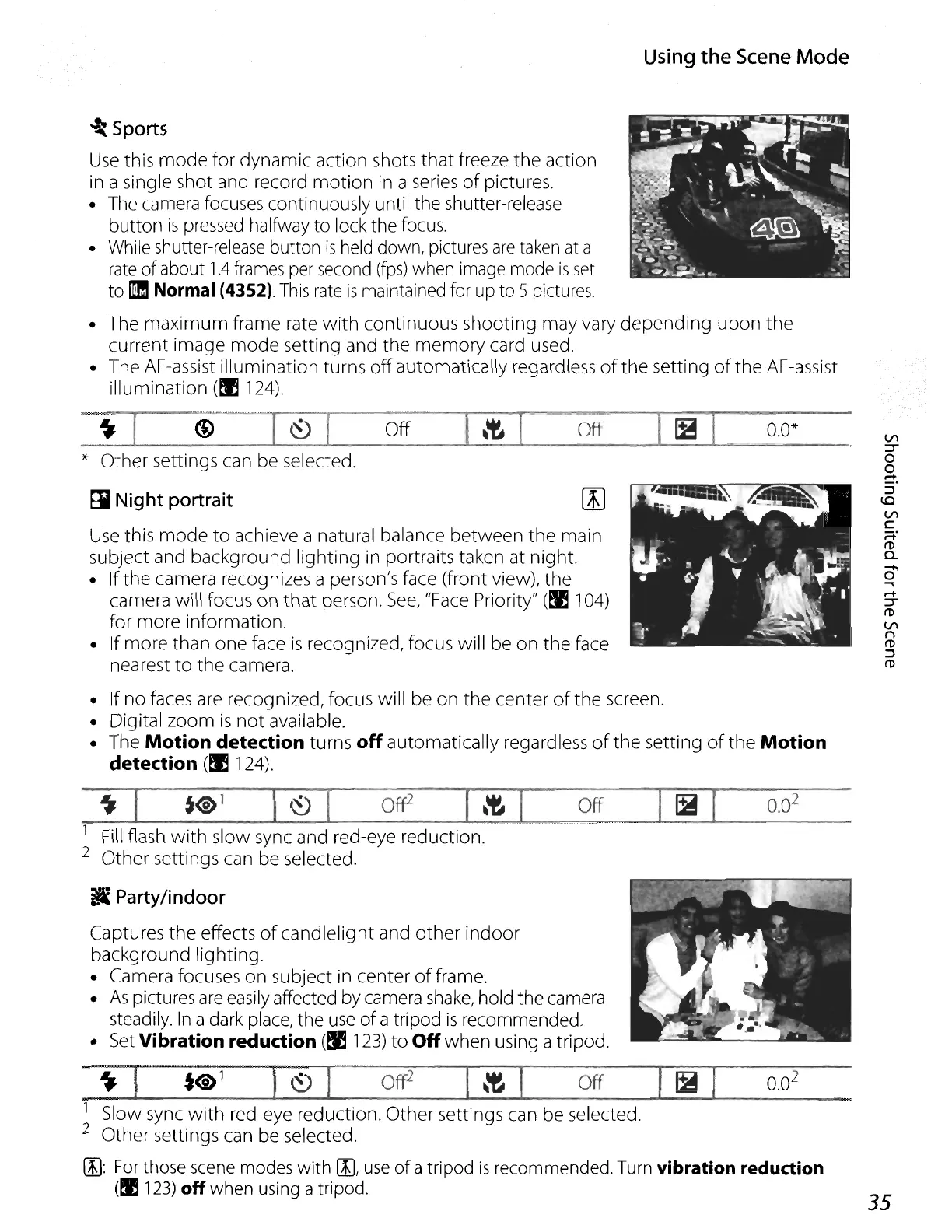
Sports
Use
this
mode
for
dynamic
action shots
that
freeze
the
action
in a single shot and record
motion
in a series
of
pictures.
•
The
camera focuses continuously until the shutter-release
button
is
pressed halfway
to
lock the focus.
• While shutter-release button
is
held down, pictures
are
taken
at
a
rate
of about
1.4
frames
per
second
(fps)
when image mode
is
set
to !II Normal (4352).
This
rate
is
maintained for up to 5 pictures.
• The
maximum
frame rate
with
continuous
shooting
may vary
depending
upon
the
current image
mode
setting and
the
memory
card used.
• The AF-assist
illumination
turns
off
automatically regardless
of
the
setting
of
the
AF-assist
illumination
(~
124).
~
I
G)
[~
l
__
off_....&...I_\'t--lo.I
__
off_.....a.-.1
~_+,
-,-I
_0_.0*_
*
Other
settings can be selected.
ri
Night portrait
Use
this
mode
to
achieve a natural balance
between
the
main
subject and background
lighting
in portraits taken at night.
• If
the
camera recognizes a person's face (front view),
the
camera will focus
on
that
person.
See,
"Face Priority"
(~
104)
for
more
information.
• If
more
than
one
face
is
recognized, focus will be
on
the
face
nearest
to
the
camera.
• If
no
faces are recognized, focus will be on
the
center
of
the screen.
• Digital
zoom
is
not
available.
• The
Motion
detection turns
off
automatically regardless
of
the
setting
of
the
Motion
detection
(~
124).
~
I
to'
I
~
I
Of{2
I
\'t
1
__
off_--IoI_lB~1
_°_.0
2
_
1 Fill flash
with
slow sync and red-eye reduction.
2
Other
settings can be selected.
!i
Party/indoor
Captures
the
effects
of
candlelight
and
other
indoor
background lighting.
• Camera focuses
on
subject in center
of
frame.
•
As
pictures
are
easily affected by camera
shake,
hold the camera
steadily.
In
a dark place, the
use
of
a tripod
is
recommended.
•
Set
Vibration reduction
(~
123)
to
Off
when
using a tripod.
~]
to
1
r
~
I
Off
2
J
\'t
I
Off
I
IS
I
0.0
2
1 Slow sync
with
red-eye reduction.
Other
settings can be selected.
2
Other
settings can be selected.
[I):
For
those
scene
modes with [Il,
use
of
a tripod
is
recommended. Turn vibration reduction
(!I 123) off when using atripod.
VI
=r
o
o
-
:::I
~
VI
C
~.
(])
c..
0'
.....
-
=r
(])
VI
n
(])
:::I
(])
35















 To Next Page