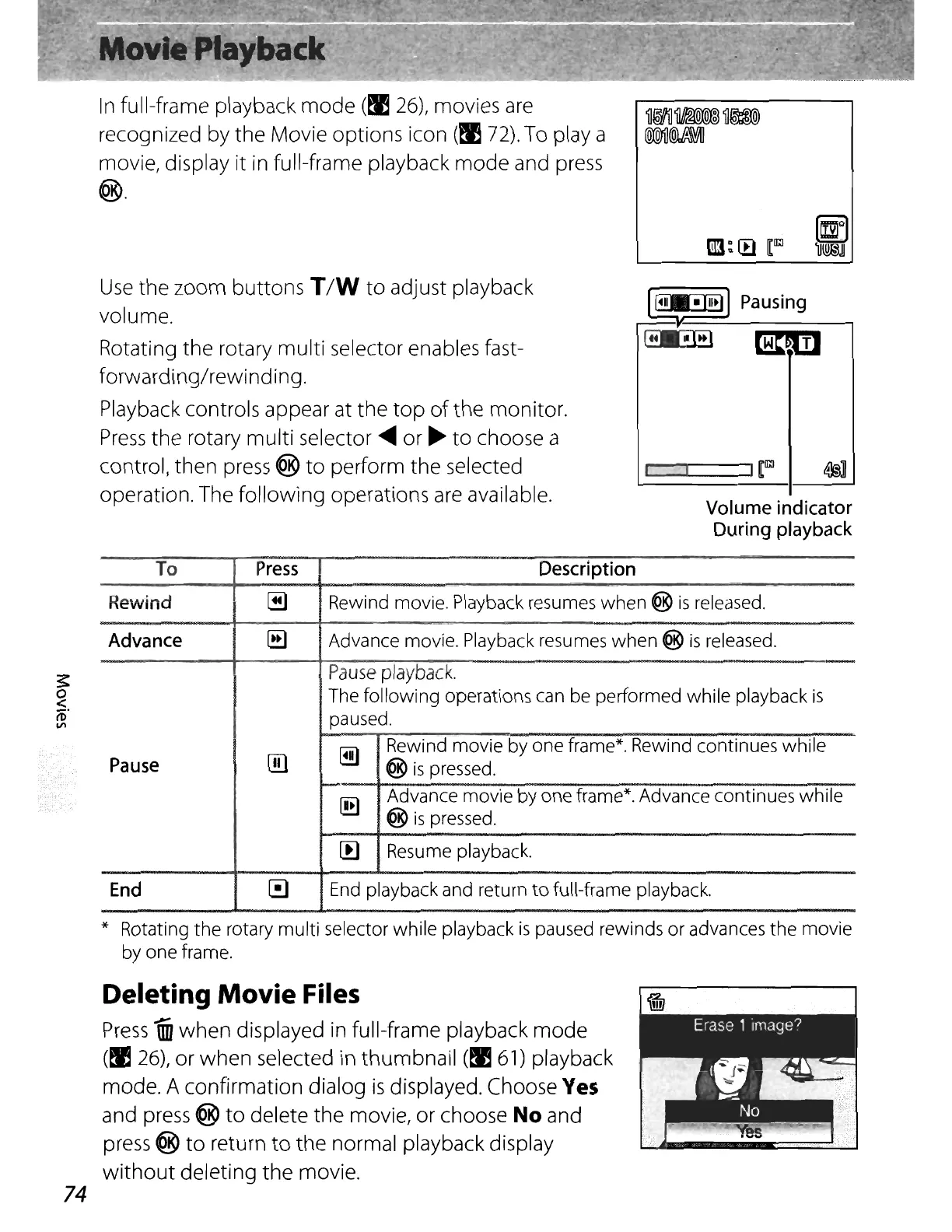
In
full-frame playback
mode
(~
26),
movies
are
recognized by the Movie options icon
(~
72).
To playa
movie, display it in full-frame playback
mode
and
press
®.
Use
the zoom buttons T
/W
to adjust playback
volume.
Rotating the rotary multi selector enables fast-
forwarding/rewinding.
Playback controls appear at the
top
of
the monitor.
Press
the
rotary multi selector
~
or
~
to
choose a
control, then
press
®
to
perform the selected
operation. The following operations
are
available.
~
Pausing
~
mm
Volume
indicator
During
playback
~
o
~.
(l)
VI
To
Press
Description
Rewind
~
Rewind movie. Playback resumes
when
@
is
released.
Advance
[ill
Advance movie. Playback resumes
when
@
is
released.
Pause
playback.
The following operations can be performed while playback
is
paused.
@)
~
Rewind movie by one frame*. Rewind continues
while
Pause
@
is
pressed.
[!g
Advance movie by one frame*. Advance continues while
@
is
pressed.
!!l
Resume playback.
End
~
End
playback and return
to
full-frame playback.
* Rotating
the
rotary
multi
selector while playback
is
paused rewinds
or
advances the movie
by one frame.
74
Deleting Movie Files
Press
un
when displayed in full-frame playback mode
(~
26),
or when selected in thumbnail
(!E
61)
playback
mode. A confirmation dialog
is
displayed. Choose
Yes
and
press
®
to
delete the movie, or choose No and
press
®
to
return
to
the normal playback display
without
deleting the movie.















 To Next Page