Using
the
Smile
Mode
The camera detects a smiling face
to
shoot the face automatically.
1 Enter smile
mode
by
pressing
ffiDTI]]
in
shooting
mode,
selecting
[.;.]
(use
the
rotary
multi
selector),
and
then
pressing
®.
Q
Smile
~
c:
::J
lO
\J
o
;::+
~
III
;=;:
Vi
3
rT>
"'T1
III
("'I
~
Vl
=r
o
.-+
VI
»
c
.-+
o
3
III
....
("'I
III
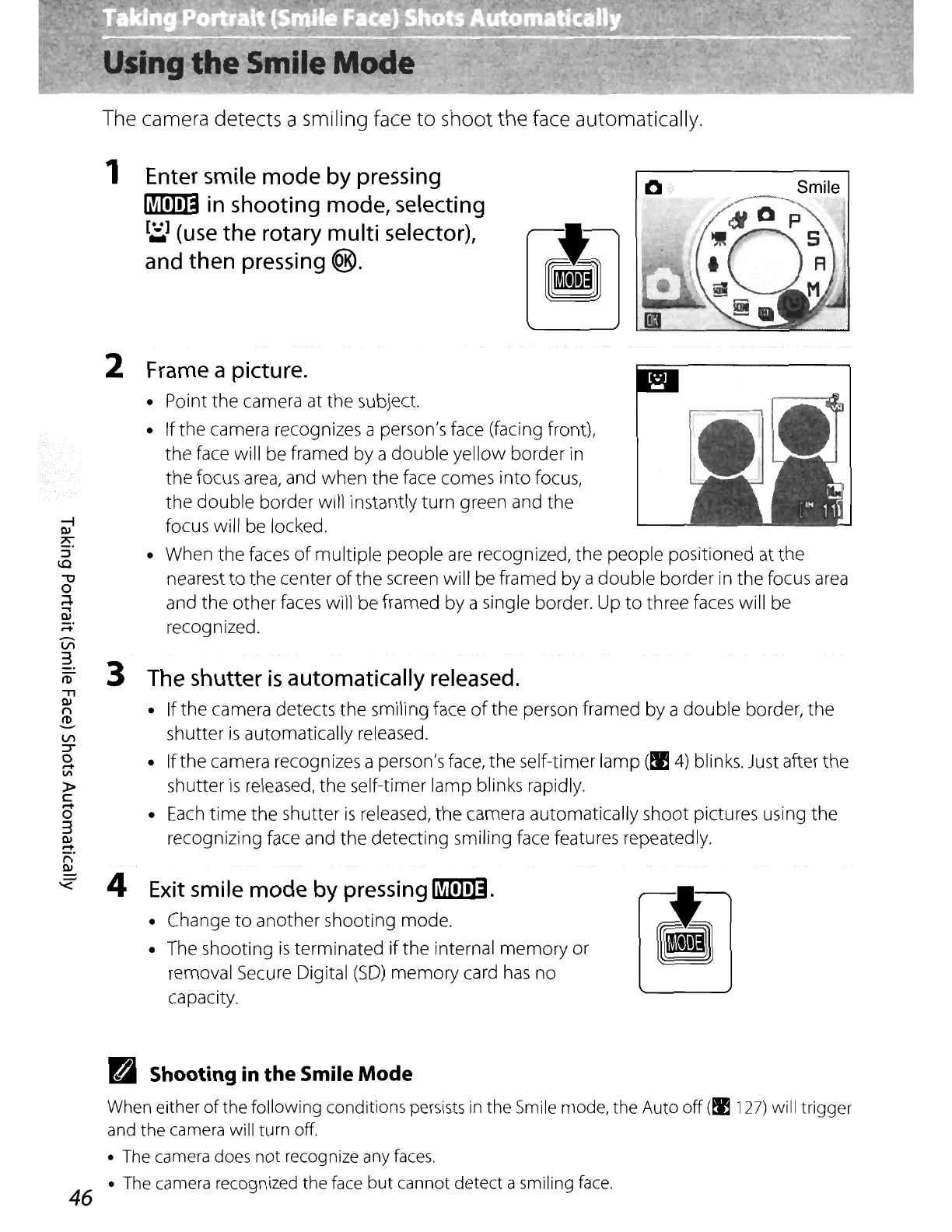
2 Frame a picture.
• Point the camera at the subject.
• Ifthe camera recognizes a person's face (facing front),
the
face will be framed by a
double
yellow border
in
the
focus
area,
and when the face comes
into
focus,
the
double
border will instantly turn green and the
focus will be locked.
• When the faces
of
multiple
people are recognized,
the
people positioned at
the
nearest
to
the
center
of
the
screen will be framed
by
a
double
border in the focus
area
and the other faces will be framed by a single border. Up
to
three faces will be
recognized.
3 The
shutter
is
automatically
released.
• Ifthe camera detects the smiling face
of
the
person framed by a
double
border,
the
shutter
is
automatically released.
• Ifthe camera recognizes a person's face, the self-timer lamp
(.
4)
blinks. Just after
the
shutter
is
released, the self-timer lamp blinks rapidly.
•
Each
time
the
shutter
is
released,
the
camera automatically shoot pictures using
the
recognizing face and
the
detecting smiling face features repeatedly.
-<
4 Exit smile
mode
by
pressing
ffiDTI]].
• Change
to
another shooting
mode
.
• The shooting
is
terminated
if
the
internal
memory
or
removal Secure Digital
(SO)
memory
card
has
no
capacity.
m1
Shooting in
the
Smile
Mode
When
either
of
the following conditions
persists
in
the
Smile
mode, the Auto off
(M
127)
will trigger
and
the
camera
will turn off.
•
The
camera
does
not recognize
any
faces
.
•
The
camera
recognized the
face
but cannot detect a smiling
face.
46















 To Next Page