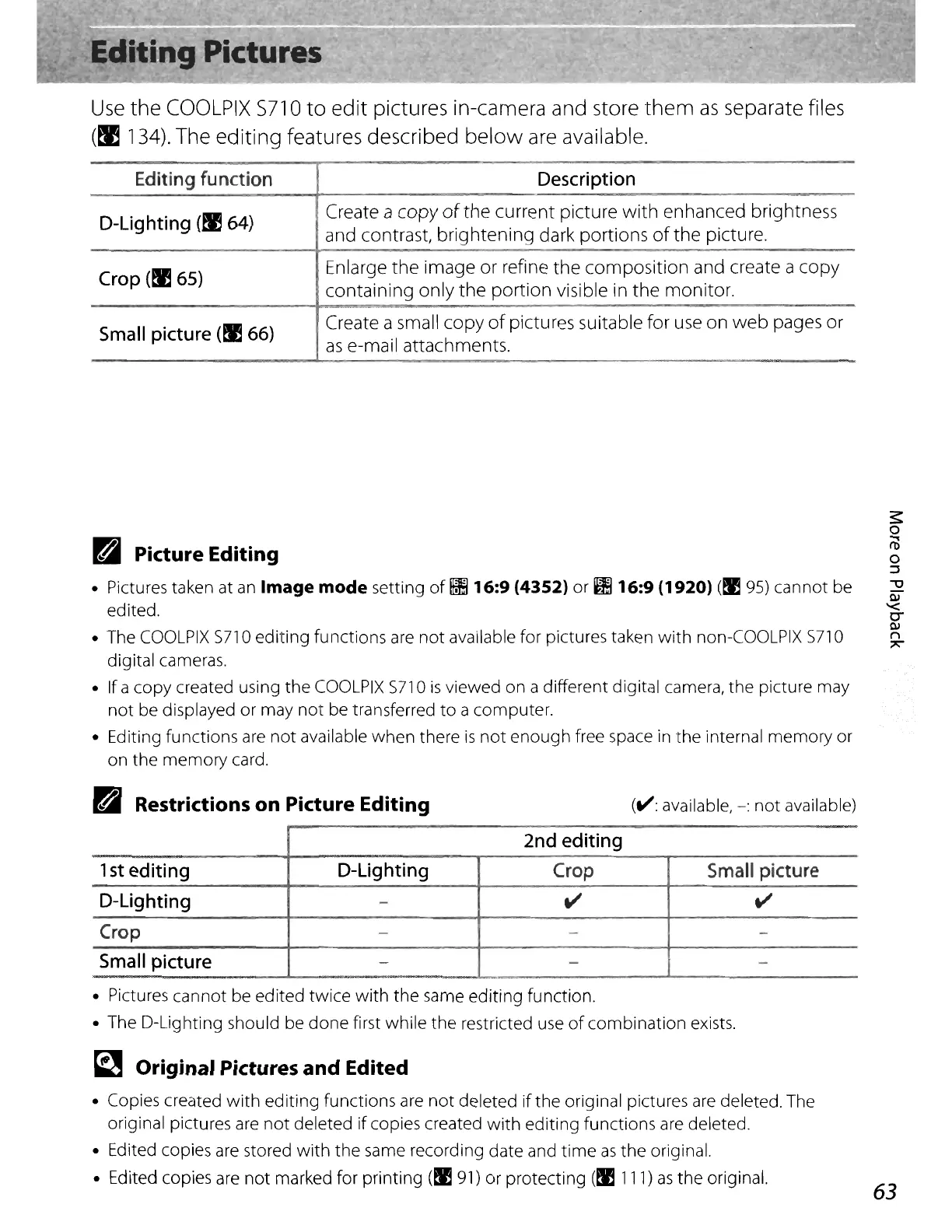
Use
the
COOLPIX
5710
to
edit
pictures in-camera and store
them
as
separate files
(~
134). The editing features described
below
are available.
Editing function
D-Lighting
(~64)
Crop
(~65)
Small picture
(~
66)
Description
Create a copy
of
the
current picture
with
enhanced brightness
and contrast, brightening dark portions
of
the picture.
Enlarge the image or refine the composition and create a copy
containing only the portion visible in
the
monitor.
Create a small copy
of
pictures suitable for
use
on
web
pages or
as
e-mail attachments.
B Picture Editing
• Pictures taken at
an
Image
mode
setting
of
!Il16:9
(4352)
or
IB
16:9 (1920) (I!
95)
cannot be
edited.
• The
COOLPIX
5710 editing functions
are
not
available for pictures taken
with
non-COOLPIX 5710
digital cameras.
• If a copy created using the
COOLPIX
5710
is
viewed on a different digital camera, the picture may
not be displayed or may
not
be transferred
to
a
computer
.
• Editing functions
are
not
available when there
is
not
enough free space
in
the internal memory or
on the memory card.
B Restrictions on Picture Editing
(V:
available,
-:
not
available)
2nd editing
1
st
editing D-Lighting
Crop
Small picture
D-Lighting
-
V
V
Crop
- - -
Small picture
-
- -
• Pictures cannot be edited twice with the same editing function.
• The D-Lighting should be done first while the restricted use
of
combination exists.
~
Original Pictures and Edited
• Copies created
with
editing functions
are
not
deleted
if
the original pictures
are
deleted. The
original pictures
are
not
deleted
if
copies created
with
editing functions
are
deleted.
• Edited copies
are
stored
with
the same recording date and
time
as
the original.
• Edited copies
are
not
marked for printing
(I!
91)
or protecting
(1!111)
as
the original.
63















 To Next Page