Administration and maintenance Page 121 of 206
WLAN IP Telephony Installation and Configuration
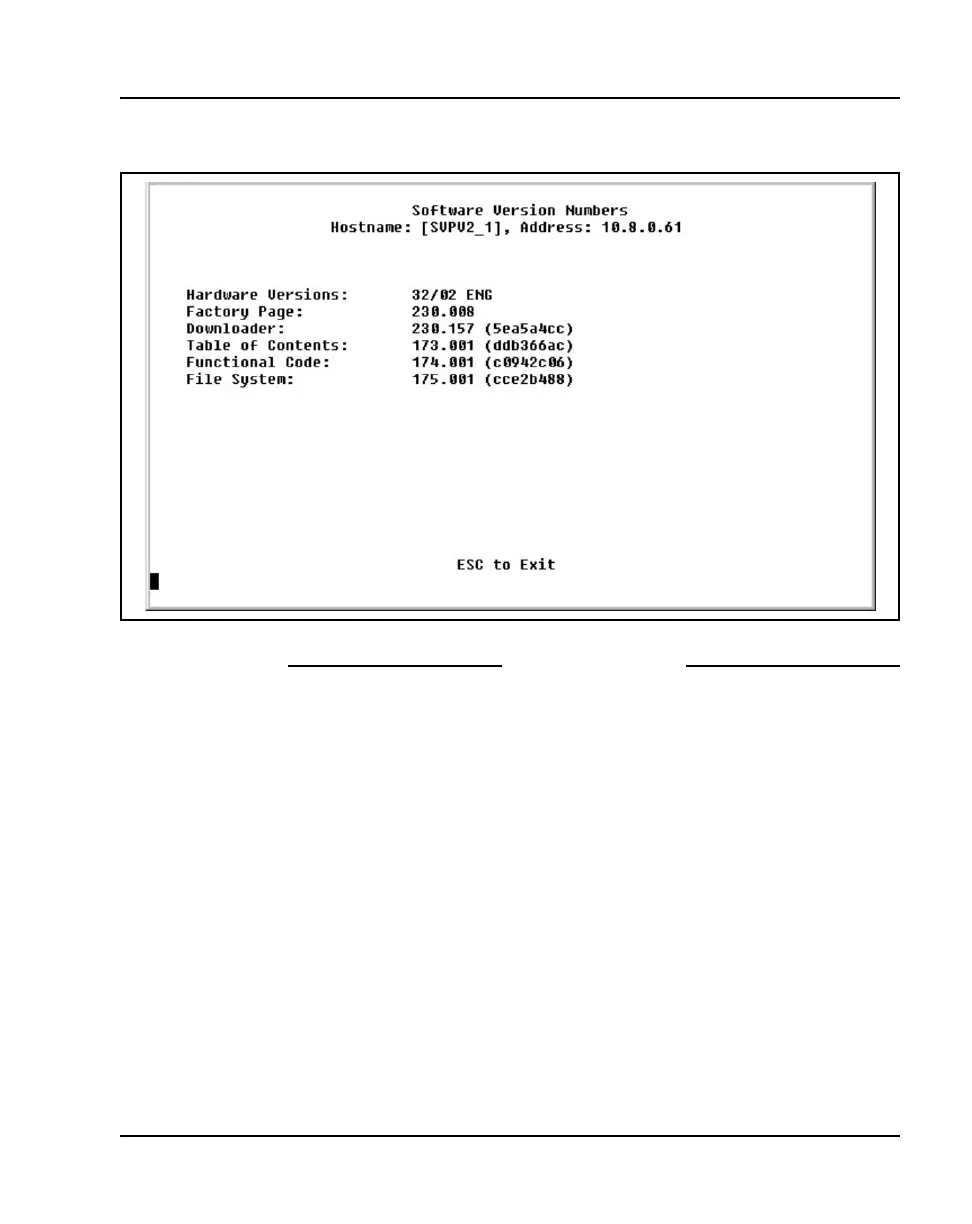
Figure 14
Software Version Numbers screen
End of Procedure
For the WLAN Application Gateway 2246
For information on viewing the software versions for the optional WLAN
Application Gateway 2246, refer to Appendix A “Viewing software
versions” on page 187.
For a wireless handset
The software versions running on the wireless handsets can be displayed by
powering on the wireless handset and holding down the Power On / Start
Call
key



 To Next Page