Appendix A: WLAN Application Gateway 2246 Page 157 of 206
WLAN IP Telephony Installation and Configuration
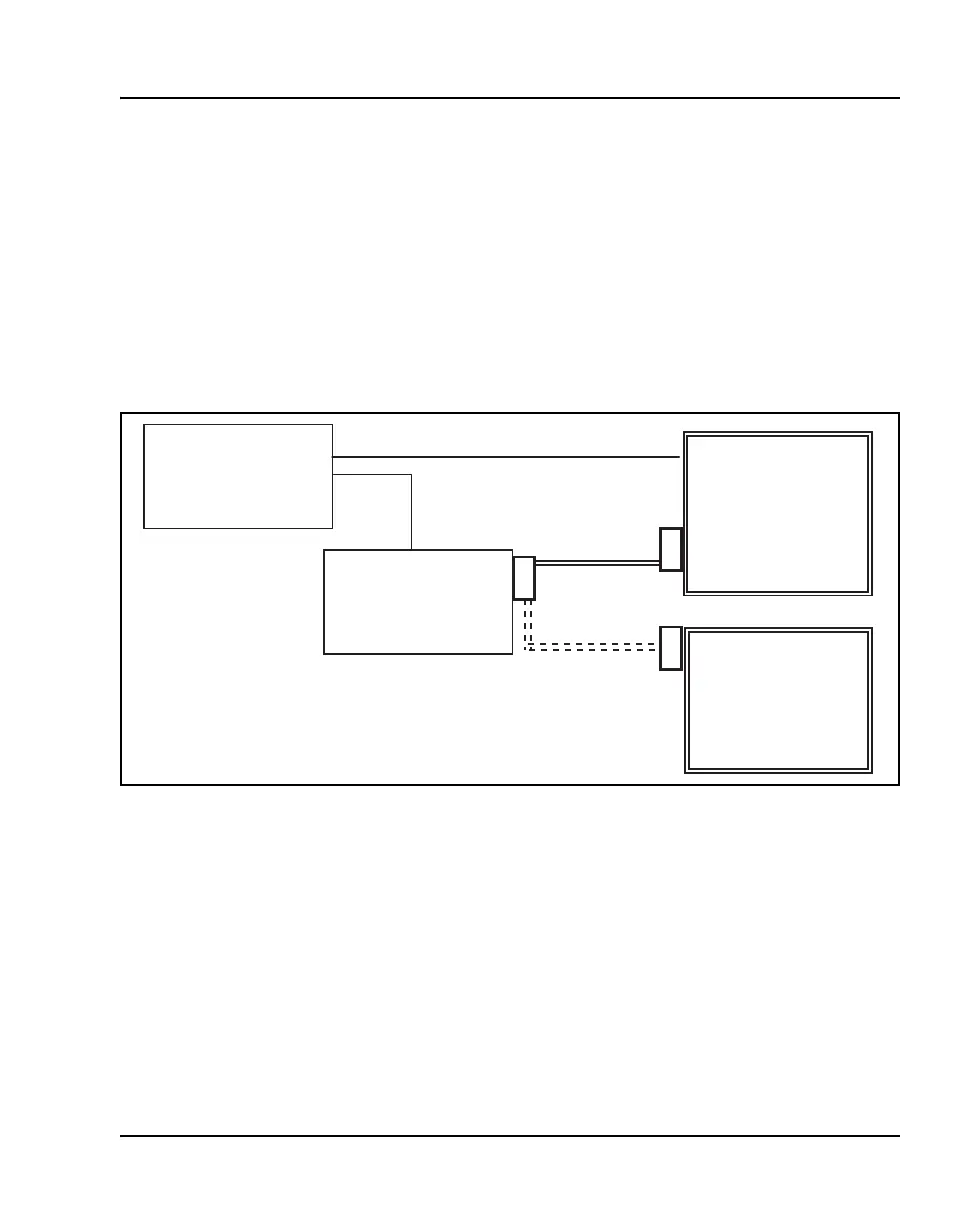
In Figure 18, a WLAN Application Gateway 2246 is connected to the site’s
LAN through an Ethernet switch. The connection to the Application Server
can be accomplished by a direct connection (RS-232) or through the Ethernet
connection. Only one of these connections can be used at one time.
The IP address of the WLAN Application Gateway 2246 must be set during
configuration. Once the IP address is established, the WLAN Application
Gateway 2246 can be accessed by the Application Server through the RS-232
port or the through the LAN using Telnet.
Figure 18
WLAN Application Gateway 2246 connections
System overview
At a typical site, the WLAN Application Gateway 2246 is connected to the
Ethernet switch through an RJ-45/CAT 5 cable. The Application Server is
connected through the RS-232 port. The client’s system can include a LAN
and its Application Server with a TAP connection to a communications
device such as a paging controller.
LAN
Ethernet
switch
Application
Serve
(PC)
RS-232
port
RS-232
port
Configuration
Terminal
(PC)
RS-232
port
RS 232 cable
for ongoing
operation
lternate RS 232
cable for initial
setup
WLAN Application
Gateway 2246



 To Next Page