Page 80 of 206 WLAN IP Telephony Manager 2245 configuration
553-3001-304 Standard 3.00 September 2004
Changing the password
Nortel Networks recommends that the default password be changed. Follow
the steps in Procedure 7 to change the default or existing password.
Procedure 7
Changing the password
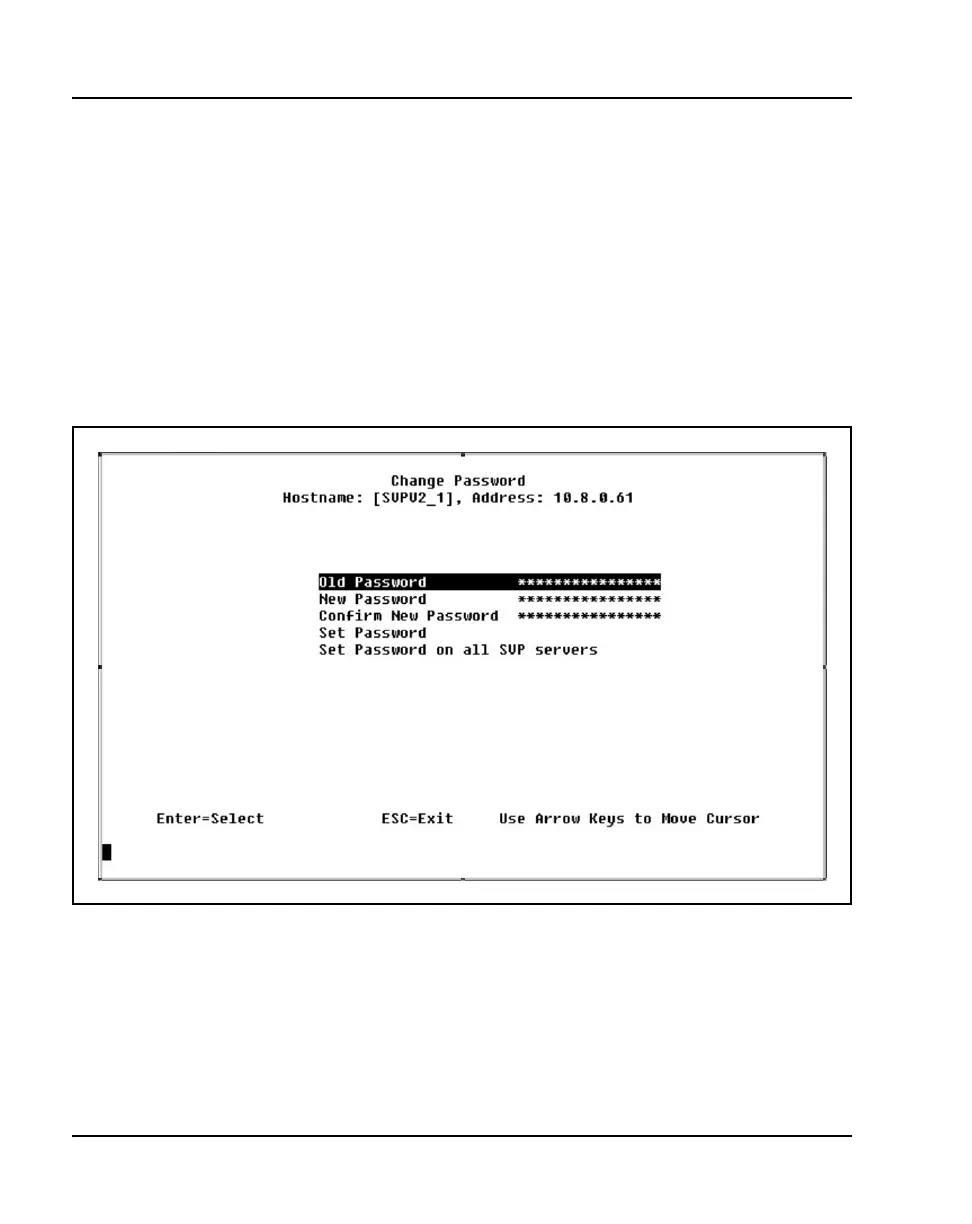
1 Select Change Password from the NetLink SVP-II System menu.
The Change Password screen appears. See Figure 9.
Figure 9
Change Password screen
2 Enter the old password, enter the new password, and confirm the new
password.



 To Next Page