Page 168 of 206 Appendix A: WLAN Application Gateway 2246
553-3001-304 Standard 3.00 September 2004
3 Press Esc on the keyboard to return to the NetLink OAI System
screen.
End of Procedure
Configuring network parameters
Follow the steps in Procedure 20 to configure network parameters, including
IP address.
Procedure 20
Configuring the network
1 From the NetLink OAI System
screen, select Network Configuration.
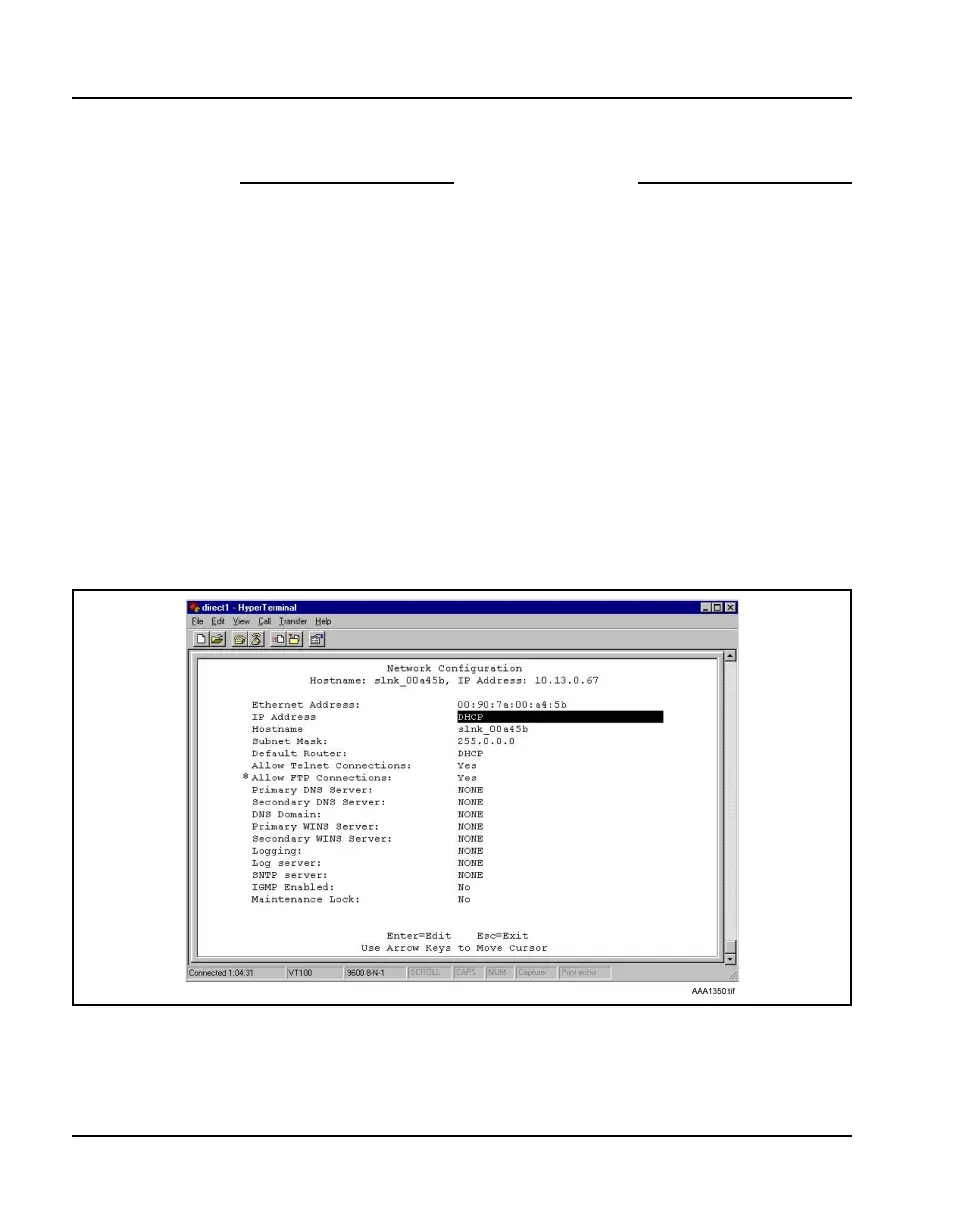
The Network Configuration screen displays. See Figure 25.
Note: * The Allow FTP Connections option appears only for MOG7xx
models.
Figure 25
Network configuration



 To Next Page