Appendix A: WLAN Application Gateway 2246 Page 167 of 206
WLAN IP Telephony Installation and Configuration
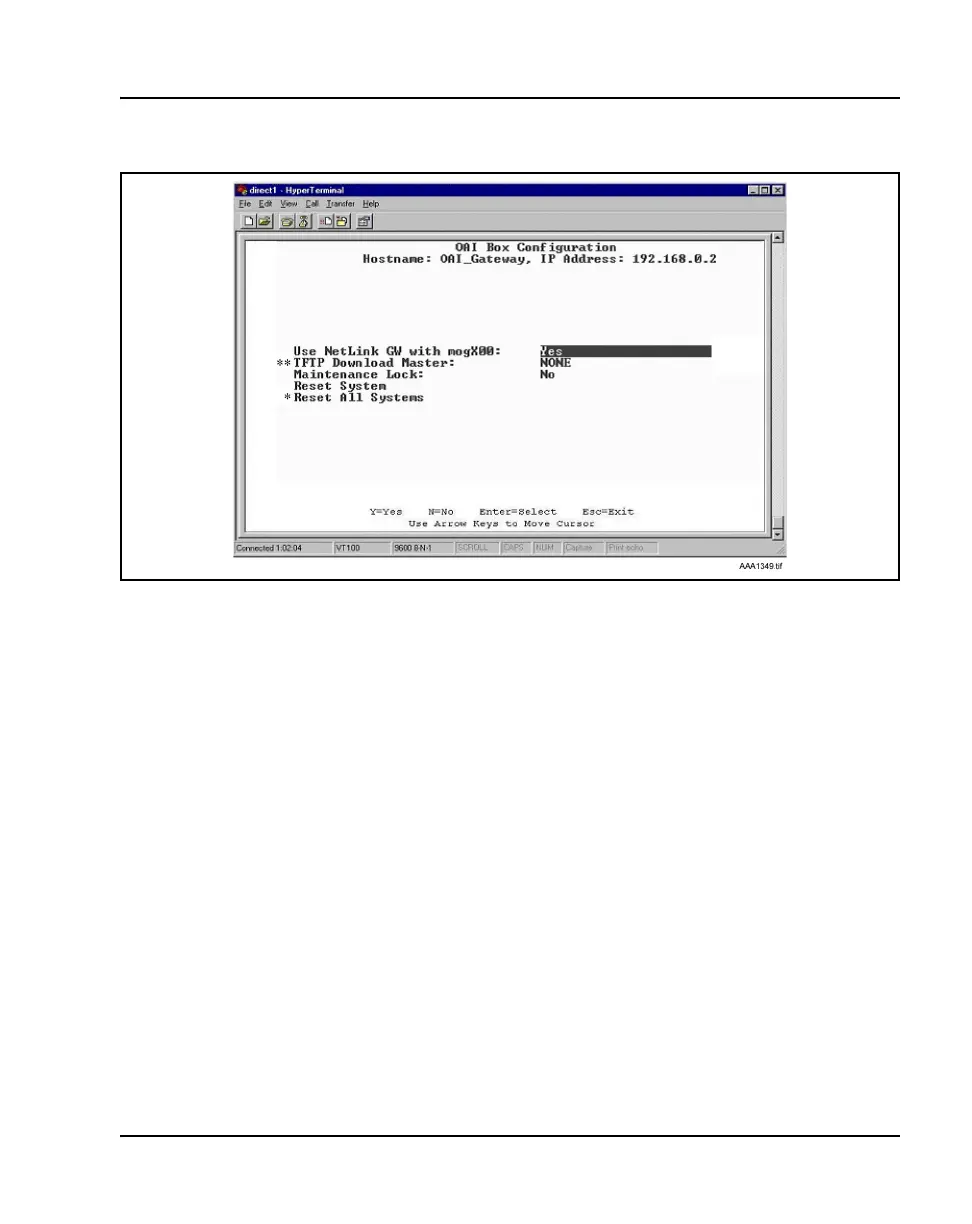
Figure 24
OAI Box Configuration screen
Note 1: ** – Option appears only on the MOG6xx model.
Note 2: * – This option does not appear unless “Use NetLink GW with
mogX00” is set to “Yes”, as it is in this screen, which is the default.
2 Enter the configuration information for the WLAN Application Gateway
2246 (provided by the network administrator).
• Use NetLink GW with mogX00 – change this option to No.
• TFTP Download Master – enter the IP address of the TFTP Server.
• Maintenance Lock – the system sets this option to Yes after
maintenance activities have been performed that require a reset.
This option cannot be changed. It is automatically set. Reset the
system at exit to clear Maintenance Lock. Maintenance Lock
prevents any new calls from starting.
• Reset System – if this option is set to Yes, the WLAN Application
Gateway 2246 is reset after pressing ENTER.
• Reset All Systems – not applicable.



 To Next Page