Appendix A: WLAN Application Gateway 2246 Page 187 of 206
WLAN IP Telephony Installation and Configuration
• Name/Extension – these fields contain the data entered at configuration.
• Phone – No ChkIn indicates the WLAN Handset 2210/2211 is not using
the application function. ChkIn indicates the WLAN Handset 2210/
2211 is communicating with the WLAN Application Gateway 2246.
Viewing software versions
Each WLAN Application Gateway 2246 and WLAN Handset 2210/2211
runs software that is controlled and maintained through versioning. The
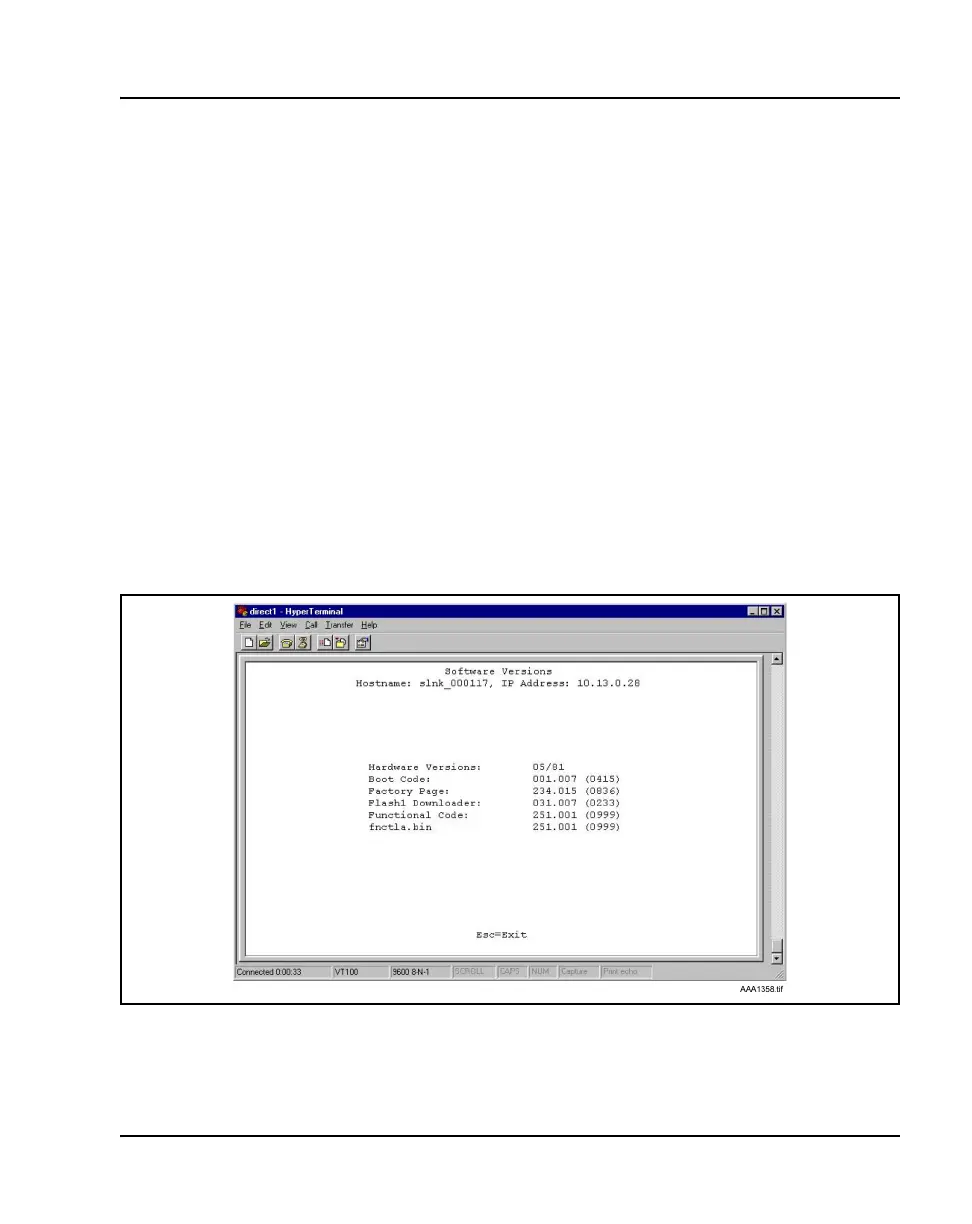
Software Versions screen provides information about the version currently
running on the components. This information helps determine if the most
recent version of software is running, and assists Nortel Networks Technical
Support in troubleshooting software problems.
From the System Status Menu screen, select Software Versions. The
Software Versions screen displays. See Figure 36.
Figure 36
Software Versions screen



 To Next Page