Appendix A: WLAN Application Gateway 2246 Page 173 of 206
WLAN IP Telephony Installation and Configuration
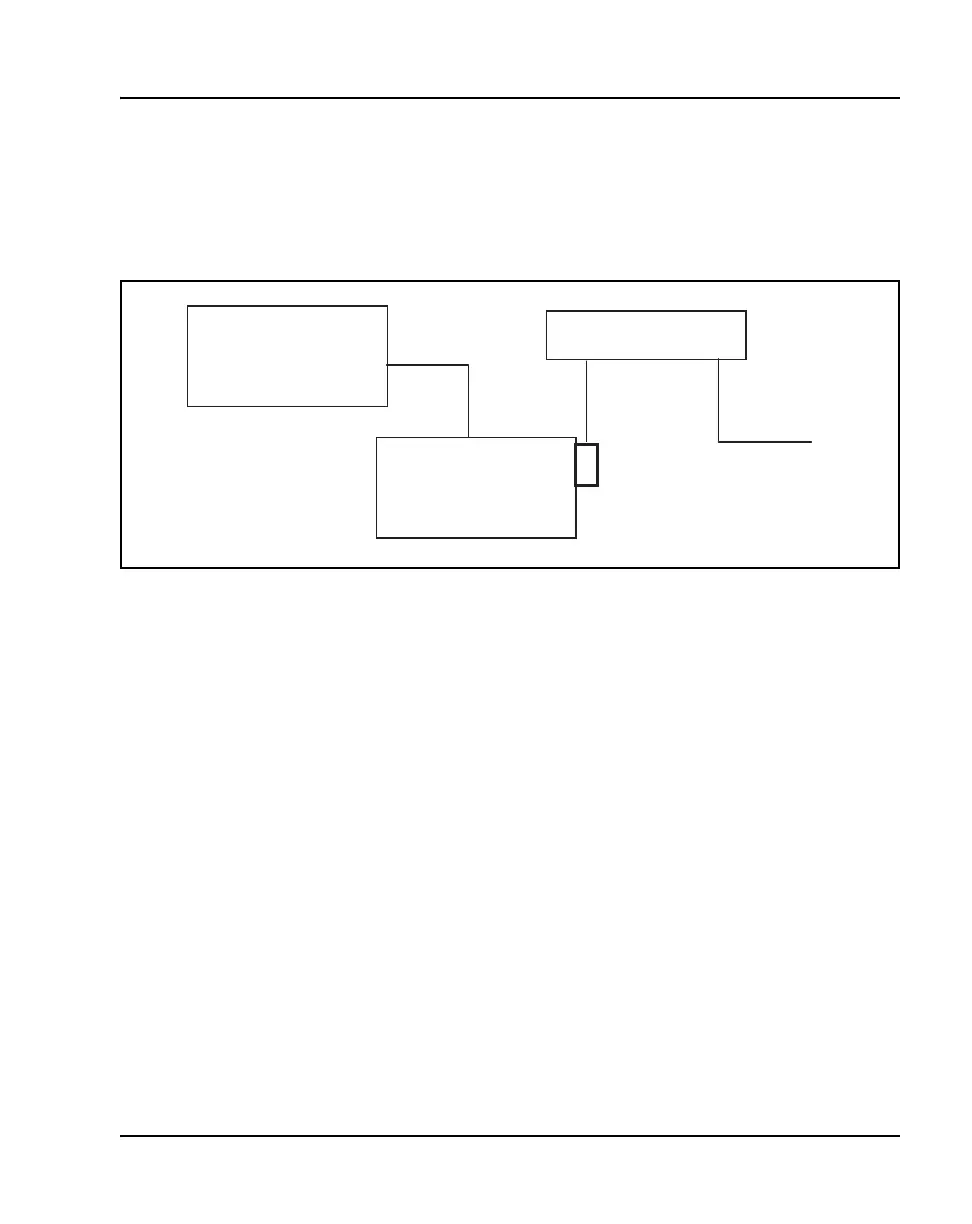
Connect to Application Server through a modem
Connect the modem to the Gateway’s serial port using a cable that conforms
to RS-232 standards for DTE-to-DCE connections. See Figure 28.
Figure 28
WLAN Application Gateway 2246 connection to Application Server through a modem
Continuing configuration through Telnet
Once the IP address for the WLAN Application Gateway 2246 has been
configured and reset, and the WLAN Application Gateway 2246 has been
connected to the LAN and the Application Server, Telnet can be used to
continue the WLAN Application Gateway 2246’s configuration.
Connecting through Telnet
Connection to the WLAN Application Gateway 2246 can be done through the
network using Telnet. Telnet can only be used after the WLAN Application
Gateway 2246’s IP address has been configured.
The Telnet method of connection is used for routine maintenance of the
system for both local and remote administration, depending on the network.
Follow the steps in Procedure 22 to connect to a WLAN Application Gateway
2246 through Telnet.
LAN
Ethernet
switch
RS-232
ort
modem
Dedicated
DTE
DCE
WLAN Application
Gateway 2246



 To Next Page