WLAN IP Telephony Manager 2245 configuration Page 73 of 206
WLAN IP Telephony Installation and Configuration
• Exit – exit the menu.
Configuring the network
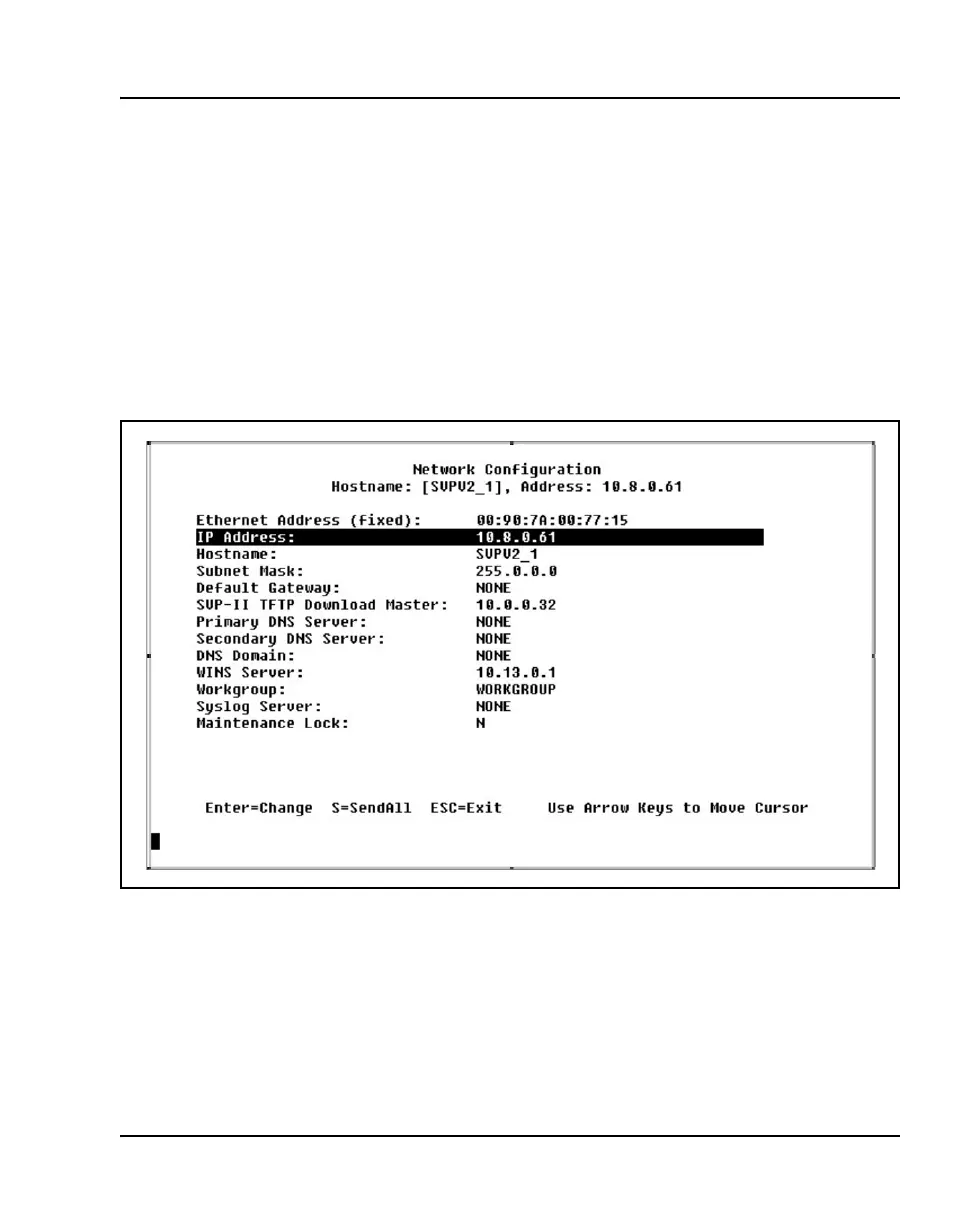
Select Network Configuration on the NetLink SVP-II System screen to
configure the IP address and other network settings of the WLAN IP
Telephony Manager 2245. An optional Hostname and the IP address of TFTP
Server containing the software update files are also configured here. The
Network Configuration screen is shown in Figure 7.
Figure 7
Network Configuration screen
Configure the following fields with information provided by the network
administrator:
• IP Address: – enter the complete IP address for the WLAN IP
Telephony Manager 2245, including digits and periods.



 To Next Page