Page 72 of 206 WLAN IP Telephony Manager 2245 configuration
553-3001-304 Standard 3.00 September 2004
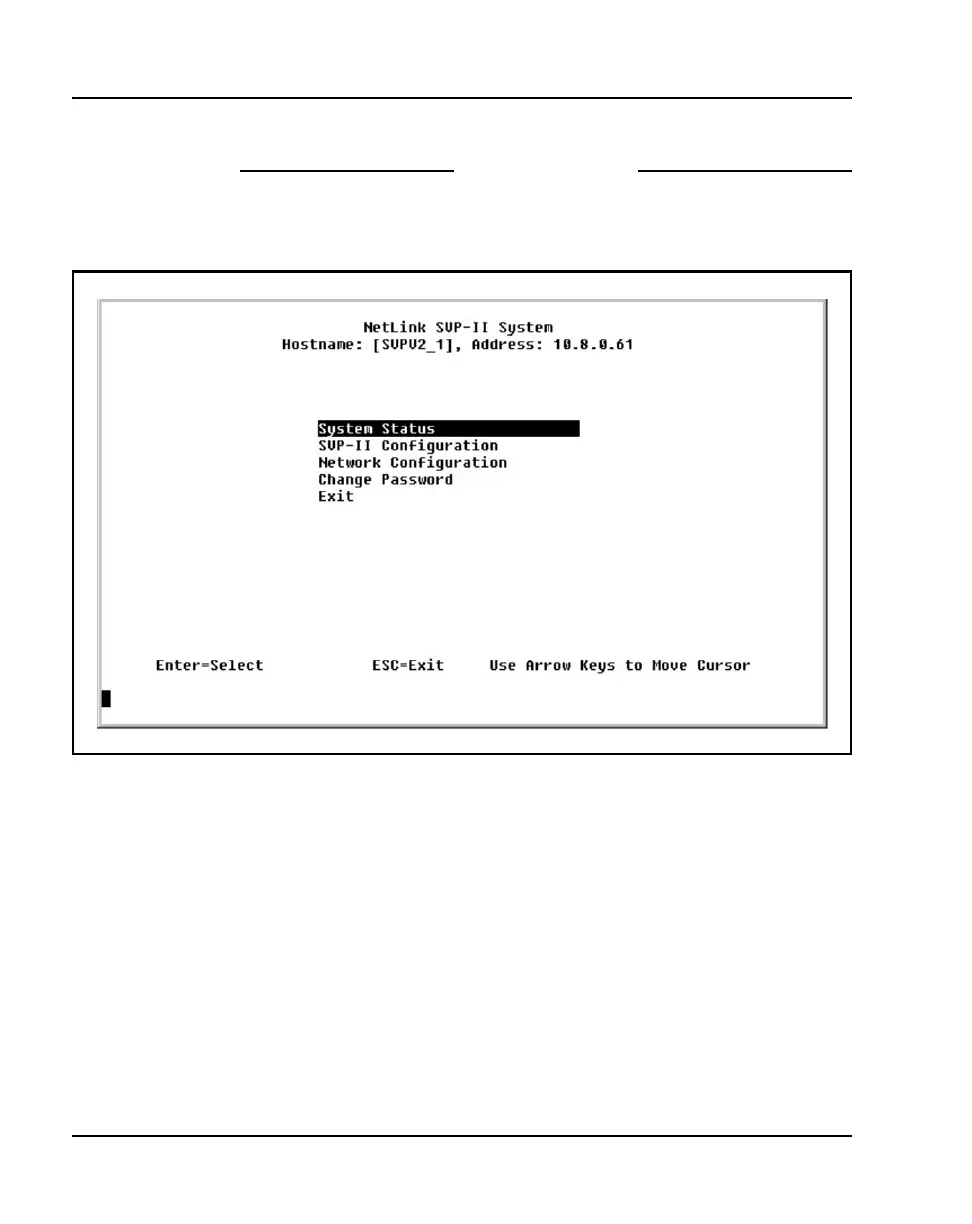
The NetLink SVP-II System menu displays. See Figure 6 on page 72.
End of Procedure
Figure 6
NetLink SVP-II System screen
The following menu choices are available:
• System Status – view software code version, error messages, and status
of operation. See “Viewing software version” on page 118 and
“Troubleshooting” on page 127.
• SVP-II Configuration – set the mode and reset the system. See
“Configuring the WLAN IP Telephony Manager 2245” on page 77.
• Network Configuration – set network configuration options, including
IP addresses and hostname. See “Configuring the network” on page 73.
• Change Password – change the password for WLAN IP Telephony
Manager. See “Changing the password” on page 80.



 To Next Page