Page 182 of 206 Appendix A: WLAN Application Gateway 2246
553-3001-304 Standard 3.00 September 2004
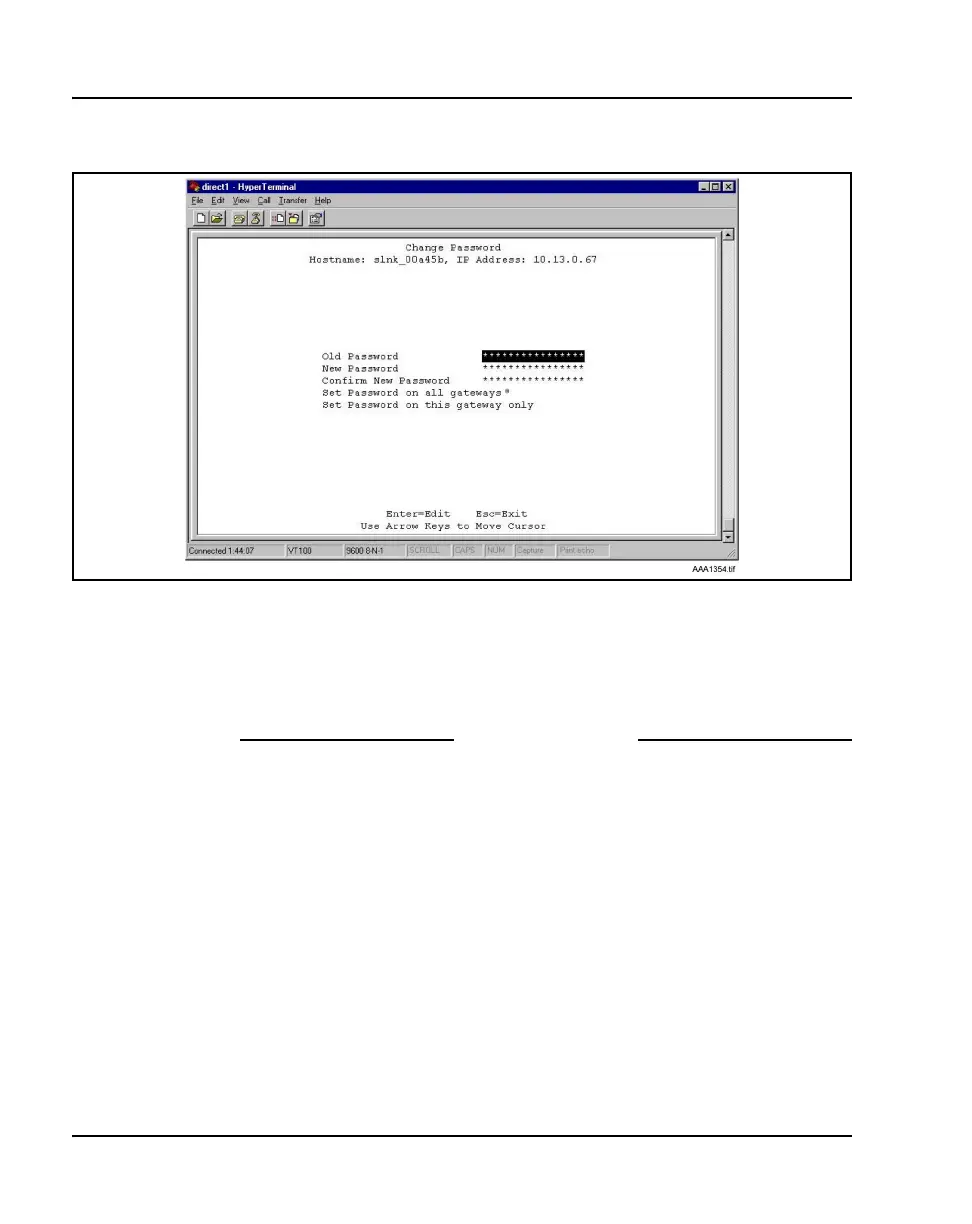
Figure 32
Change password
Note: * - not applicable.
2 Use the default password admin.
3 Follow the prompts to configure a new password.
End of Procedure
Viewing system status
To view the status of the system, select the System Status Menu option from
the NetLink OAI System screen. The Systems Status Menu screen
displays
. See Figure 33.



 To Next Page