Appendix A: WLAN Application Gateway 2246 Page 183 of 206
WLAN IP Telephony Installation and Configuration
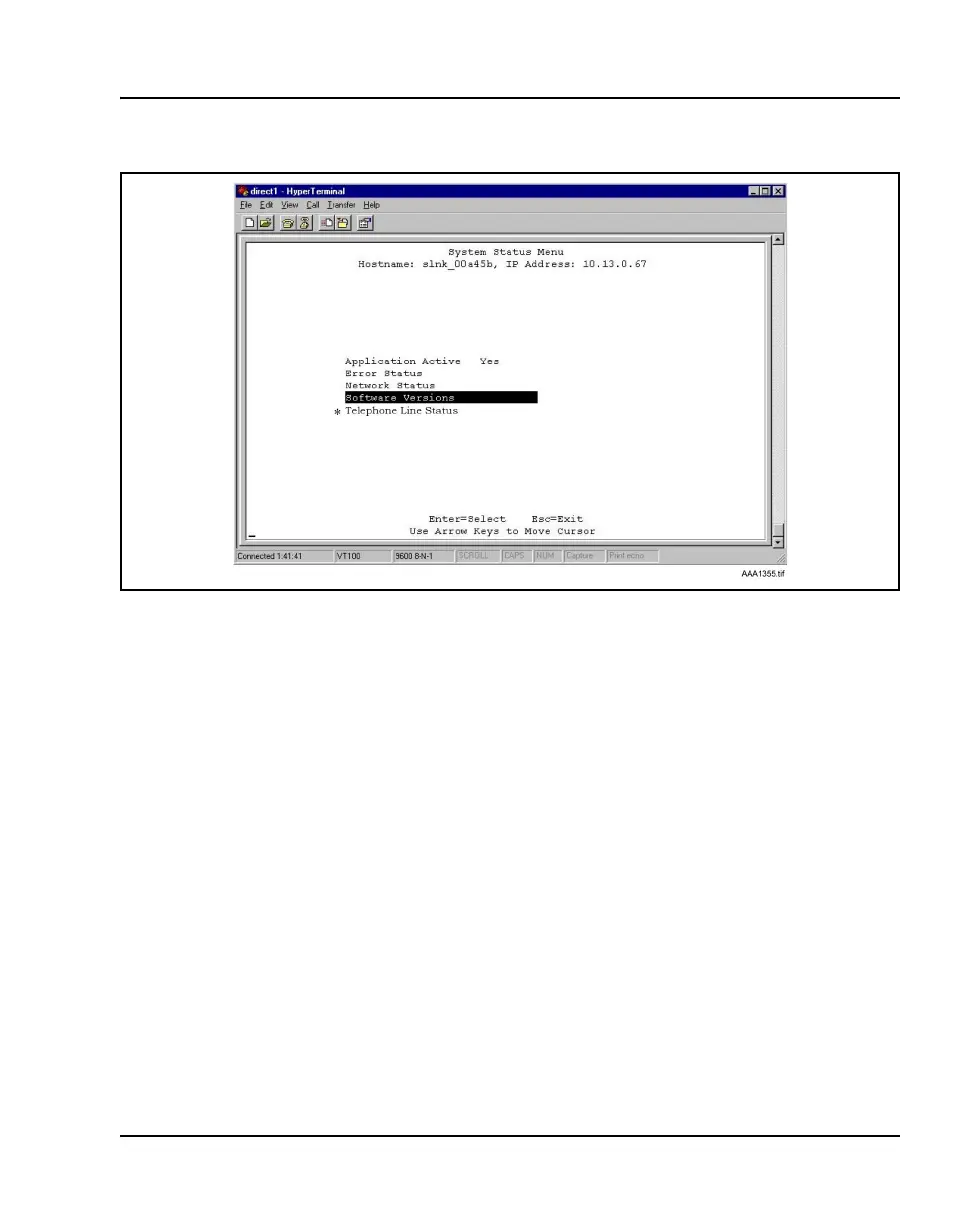
Figure 33
System Status Menu screen
The following options can be selected:
• Application Active – displays Yes when the application is
communicating correctly with the WLAN Application Gateway 2246.
Displays No when the application is not connected. This field is
read-only and changes dynamically.
• Error Status –The only application-specific error is No ECP heartbeat,
which means the application failed to send a heartbeat to the WLAN
Application Gateway 2246.
• Network Status – information about the connection to the LAN. Refer
to “Viewing network status” on page 184.
• Software Versions – lists the software versions currently running on the
WLAN Application Gateway 2246. Refer to “Viewing software
versions” on page 187.
•
* Telephone Line Status – information about the functioning of each
wireless handset registered to the WLAN Application Gateway 2246.
Refer to “Viewing Telephone Line Status” on page 186.



 To Next Page