Page 128 of 206 Troubleshooting
553-3001-304 Standard 3.00 September 2004
Troubleshooting the WLAN IP Telephony Manager 2245
Information about system alarms and network status is obtained through the
System Status Menu screen. For information on how to connect to the
WLAN IP Telephony Manager 2245 and access the System Status Menu
screen from the NetLink SVP-II System screen, refer to “WLAN IP
Telephony Manager 2245 configuration” on page 67.
Options on the System Status Menu screen provide a window into the real-
time operation of the system’s components. Use this data to evaluate system
function and to troubleshoot areas that may be experiencing problems.
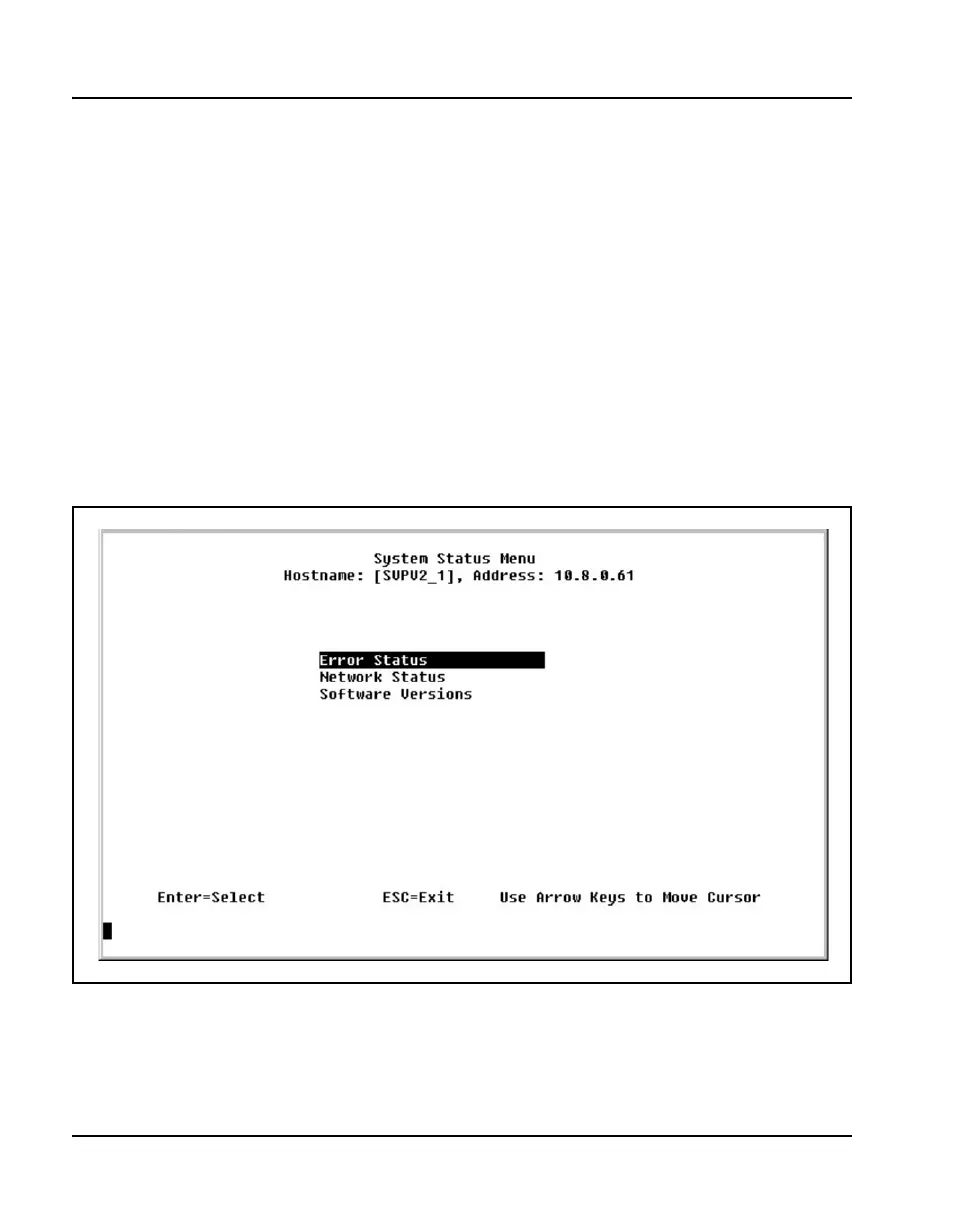
The System Status Menu screen is shown in Figure 15.
Figure 15
System Status Menu screen
The following options can be selected:
• Error Status – displays alarm and error message information.



 To Next Page