Appendix A: WLAN Application Gateway 2246 Page 175 of 206
WLAN IP Telephony Installation and Configuration
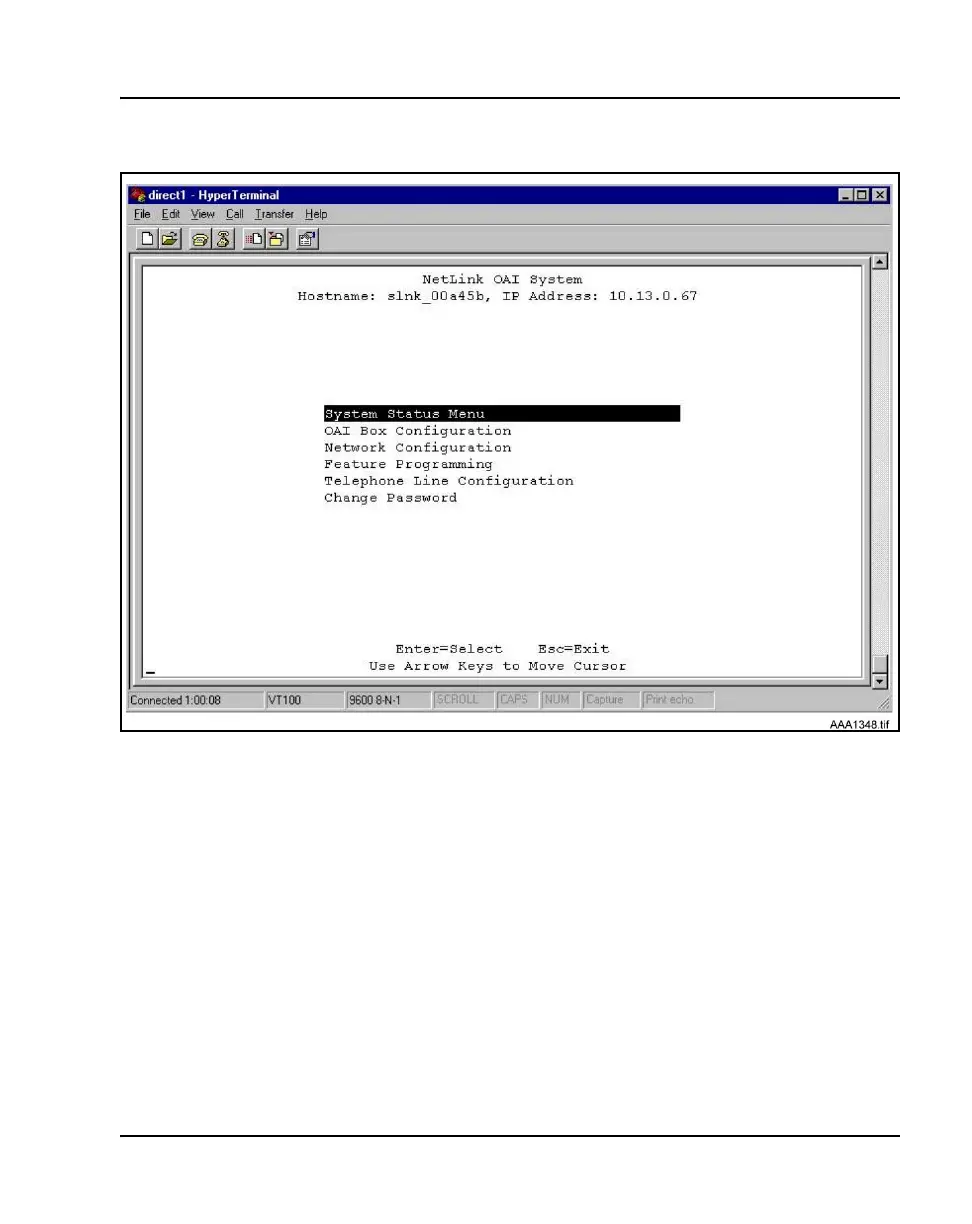
Figure 29
NetLink OAI System screen with added options
Configuring the Telephone Line
Each WLAN Handset 2210/2211 that uses the application’s features must be
configured with its line number and MAC address. The name and extension
number of the WLAN Handset 2210/2211 user can be entered. Obtain this
information from the WLAN Handset 2210/2211 Planning Worksheet. See
“Planning Worksheet for WLAN Handsets 2210/2211” on page 193.
The WLAN Handsets 2210/2211 require special configuration. This can
include configuring options on the DHCP server or on the WLAN Handset
2210/2211 to allow it to communicate with the WLAN Application Gateway
2246. Be sure these setting are correct. Refer to “WLAN Handsets 2210/2211
configuration” on page 83 for more information.



 To Next Page