Page 176 of 206 Appendix A: WLAN Application Gateway 2246
553-3001-304 Standard 3.00 September 2004
The system does not allow the same WLAN Handset 2210/2211 to register to
two different lines. Use Esc to cancel any unwanted transaction.
Follow the steps in Procedure 23 to configure the telephone lines for the
application.
Procedure 23
Configuring a telephone line
1 From the NetLink OAI System screen, select Telephone Line
Configuration and press Enter.
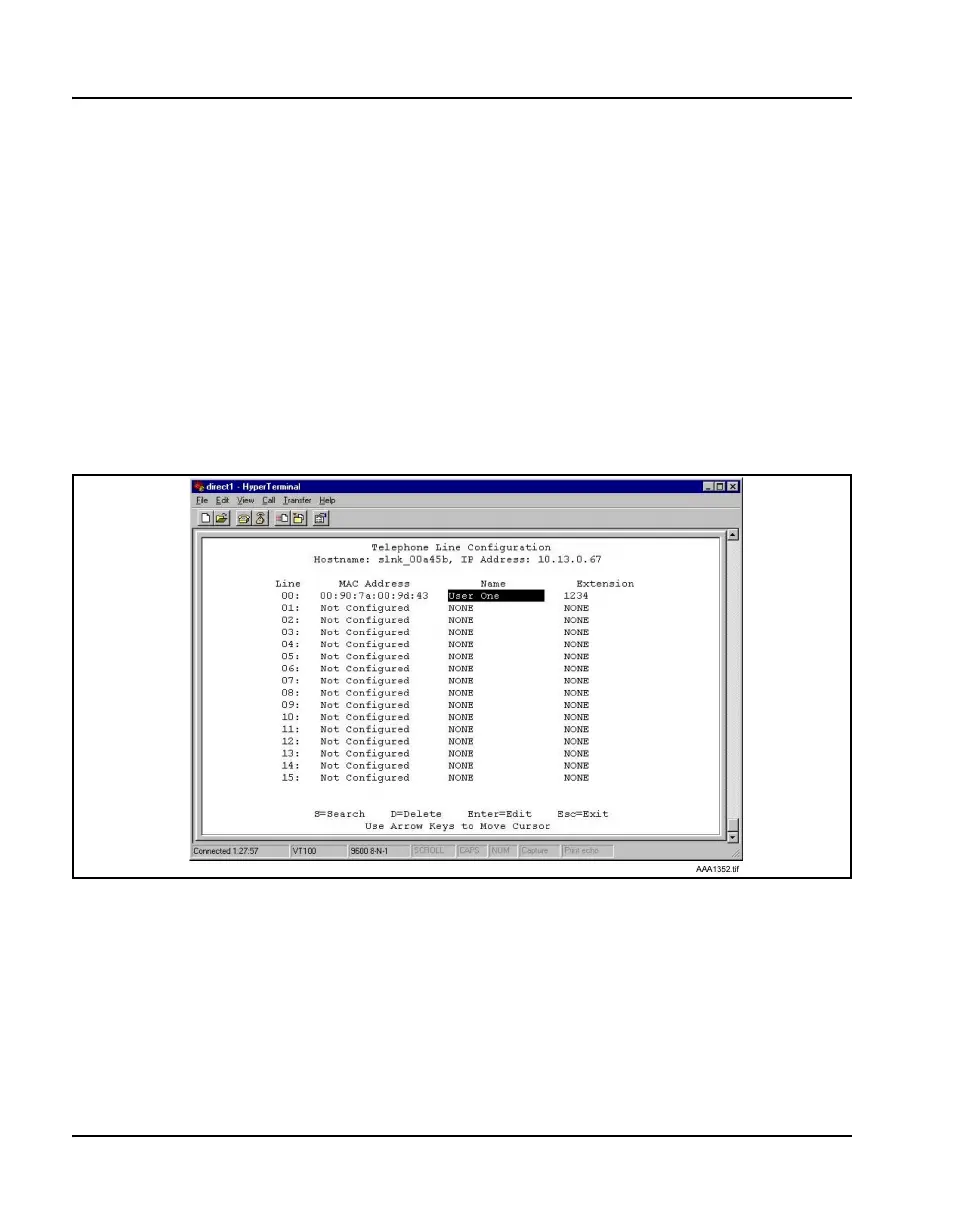
The Telephone Line Configuration screen displays. See Figure 30.
Figure 30
Telephone Line configuration
2 Use the arrow keys to navigate to the Name and Extension fields.
3 Enter the associated data for the wireless handsets.
• MAC Address – the MAC address is printed on the sticker
underneath the battery on the WLAN Handset 2210/2211. It can also
be displayed on the WLAN Handset 2210/2211 by turning off the
wireless handset, and then pressing and holding the Pwr (power)



 To Next Page