Appendix A: WLAN Application Gateway 2246 Page 159 of 206
WLAN IP Telephony Installation and Configuration
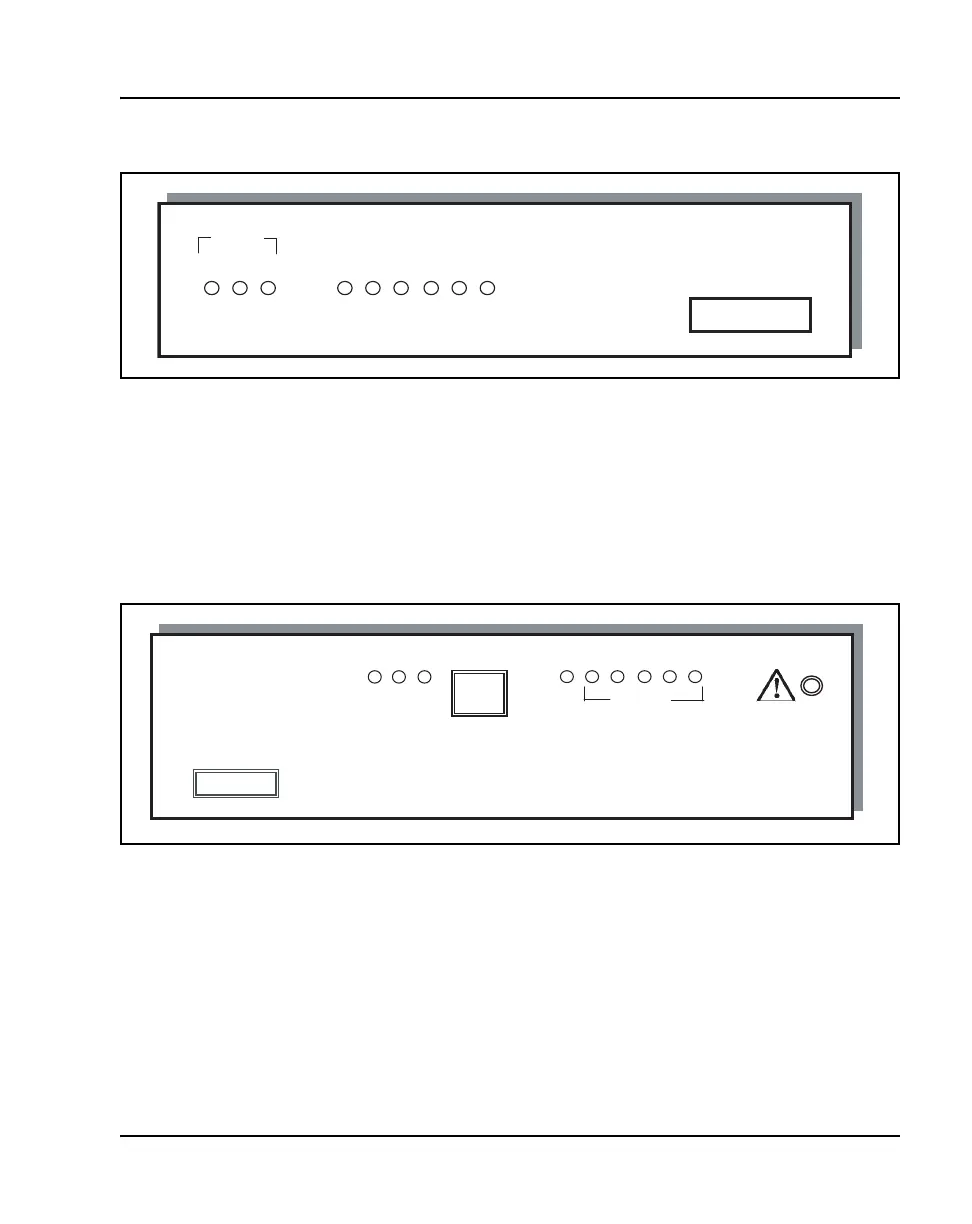
Figure 20
Model MOG6xx
The power jack and network port are located on the back of the Model
MOG6xx.
The MOG7xx model is available in scaled increments to support up to 10,000
users.
Figure 21
MOG7xx
• Network Link LEDs
— (L)NKOK – lit when there is a network connection, (for example,
LINK OK).
— (A)CT – lit if there is system activity.
— (C)OL – lit if there are network collisions.
— (E)RROR – lit when the system has detected an error.
L A C 3 4 5 E 1 2
NET
RS-232 port
L
N
K
O
K
A
C
T
C
O
L
E
R
R
O
R
STATUS
RS-232 port
NETWORK



 To Next Page