EasyManua.ls Logo

Oberheim Matrix-12 - Enables; Systemx

Oberheim Matrix-12
194 pages
Print Icon
To Next Page IconTo Next Page
To Previous Page IconTo Previous Page
Loading...
ENABLES
The
ENABLES
Sub-Page
is
where
the
MATRIX-12's
MIDI
parameters
are
turned
on
(underlined)
or
off
(de-underlined).
These
functions
-
located
in
the
Upper
Display
-
have
either
an
ON
or
an
OFF
status,
hence
the
term
enable.
This
Sub-Page
also
contains
the
MATRIX-12's
MIDI
IN
VELOCITY
Scale
selection,
located
in
the
Lower
Display.
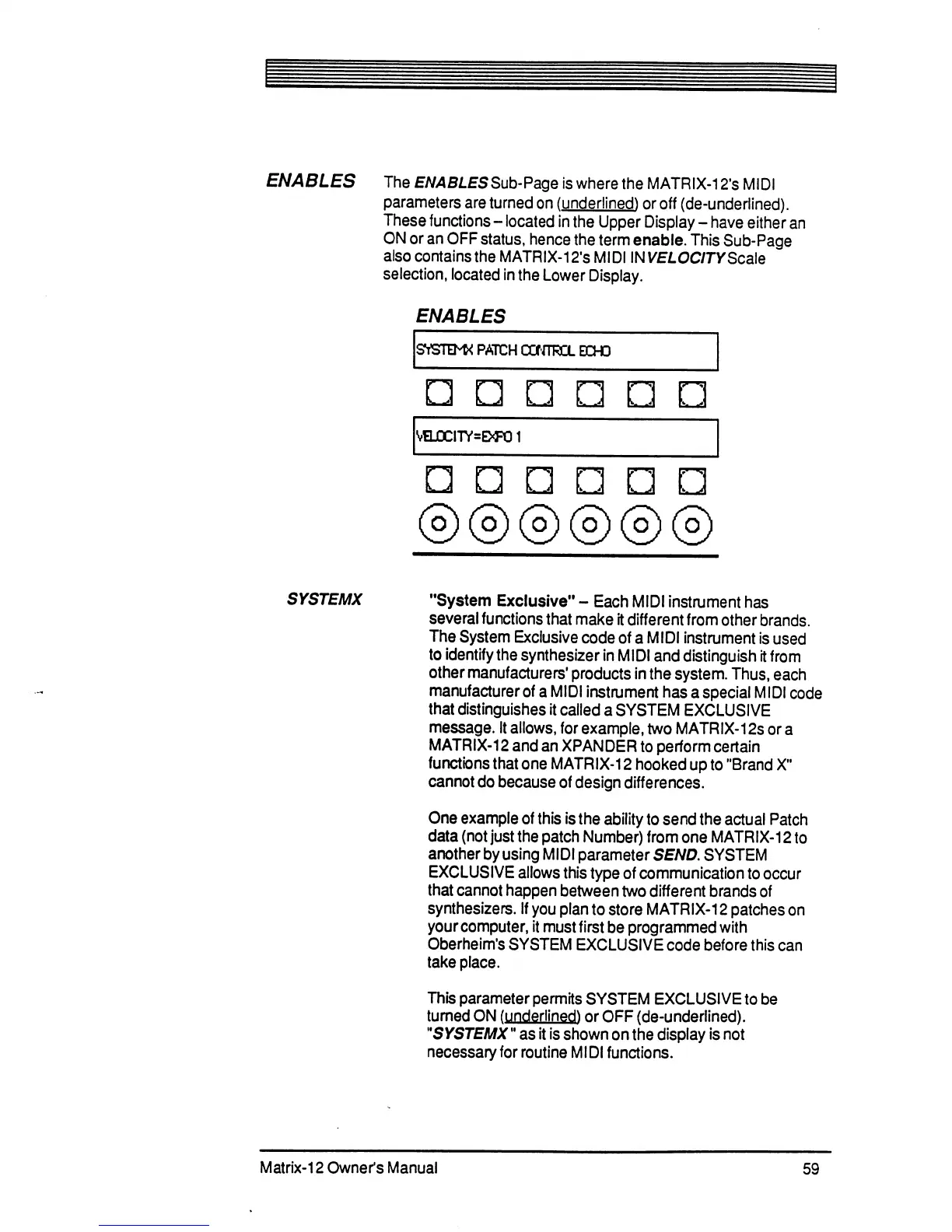
ENABLES
SVSTB'K
PATC
H
CONTROL
ECHO
k-
-A
k-
J
k.
_■.'
VSJ0CITY=E><FO
1
I
J
© © ©
© ©
SYSTEMX
"System
Exclusive"
-
Each
MIDI
instrument
has
several
functions
that
make
it
different
from
other
brands.
The
System
Exclusive
code
of
a
MIDI
instrument
is
used
to
identify
the
synthesizer
in
MIDI
and
distinguish
it
from
other
manufacturers'
products
in
the
system.
Thus,
each
manufacturer
of
a
MIDI
instrument
has
a
special
MIDI
code
that
distinguishes
it
called
a
SYSTEM
EXCLUSIVE
message.
It
allows,
for
example,
two
MATRIX-12s
or
a
MATRIX-12
and
an
XPANDER
to
perform
certain
functions
that
one
MATRIX-12
hooked
up
to
"Brand
X"
cannot
do
because
of
design
differences.
One
example
of
this
is
the
ability
to
send
the
actual
Patch
data
(not
just
the
patch
Number)
from
one
MATRIX-12
to
another
by
using
MIDI
parameter
SEND.
SYSTEM
EXCLUSIVE
allows
this
type
of
communication
to
occur
that
cannot
happen
between
two
different
brands
of
synthesizers.
If
you
plan
to
store
MATRIX-12
patches
on
your
computer,
it
must
first
be
programmed
with
Oberheim's
SYSTEM
EXCLUSIVE
code
before
this
can
take
place.
This
parameter
permits
SYSTEM
EXCLUSIVE
to
be
turned
ON
(underlined)
or
OFF
(de-underlined).
"SYSTEMX"
as
it
is
shown
on
the
display
is
not
necessary
for
routine
MIDI
functions.
Matrix-12
Owner's
Manual
59

Table of Contents

Related product manuals