EasyManua.ls Logo

Oberheim Matrix-12 - The Unit as the Master

Oberheim Matrix-12
194 pages
Print Icon
To Next Page IconTo Next Page
To Previous Page IconTo Previous Page
Loading...
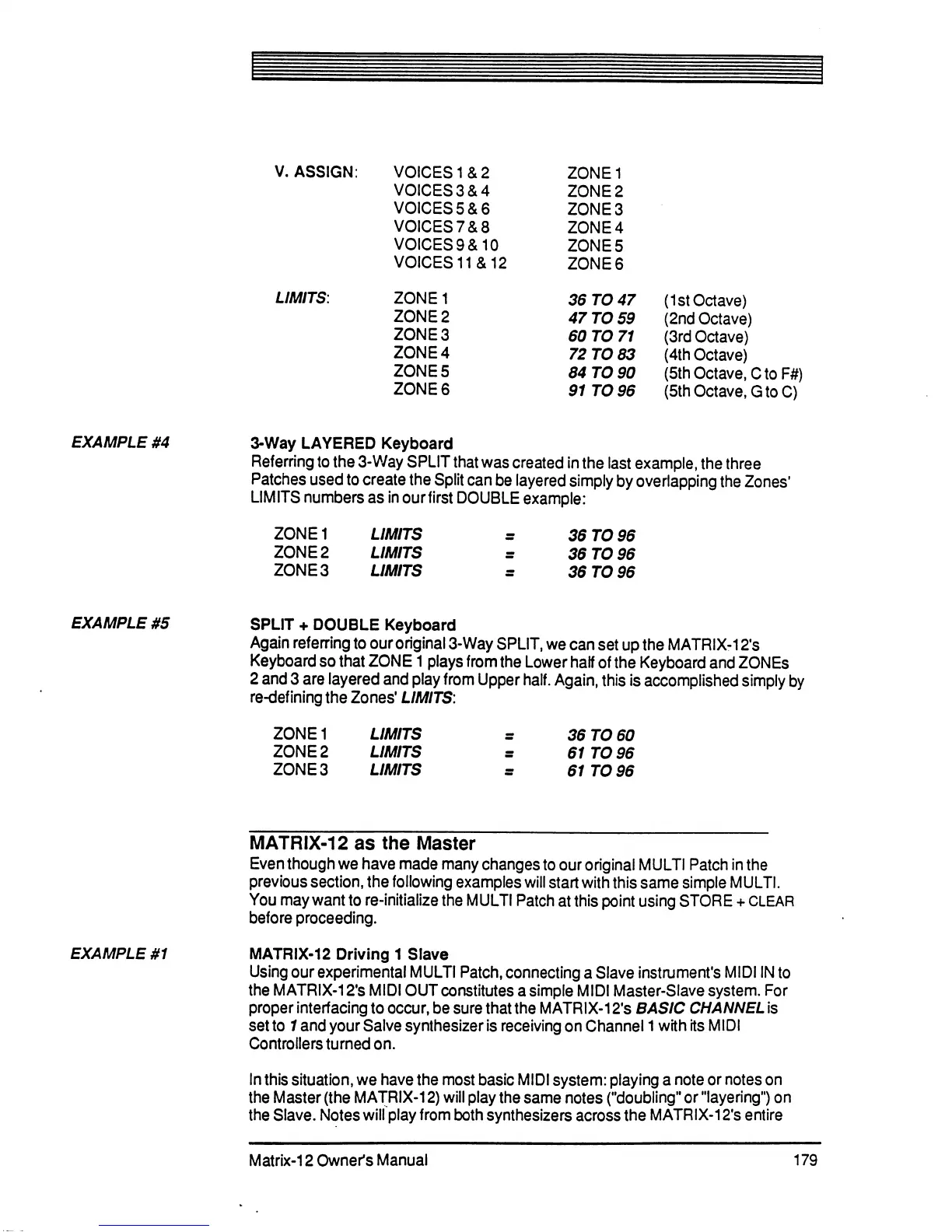
EXAMPLE
#4
3-Way
LAYERED
Keyboard
Referring
to
the
3-Way
SPLIT
that
was
created
in
the
last
example,
the
three
Patches
used
to
create
the
Split
can
be
layered
simply
by
overlapping
the
Zones'
LIMITS
numbers
as
in
ourfirst
DOUBLE
example:
ZONE1
ZONE
2
ZONE
3
LIMITS
LIMITS
LIMITS
36
TO
96
36
TO
96
36
TO
96
EXAMPLE
#5
SPLIT
+
DOUBLE
Keyboard
Again
referring
to
our
original
3-Way
SPLIT,
we
can
set
up
the
MATRIX-12's
Keyboard
so
that
ZONE
1
plays
from
the
Lower
half
of
the
Keyboard
and
ZONEs
2 and 3
are
layered
and
play
from
Upper
half.
Again,
this
is
accomplished
simply
by
re-defining
the
Zones'
LIMITS:
ZONE1
ZONE
2
ZONE
3
LIMITS
LIMITS
LIMITS
36
TO
60
61
TO
96
61
TO
96
EXAMPLE
#1
MATRIX-12
as
the
Master
Even
though
we
have
made
many
changes
to
our
original
MULTI
Patch
in
the
previous
section,
the
following
examples
will
start
with
this
same
simple
MULTI.
You
may
want
to
re-initialize
the
MULTI
Patch
at
this
point
using
STORE
+
CLEAR
before
proceeding.
MATRIX-12
Driving
1
Slave
Using
our
experimental
MULTI
Patch,
connecting
a
Slave
instrument's
MIDI
IN
to
the
MATRIX-12's
MIDI
OUT
constitutes
a
simple
MIDI
Master-Slave
system.
For
proper
interfacing
to
occur,
be
sure
that
the
MATRIX-12's
BASIC
CHANNEL
is
set
to
1
and
your
Salve
synthesizer
is
receiving
on
Channel
1
with
its
MIDI
Controllers
turned
on.
In
this
situation,
we
have
the
most
basic
MIDI
system:
playing
a
note
or
notes
on
the
Master
(the
MATRIX-12)
will
play
the
same
notes
("doubling"
or
"layering")
on
the Slave.
Notes
will
play
from
both
synthesizers
across
the
MATRIX-12's
entire
Matrix-12
Owner's
Manual
179

Table of Contents

Related product manuals